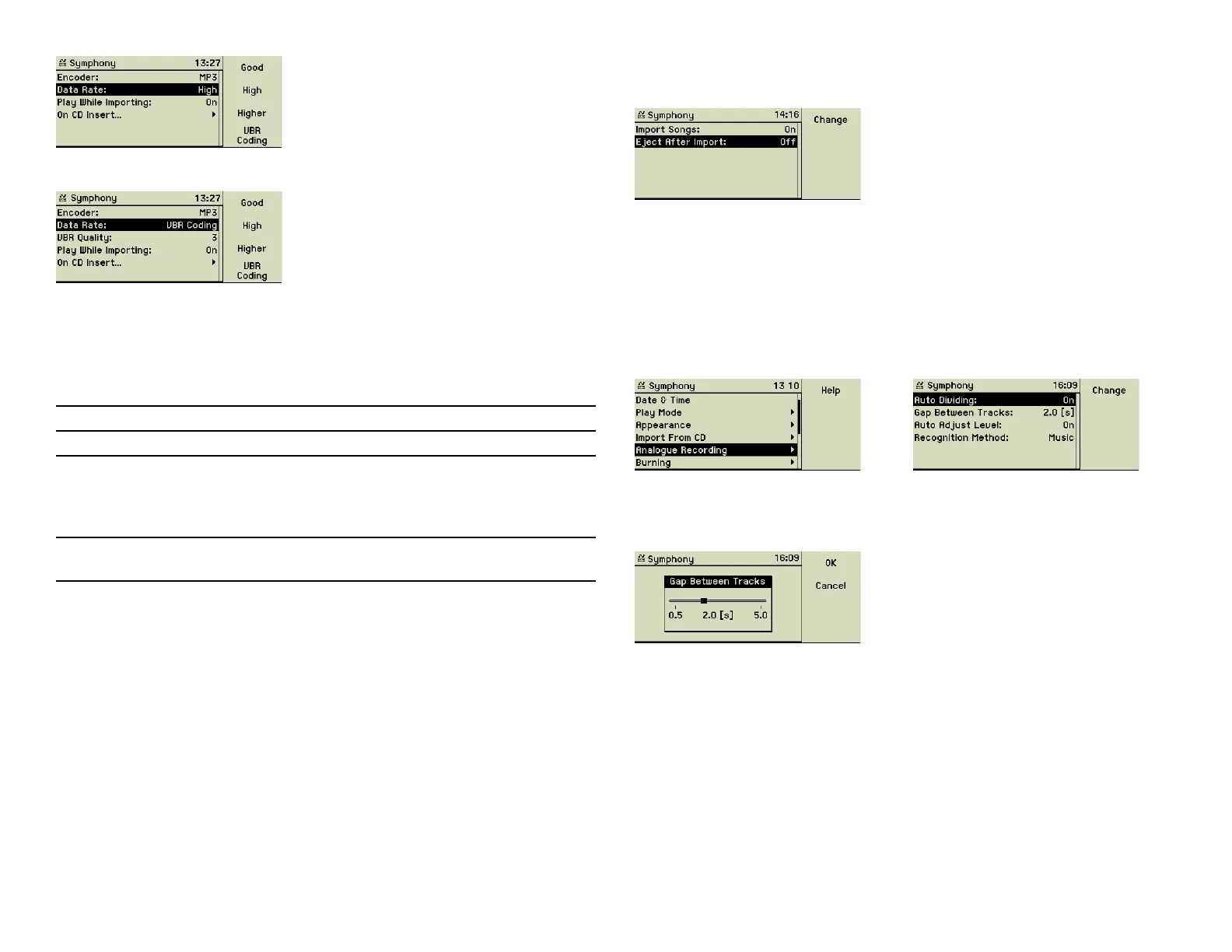
If you chose VBR, you can set the quality of this encoding.
The following table shows how many music CDs can be stored on your music
center, depending on the encoding used for the fi les. An average music CD
contains 635 MB and the available space of your music center system is cal-
culated from the capacity of the internal hard disk minus 3 GB needed for the
system fi les and the database.
Additionally, you can let the music center play the music CD while importing
it and decide what should happen on inserting a music CD.
It is possible to start automatically an import on a CD insert. Furthermore the
CD can be ejected automatically after the import is complete. These options
help a lot, when you are planning to archive many CDs of your collection in
sequence.
4.6 Analog recording
This menu option stores the settings your music center applies during record-
ing music from the analog sources, like turntable, tape deck, etc.
Gaps between tracks could be set automatically by the music center, when
it detects a silent period. The option Gap Between Tracks lets you defi ne the
duration of silence that qualifi es as a gap.
This automatism is very reliable and useful when recording records or tapes
of popular music, which songs usually have very distinctive starts and ends.
Classical music, live recordings and spoken text may not fi t as easily. You may
switch off this function then.
All automatically set gaps may be edited, deleted or newly set after the fi rst
phase of the recording is done. When all gaps are at the right places, you
start the second and fi nal phase of importing the tracks to the music center
music library.
Encoding Quality Symphony Musica
RAW (AIFF/WAV) no compression 115 235
MP3 good - 128 kbit/s
high - 160 kbit/s
higher - 192 kbit/s
CD Quality - 320 kbit/s
1,280
1,025
850
510
2,615
2,090
1,705
1,045
FLAC (Free Lossless Audio
Codec)
lossless compression 195 395
26



 To Next Page