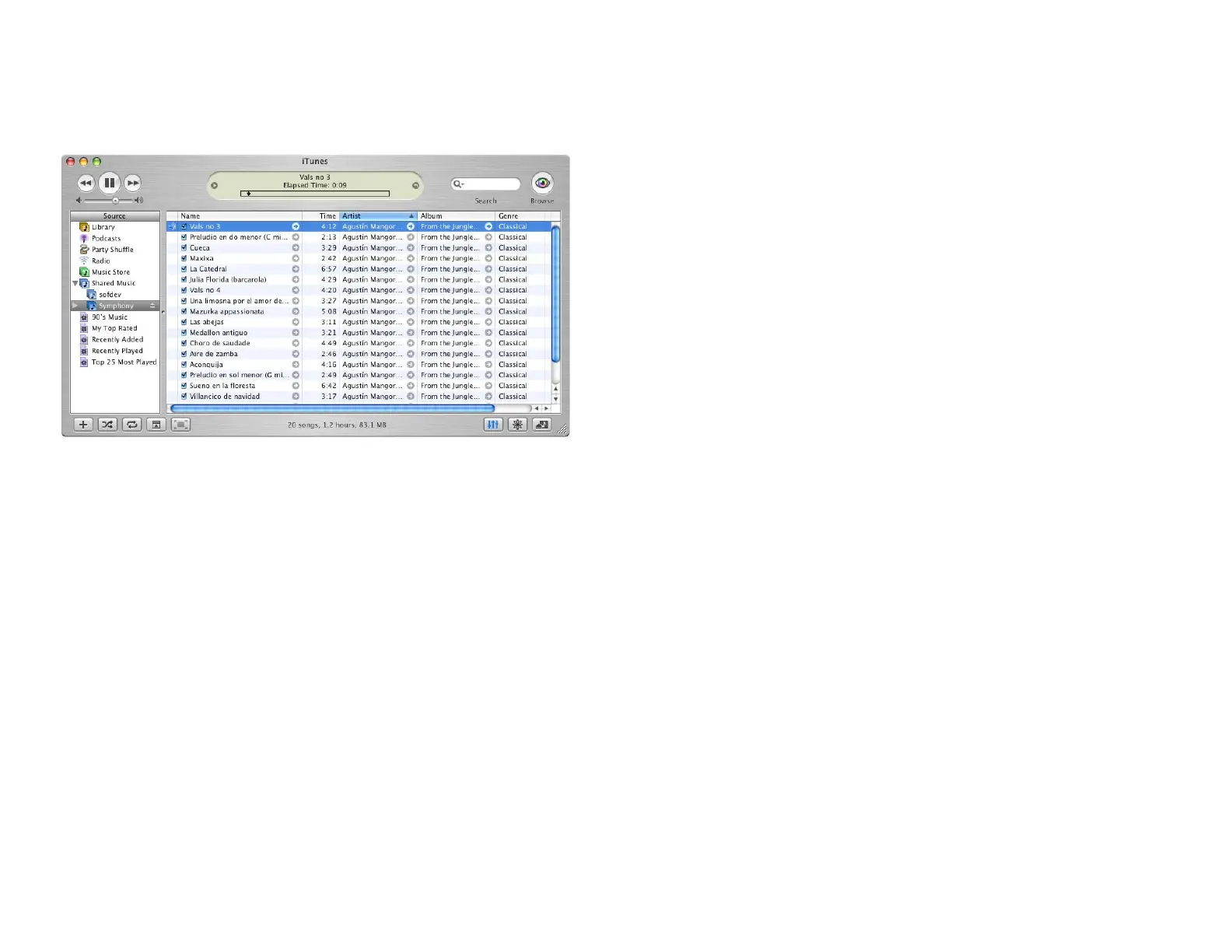
Now the other way round:
Look at your iTunes window. The music center appeared with its name in the
list of libraries. Even your playlists are available.
You may use the iTunes features to play and access the songs of your music
center. But the songs always remain stored on the music center - if you want
to access them, the music center must be turned on.
Appleʼs software “iTunes” is available for download at www.itunes.com.
5.4 Your music center and UPnP/AV satellites
Besides connecting to other music centerʼs or iTunes server the music center
can comminicate with any UPnP/AV satellites. These are devices which fetch
music from a server in a streaming mode. For optimum performance use
Oliveʼs own music satellite, the Sonata. More details about the Sonata are
available at www.olive.us
The communication between satellites and server is organised by the UPnP/
AV protocol. The satellites are UPnP/AV clients, the music center is the UPnP/
AV server.
The UPnP/AV server inside the music center is based on the technology of
TwonkyVision GmbH (www.twonkyvision.com). All satellites compatible with
a TwonkyVision UPnP/AV server can be used as clients.
The music center and the clients can be connected by standard cabling or by
a wireless network. The network settings must be ok and the UPnP/AV service
must be enabled (see section 4.9 «Services» on page 27).
31



 To Next Page