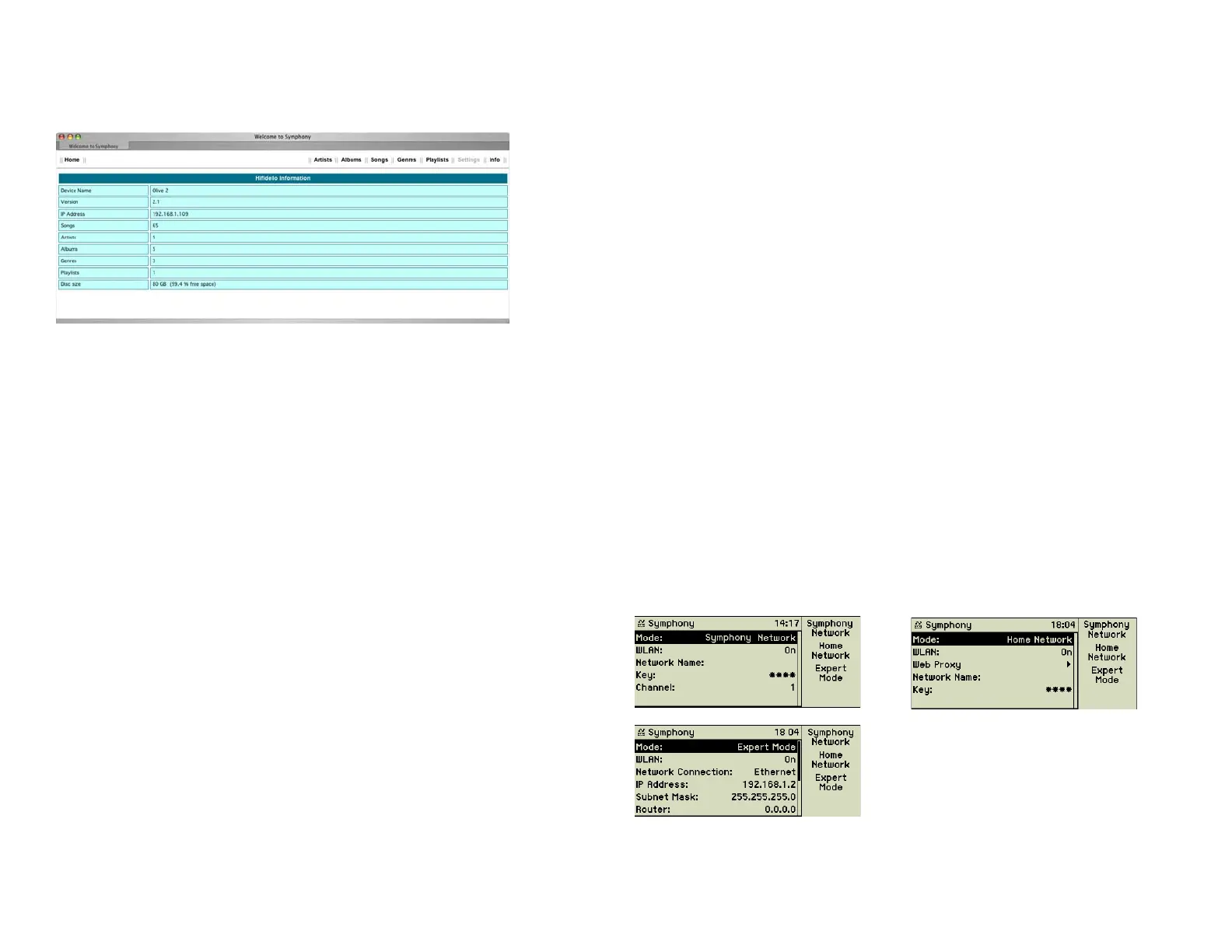
Info
This button shows you a short overview about the contents of your
music center.
7 ADVANCED NETWORKING
In addition to its primary use as your music centre, the device can be integrat-
ed into your local computer network or can be the starting point of one. This
chapter discusses the confi guration options for networking. It requires some
basic understanding on IP networking.
7.1 Ports
The music center provides four 10/100BaseT Ethernet ports (21) on its back-
side, which are confi gured as a general switch. The ports automatically adapt
to the used bandwidth and cabling. Looking for cross-over cables is not neces-
sary.
The music center can be used as a WLAN station according to 802.11g (54
Mbit/s). This standard is backwards compatible with 802.11b (11 Mbit/s). The
necessary antenna (23) is also located on the back of the music center. De-
pending on the mode the music center is confi gured to it is acting as a WLAN
client or an Access Point.
7.2 Network modes
The music center allows you to choose from these three operating modes:
• Symphony/Musica Network: The music center acts as central switch,
optional WLAN Access Point, and DHCP server of the network.
• Home Network: A working local area network already exists and
the music center can be integrated as DHCP client and optional as
WLAN client into it.
• Expert Mode: A working local area network already exists and the
music center can be integrated by manual IP confi guration and
optional as WLAN client into it.
34



 To Next Page