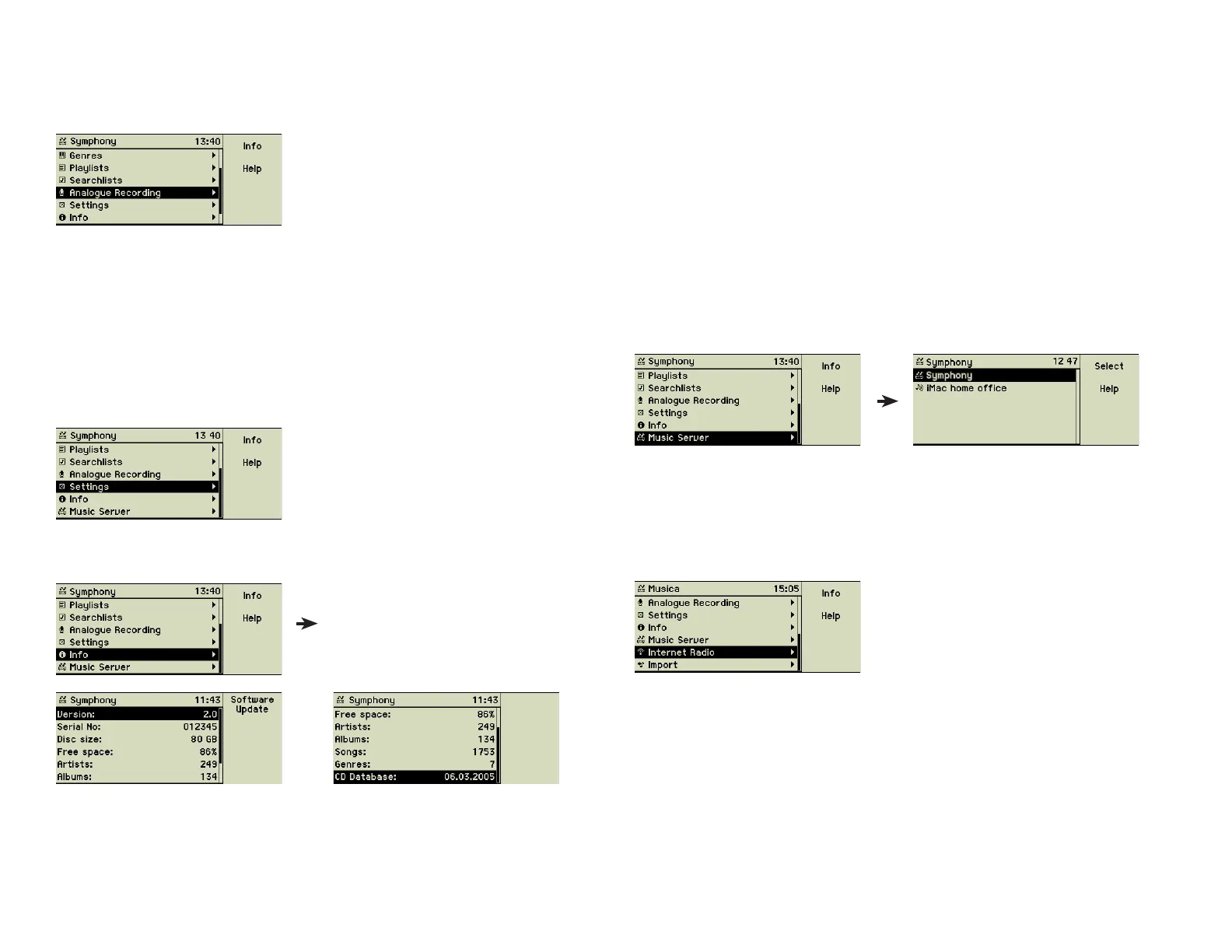
2.1.8 Analog recording
Your music center can digitize and import sound from analogue sources, like
turntables, tape recorders, or cassette decks.
For detailled explanations about how to do such a recording, please refer to
section 3.4 «Digitising sounds of vinyl records and analog music tapes» on
page 16.
2.1.9 Settings
This menu option opens the area of setting and confi guring the music center.
This starts with simple things like date and time or the name of the music center
and goes as far as advanced confi guration of a wireless network. A separate
chapter deals with these topics (chapter 4 «Settings» on page 23).
2.1.10 Info
General statistic information about the music center.
The version number of the system software and the serial number can be ac-
cessed here. You need it for the registration of your music center.
You can see the available space, the number of stored songs, how many
artists and albums are collected, the date of the CD database, and other
statistical information.
If your music center is connected to the Internet you may update your system
software using function key 1. See section 8.3 «Software update» on page
38.
2.1.11 Music server
If the music center is integrated into a network, other networked music
centers and compatible music servers like iTunes on Mac OS or Windows are
listed here. Obviously their music collections must be published to be seen
here.
2.1.12 Internet Radio
If your music center is connected to the Internet you can receive Internet ra-
dio stations and play their broadcasting. This opens an additional source of
unlimited music.
2.1.13 Import
If the music center is integrated into a network, other computers can copy
music fi les to the import folder of your music center. This menu option gives
you the choice of importing some or all of them.
9



 To Next Page