Attack: This sets the interval the compressor waits until it reacts. This interval
should be not to short, to avoid kind of pumping effects.
Release: This sets the interval the compressor should go on after the input level
fell below the threshold. Turning the control to the right gives you smoother
transitions, turning to the left has the contrary effect.
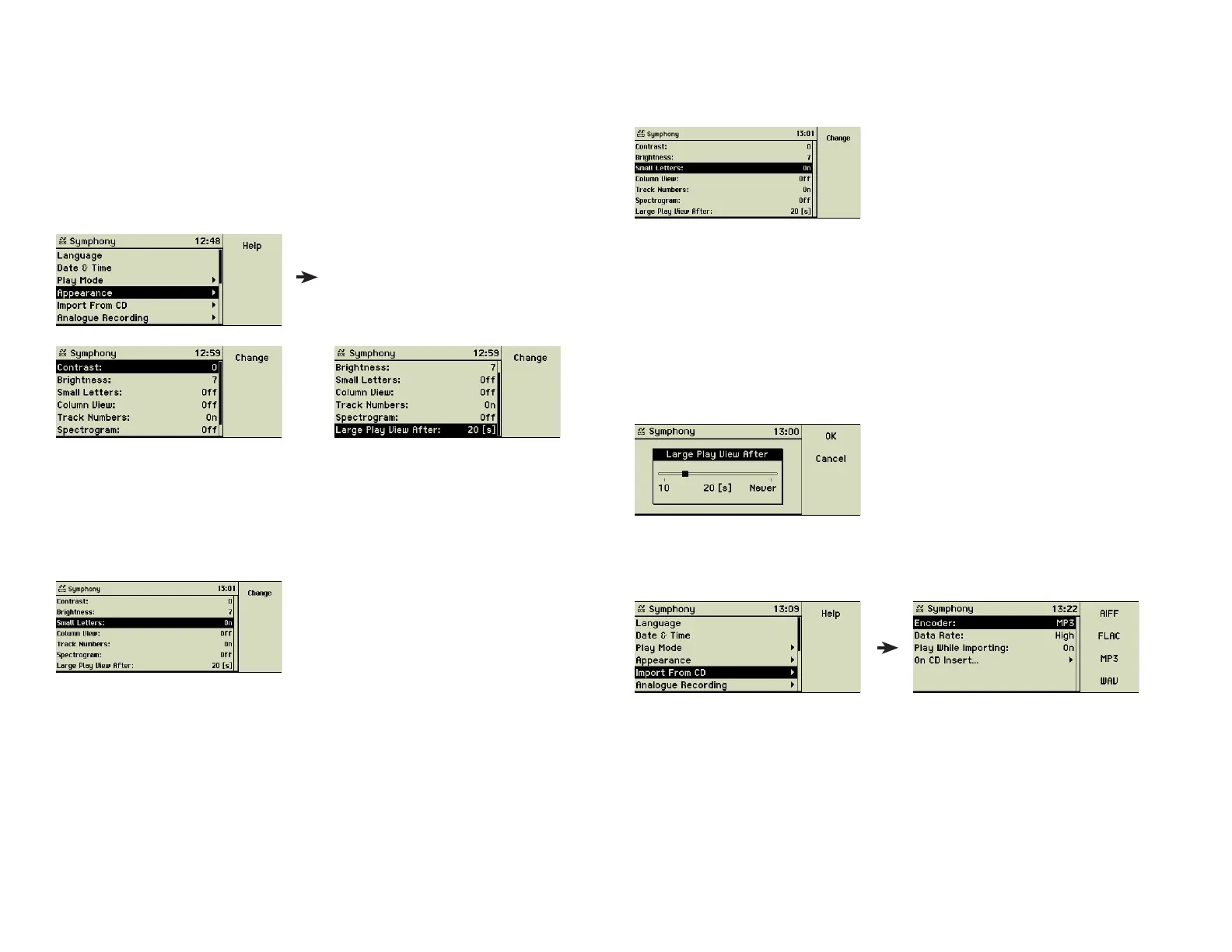
4.4 Appearance
This menu controls the way the music center shows items on the display.
Contrast of the display and Brightness of the control buttons enhance the
readability of the display depending on the lighting environment. You can
control the brightness of the display, too.
Small Letters let you see more letters per line. Especially when you are used to
the column display, this helps a lot. Also long song titles or elaborated names
of artists can be seen completely using this layout option.
The column layout of the menu tree is a matter of orientation. The way back
to the main menu is obvious and during the fi rst days this option may help the
beginner.
The option Track Numbers let you confi gure the display below the progress
bar. Remaining play time, current track, number of the tracks of the playlist
or alternatively remaining play time, total playing time, and elapsed time of
the current track.
The Spectrogram option toggles the display of banded frequency levels dur-
ing the playback of songs.
Entering a time interval into Large Play View After switches the display to a
larger play view after the given interval. That helps recognizing title and artist
name while sitting on a distant but comfortable couch.
4.5 Import from CD
Here are the settings concerning the import of music CDs.
An important topic is the internal format, which the imported song should be
encoded to. The type of encoding defi nes quality, size of the stored data and
compatibility in various respects. The Internet and lots of books are covering
this issue. The music center uses the format “MP3” by default and if you are
not really sure what you are doing, leave it this way.
By default Data Rate is set to “High”, an equivalent to 160 kbit/s. “Higher”
means 192 kbit/s, “Good” is 128 kbit/s, and “CD Quality” is 320 kbit/s.
Higher quality always means that each song needs more room of the internal
music center storage. Additionally, the MP3 format fi les can be encoded using
Variable Bite Rate (VBR).
25



 To Next Page