xv
> Machine Features
Create attractive documents
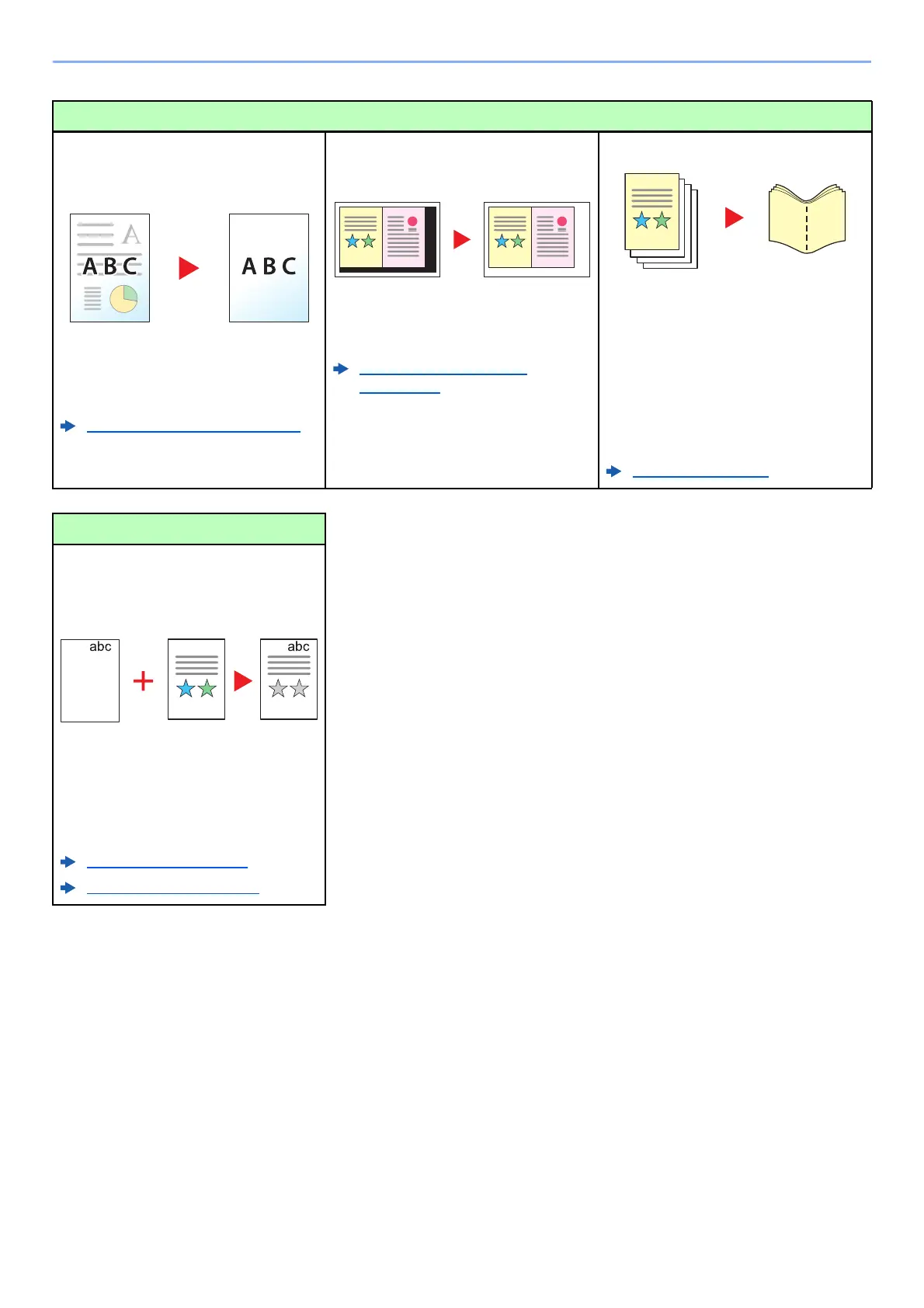
Prevent image bleed-through
(Prevent Bleed-through)
You can prevent image bleed-through
from the reverse side when scanning
thin originals.
Prevent Bleed-thru (page 6-37)
Erase the extra shaded area
(Erase Shadowed Areas)
When scanning with the document
processor or original cover open,
erase the extra shaded area.
Erase Shadowed Areas
(page 6-54)
Create a booklet (Booklet)
It is useful when preparing handout.
You can create a magazine,
pamphlet, or other booklet from sheet
originals.
Facing-page, two-sided copies of
originals can be folded down the
center to create a booklet.
The cover page can be printed onto
colored paper or heavy paper.
Booklet (page 6-46)
Create attractive documents
Print a stamp on copies (Text
Stamp / Bates Stamp)
It is useful when adding text or date
that is not included in originals.
You can add desired text and date as
a stamp.
Text Sta m p (page 6-61)
Bates Stamp (page 6-64)









 To Next Page