5-46
Operation on the Machine > Handling Destination
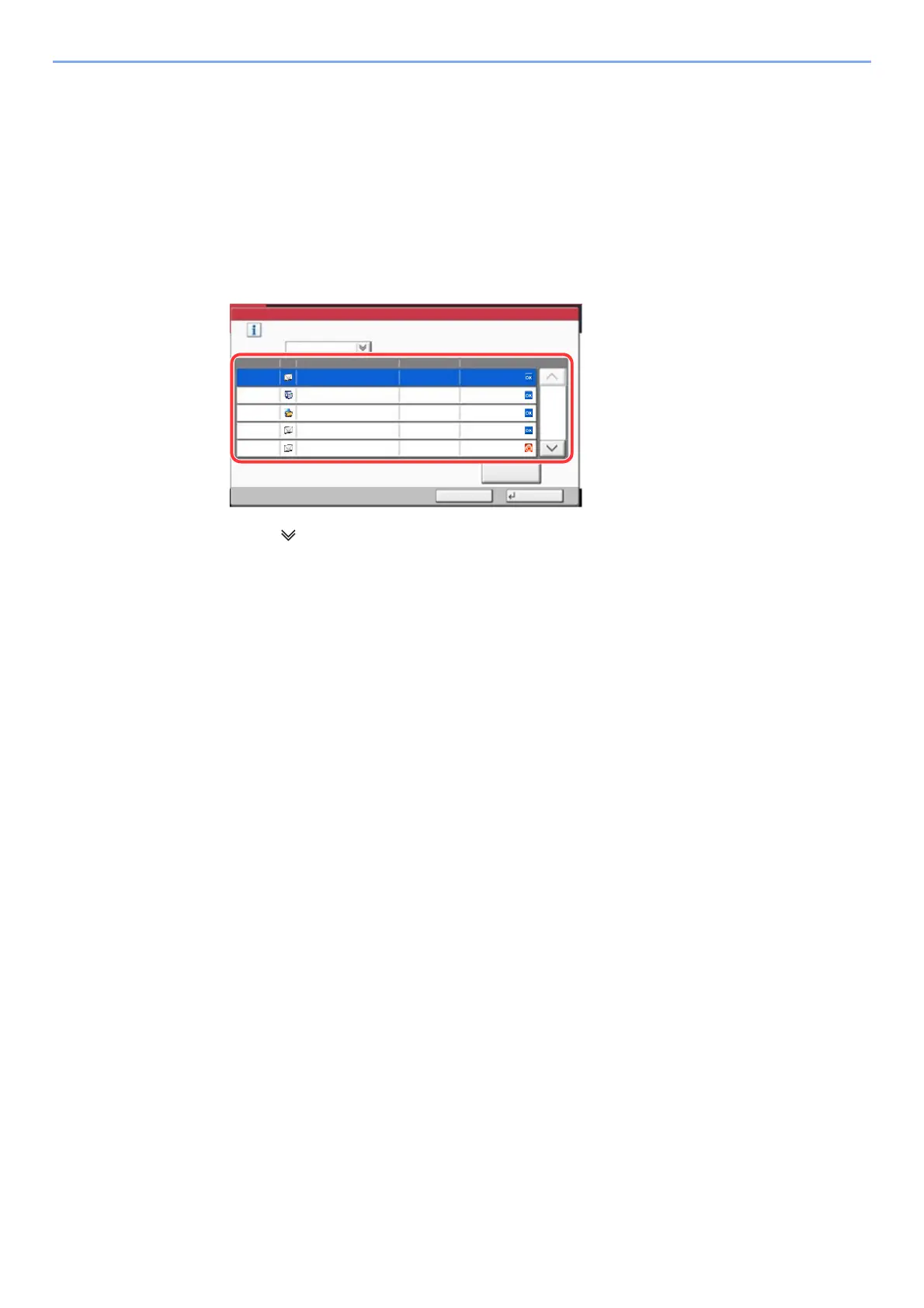
Choosing from the Destination History
If you send a document with this machine, the address will be saved in the history. You can select an address from the
Destination History.
1
In the basic screen for sending, select [Dest. History].
2
Select the destinations.
Select an address from the list displayed.
Select [ ] of "Job Type" to display only selected type of jobs.
Select [Detail] to display the detailed information of the destination.
3
Select [OK].
aaa@aaa.com14:47
1/2
≧ἣ
Detail
Completed
Status/Result
User NameDestinationType
Accept Time
Job Type All
Select a destination.
Destination History
OK
s021601
Cancel
14:45
14:40
14:28
14:27
0123456789
PC01
bbb@bbb.com
aaa@aaa.com
Completed
Completed
Completed
Canceled









 To Next Page