6-80
Using Various Functions > Functions
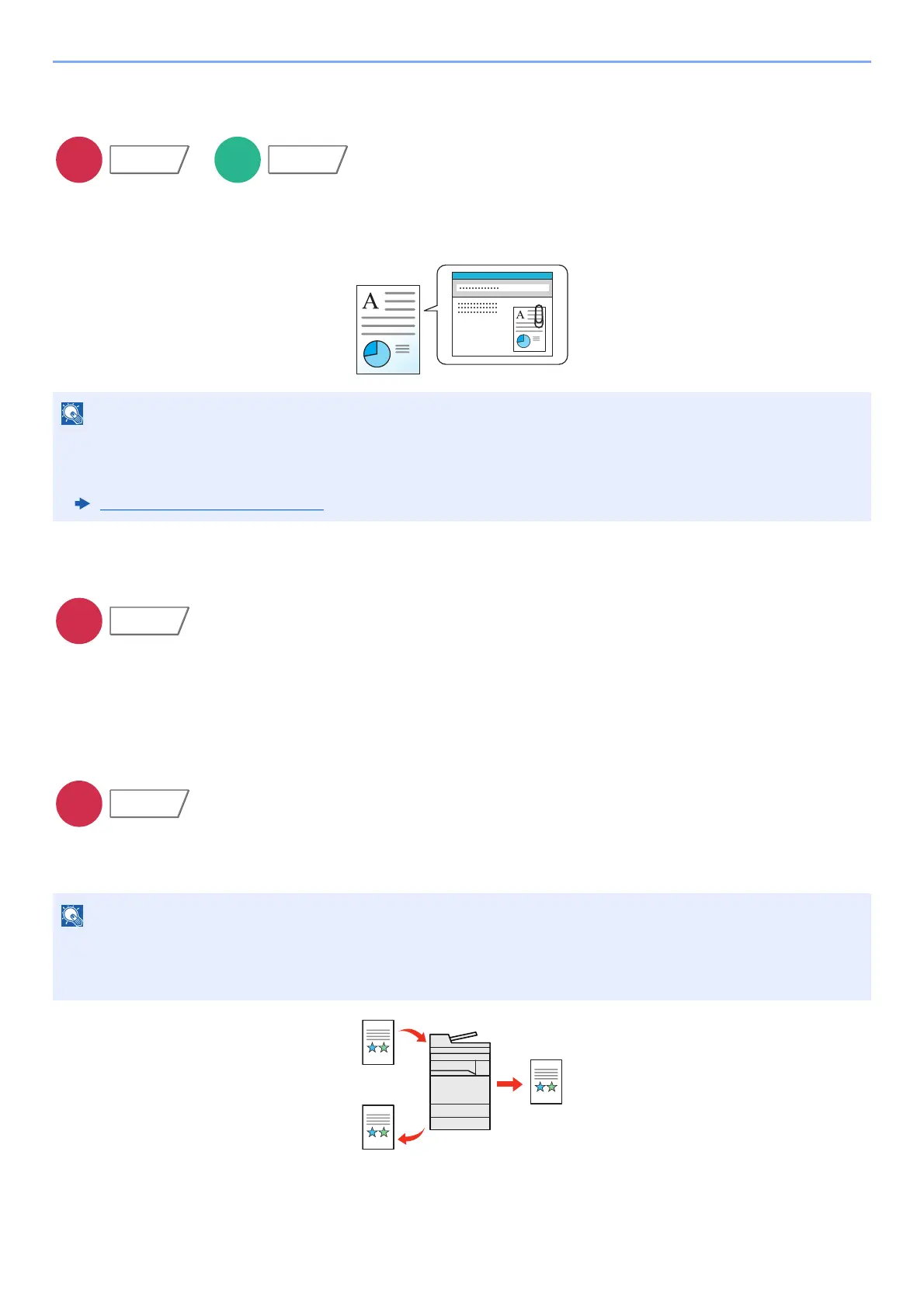
E-mail Subject/Body
Adds subject and body when sending a document.
Select [Subject] / [Body] to enter the E-mail subject/body.
Send and Print
Prints a copy of the document being sent.
(Value: [Off] / [On])
Send and Store
Stores a copy of the document being sent in a Custom Box.
(Value: [Off] / [On])
• The subject can include up to 256 characters, and the body can include up to 500 characters.
• Select [Body 1], [Body 2], or [Body 3] to enter stored text for the body text. For details on registering templates,
refer to the following:
E-mail Subject/Body
(page 8-21)
• When [On] is selected, select the Custom Box in which the copy is to be stored.
If a password entry screen for the Custom Box appears, enter the password.
• You can view information on the selected Custom Box by selecting [Detail].
Functions









 To Next Page