6-79
Using Various Functions > Functions
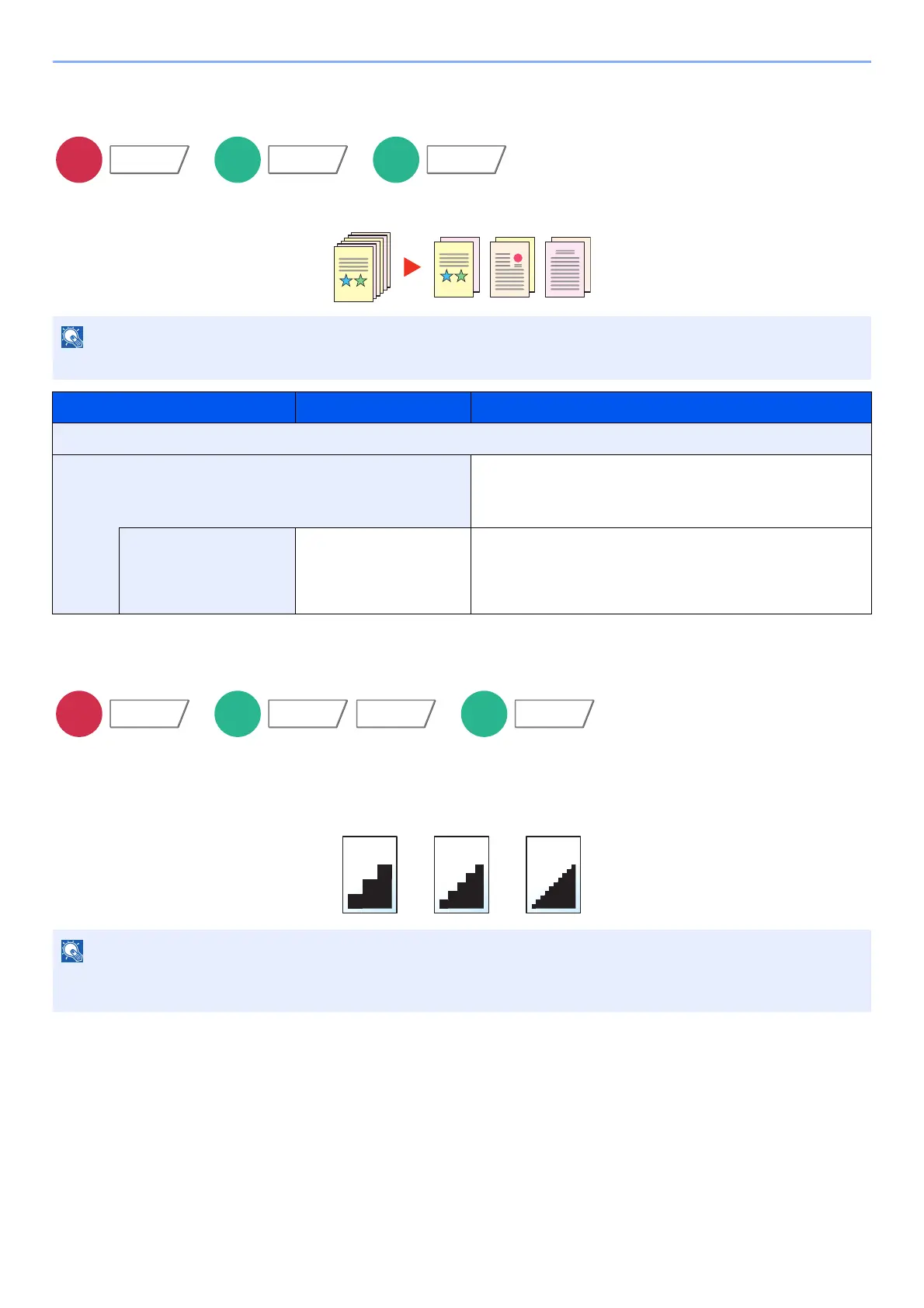
File Separation
Creates several files by dividing scanned original data page by specified number of pages, and sends the files.
Scan Resolution
Select fineness of scanning resolution.
(Value: [600 × 600dpi] / [400 × 400dpi Ultra] / [300 × 300dpi] / [200 × 400dpi Super] / [200 × 200dpi Fine] /
[200 × 100dpi Normal])
A three-digit serial number such as "abc_001.pdf, abc_002.pdf..." is attached to the end of the file name.
Item Value Description
Off
On Set file separation.
Select [+] or [-] to specify the number of pages. Select
[#Keys] to use the numeric keys for entry.
Attach File to E-mail All Files in 1 E-mail,
1 file per E-mail
Select how to attach the files to the E-mail. Select [All
files in 1 E-mail] to attach and send all files in a single
E-mail. Select [1 file per E-mail] to attach and send
1 file per E-mail.
The larger the number, the better the image resolution. However, better resolution also means larger file sizes and
longer send times.
Functions
Functions
Functions Color/
Image Quality
Functions









 To Next Page