2-7
Installing and Setting up the Machine > Connecting Cables
Connecting Cables
Connecting LAN Cable
1
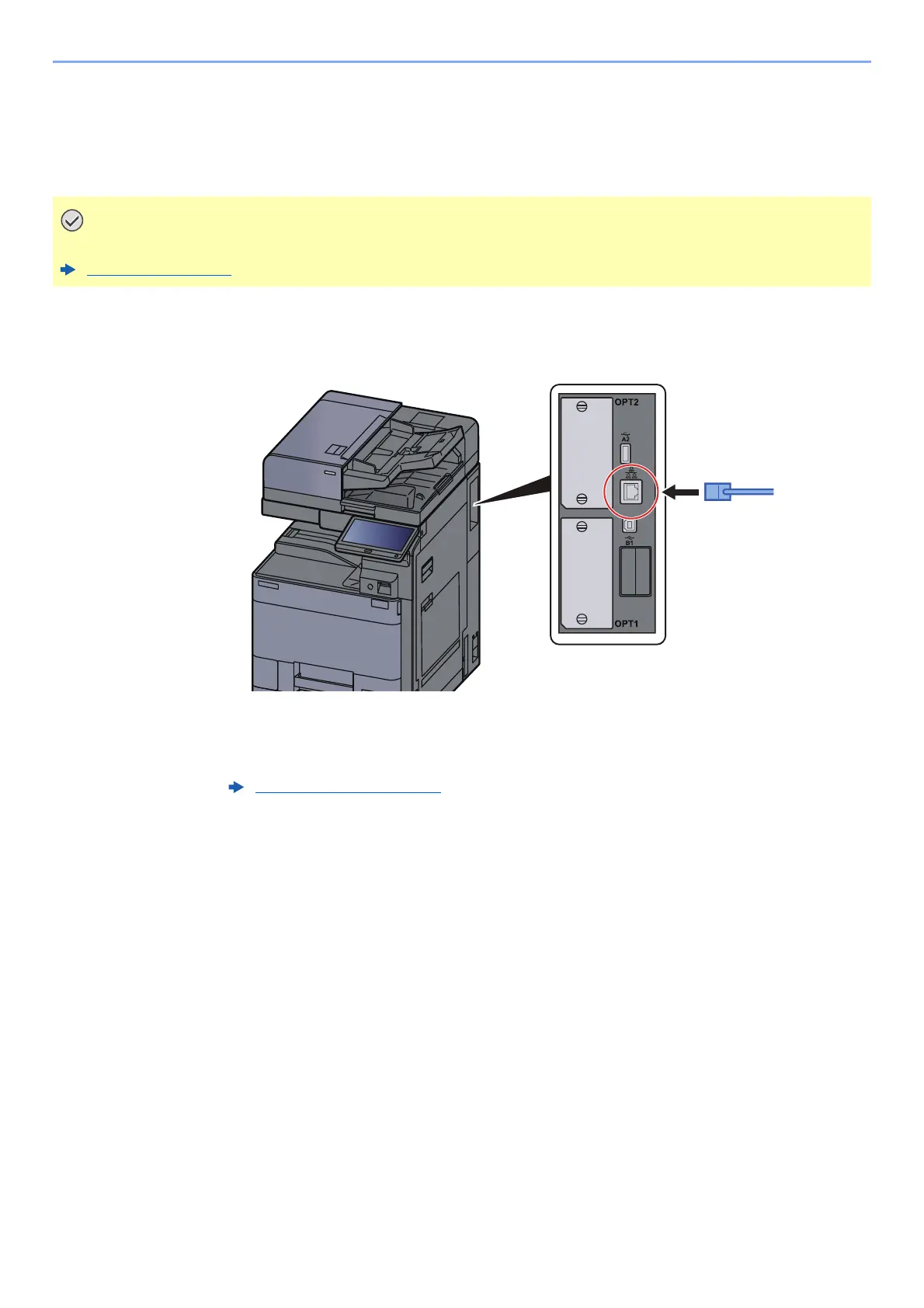
Connect the cable to the machine.
1 Connect the LAN cable to the network interface connector.
2 Connect the other end of the cable to the hub or the PC.
2
Power on the machine and configure the network.
Make sure that the power to the machine is turned off.
Power Off (page 2-9)
Network Setup (page 2-30)









 To Next Page