5-48
Operation on the Machine > Handling Destination
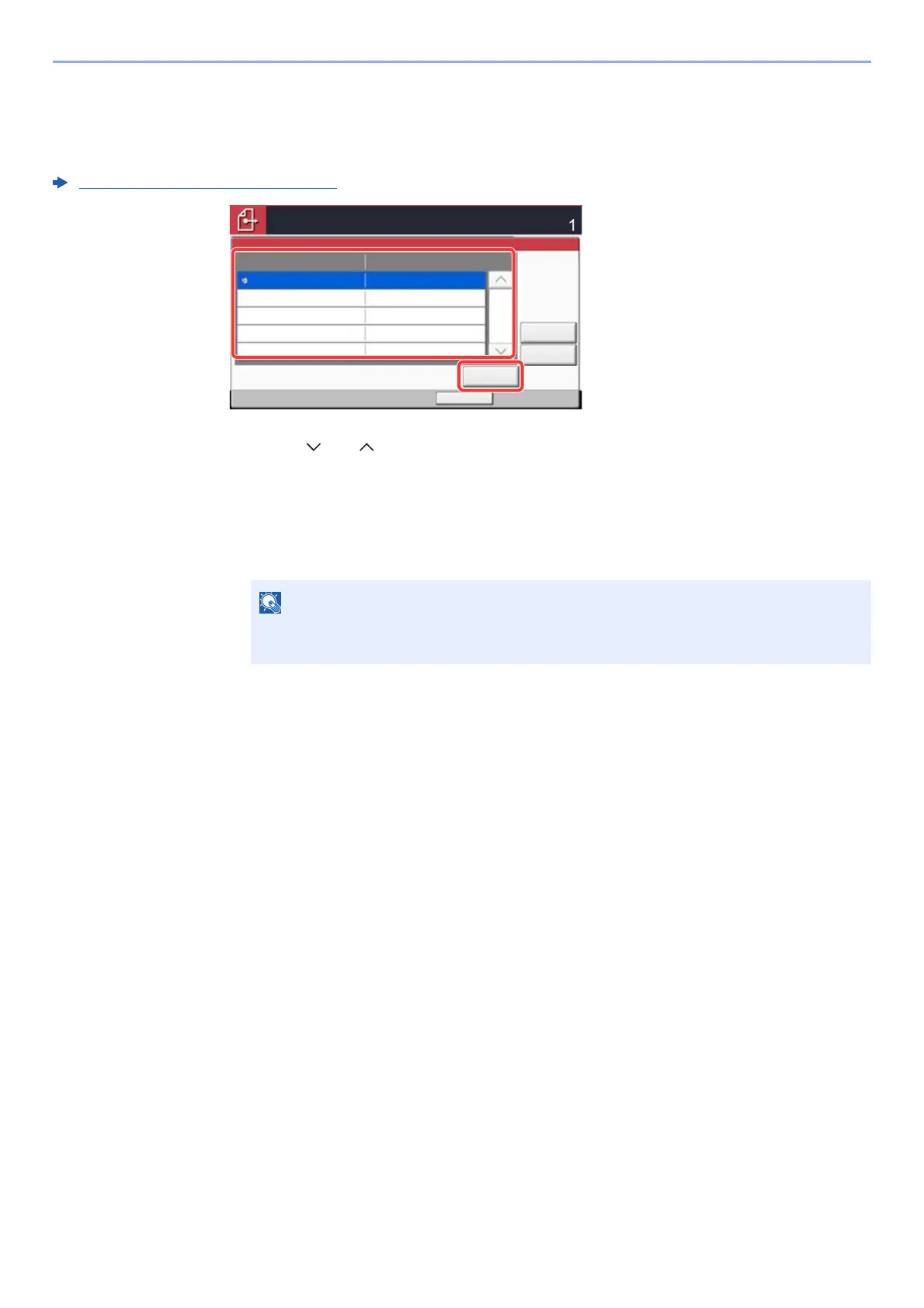
Confirmation Screen of Destinations
When selecting [On] for Destination Check before Send, the confirmation screen of destinations appears after pressing
the [Start] key.
Dest. Check before Send (page 8-36)
1 Select [ ] or [ ] to confirm all destination.
Selecting [Detail] shows the detailed information of the selected destination.
To delete the destination, select the destination you want to delete > [Delete] > [Yes]
To add the destination, select [Cancel] and then return to the destination screen.
2 Select [Check].
Be sure to confirm all destination by displaying them on the touch panel. You cannot
select [Check] unless you have confirmed all destination.
Check
Cancel
Status
Check the destination list through the last page.
Destination
Detail
Delete
Destination Detail
A OFFICE 1234567890
02/02/2013 10:10
After checking the list, press [Check] and then Start key.
s0501
1/1









 To Next Page