5-40
Operation on the Machine > Using a FAX Server to Send (FAX Server Send)
Using a FAX Server to Send (FAX Server
Send)
You can send a scanned document via a FAX server.
1
[Home] ( ) key > [Send]
2
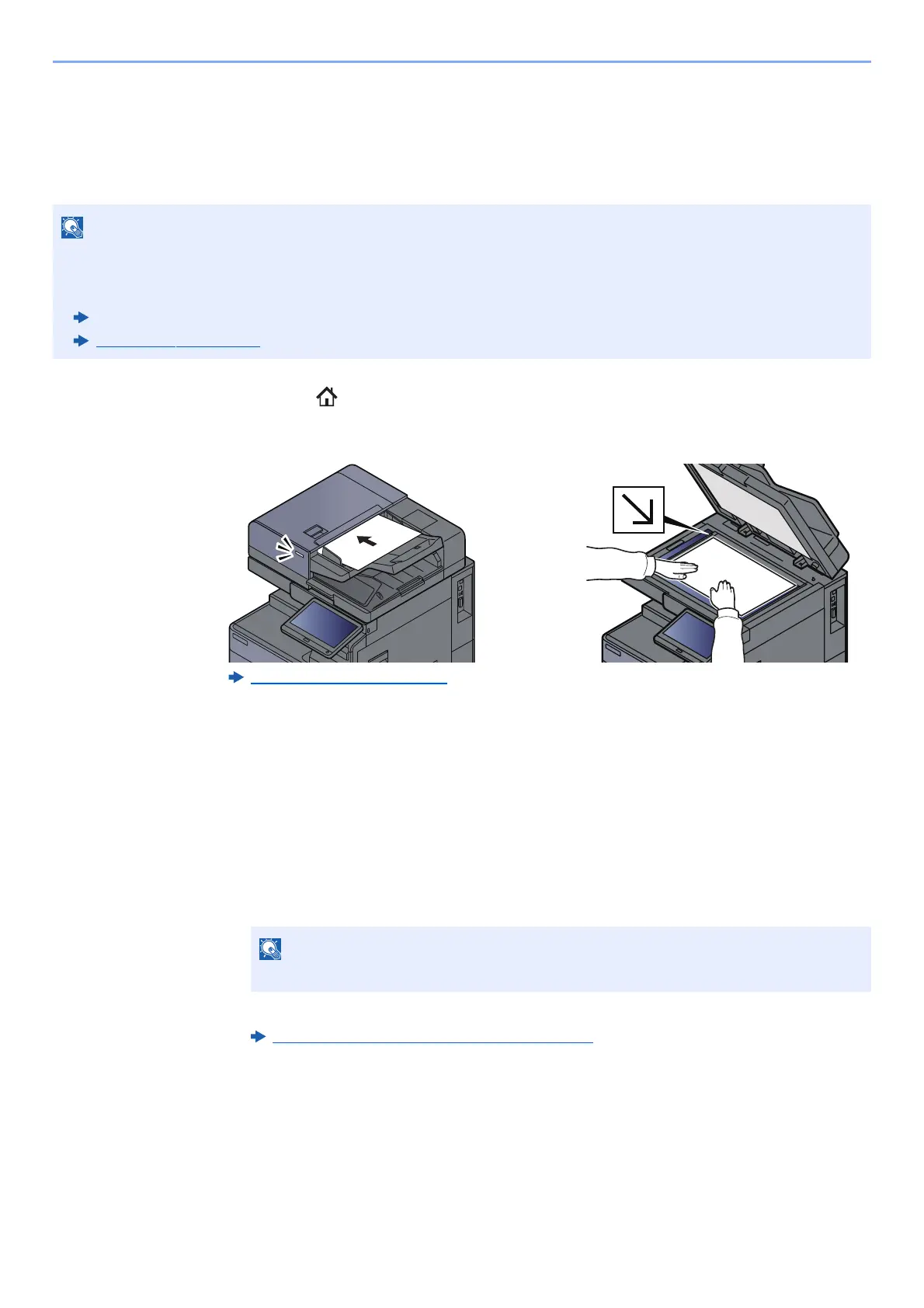
Place the originals.
Loading Originals (page 5-2)
3
Display the screen.
In the basic screen for sending, select [+] > [FAX Server]
4
Enter recipient information.
Entering Information Directly
1 Select [FAX No. Entry].
2 Enter the FAX number > [OK]
Destinations can be changed later.
Checking and Editing Destinations
(page 5-47)
Selecting from the Address Book
1 Select [Address Book].
• A FAX server is required to use this function. For information about the FAX server, contact the applicable
administrator.
• FAX server settings must be configured to send a FAX.
Embedded Web Server RX User Guide
FAX Server (page 8-72)
Use the numeric keys to enter a number.









 To Next Page