2-20
Installing and Setting up the Machine > Touch Panel
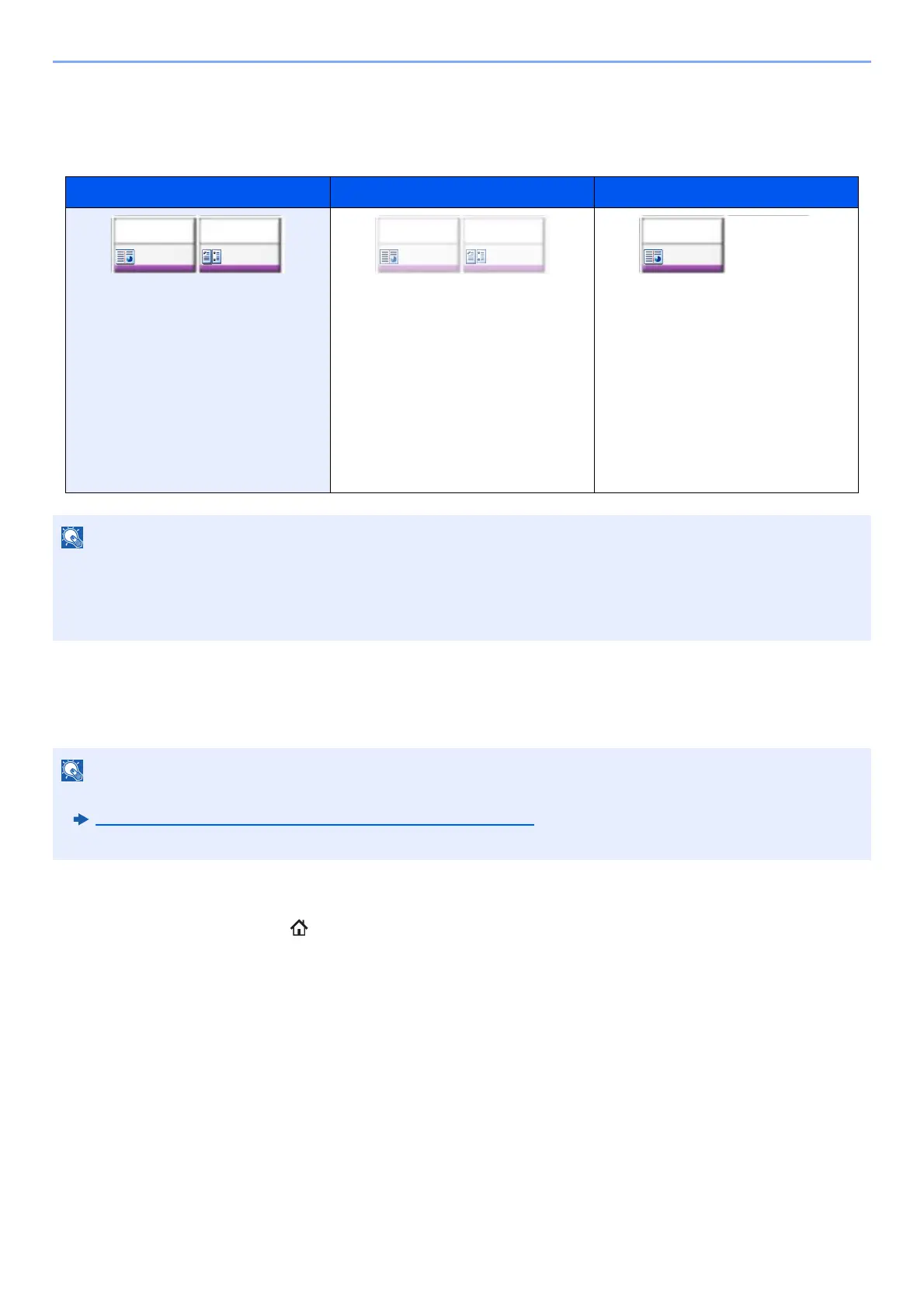
Display of Keys That Cannot Be Set
Keys of features that cannot be used due to feature combination restrictions or non-installation of options are in a non-
selectable state.
Original Preview
You can display a preview image of the scanned document on the panel.
1
Display the screen.
[Home] ( ) key > [Copy] key
2
Place the originals.
Normal Grayed out Hidden
In the following cases, the key is
grayed out and cannot be selected.
• Cannot be used in combination
with a feature that is already
selected.
• Use prohibited by user control.
•[Preview] has been selected.
• For functions that cannot be
changed when using proof copy.
Cannot be used because an option
is not installed.
If a key that you wish to use is grayed out, the settings of the previous user may still be in effect. In this case, select
the [Reset] key and try again.
If the key is still grayed out after the [Reset] key is selected, it is possible that you are prohibited from using the
function by user control. Check with the administrator of the machine.
• To view a preview of an image stored in a Custom Box, refer to the following:
Previewing Documents/Checking Document Details (page 5-55)
• The procedure described here is for copying a single-page original.
Staple
/Punch
Off
Off
Combine
Staple
/Punch
Off
Off
Combine
Staple
/Punch
Off
Off
Combine









 To Next Page