6-32
Using Various Functions > Functions
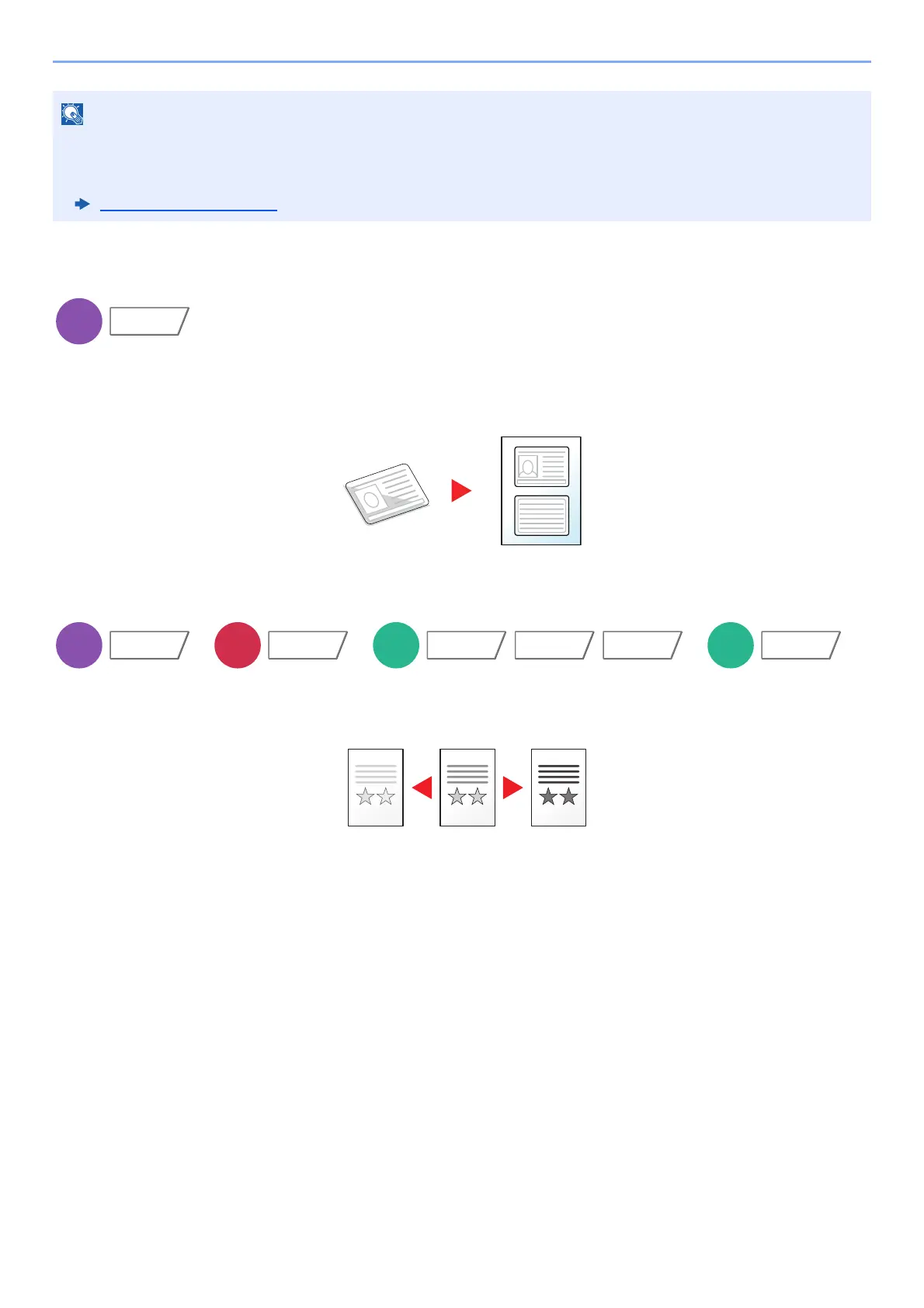
ID Card Copy
Use this when you want to copy a driver's license or an insurance card. When you scan the front and back of the card,
both sides will be combined and copied onto a single sheet.
(Value: [Off] / [On])
Density
Adjust density.
(Value: [-4] (Lighter) to [+4] (Darker))
• This can be set when the optional Job Separator or Document Finisher (1,000-sheet Finisher, 4,000-sheet Finisher,
or 100-sheet Staple Finisher) is installed. This cannot be set when the optional Inner Finisher is installed.
• The default setting for Paper Output can be changed.
Paper Output
(page 8-18)









 To Next Page