2-28
Installing and Setting up the Machine > Login/Logout
Simple Login
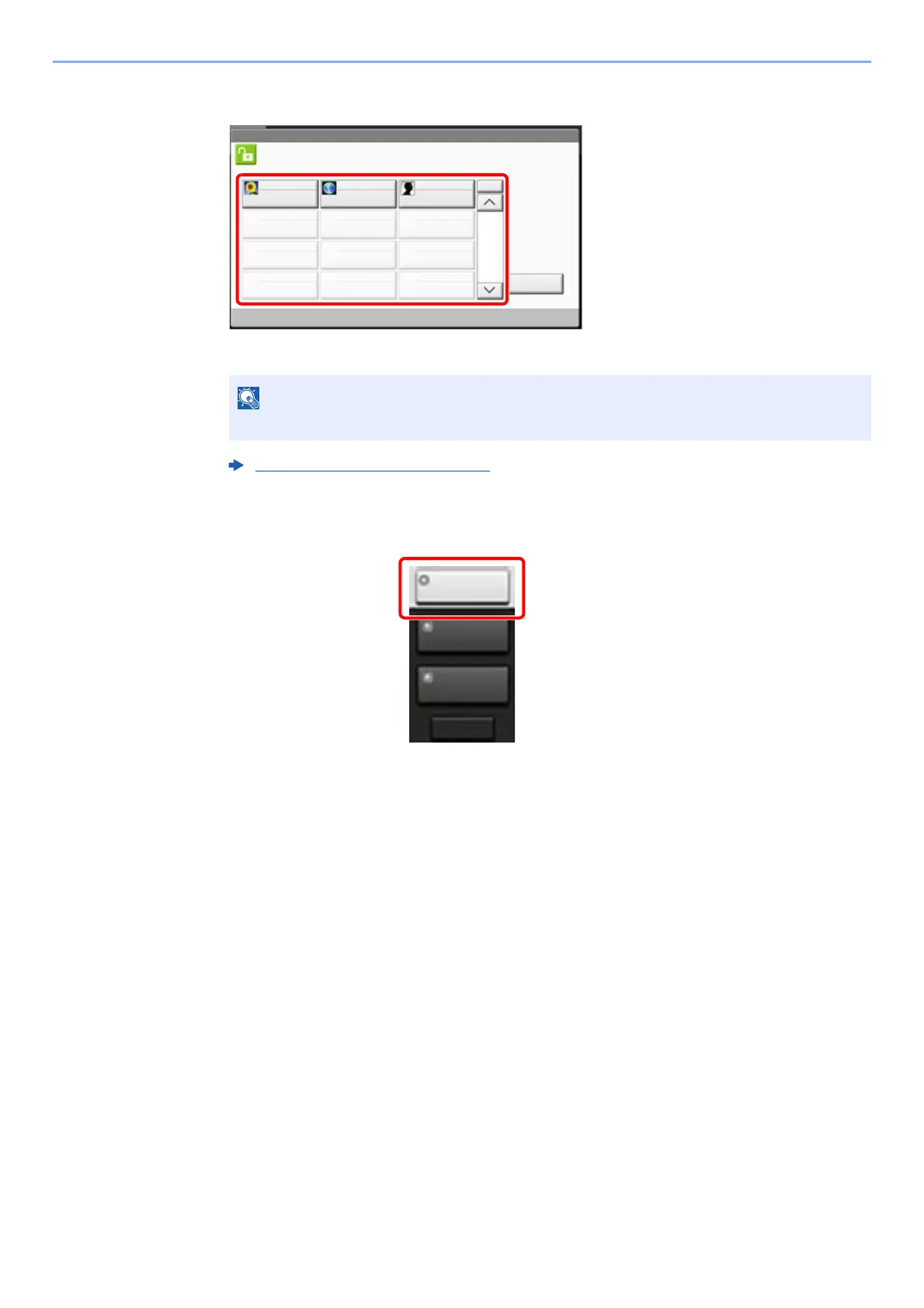
If this screen is displayed during operations, select a user and log in.
Logout
To logout from the machine, select the [Authentication/Logout] key to return to the login user
name/login password entry screen.
Users are automatically logged out in the following circumstances:
• When the machine enters the sleep state.
• When the auto panel reset function is activated.
If a user password is required, an input screen will be displayed.
Simple Login Settings (page 9-27)
Status
Select the user to login.
01
No.
Keyboard
Login
A
02
B
03
C
1/2
04 05 06
07 08 09
10 11 12
lg0601
Authentic./
Logout
System Menu
/Counter
Interrupt









 To Next Page