6-3
Using Various Functions > Functions Available on the Machine
Configure the
settings for density
and quality of
copies.
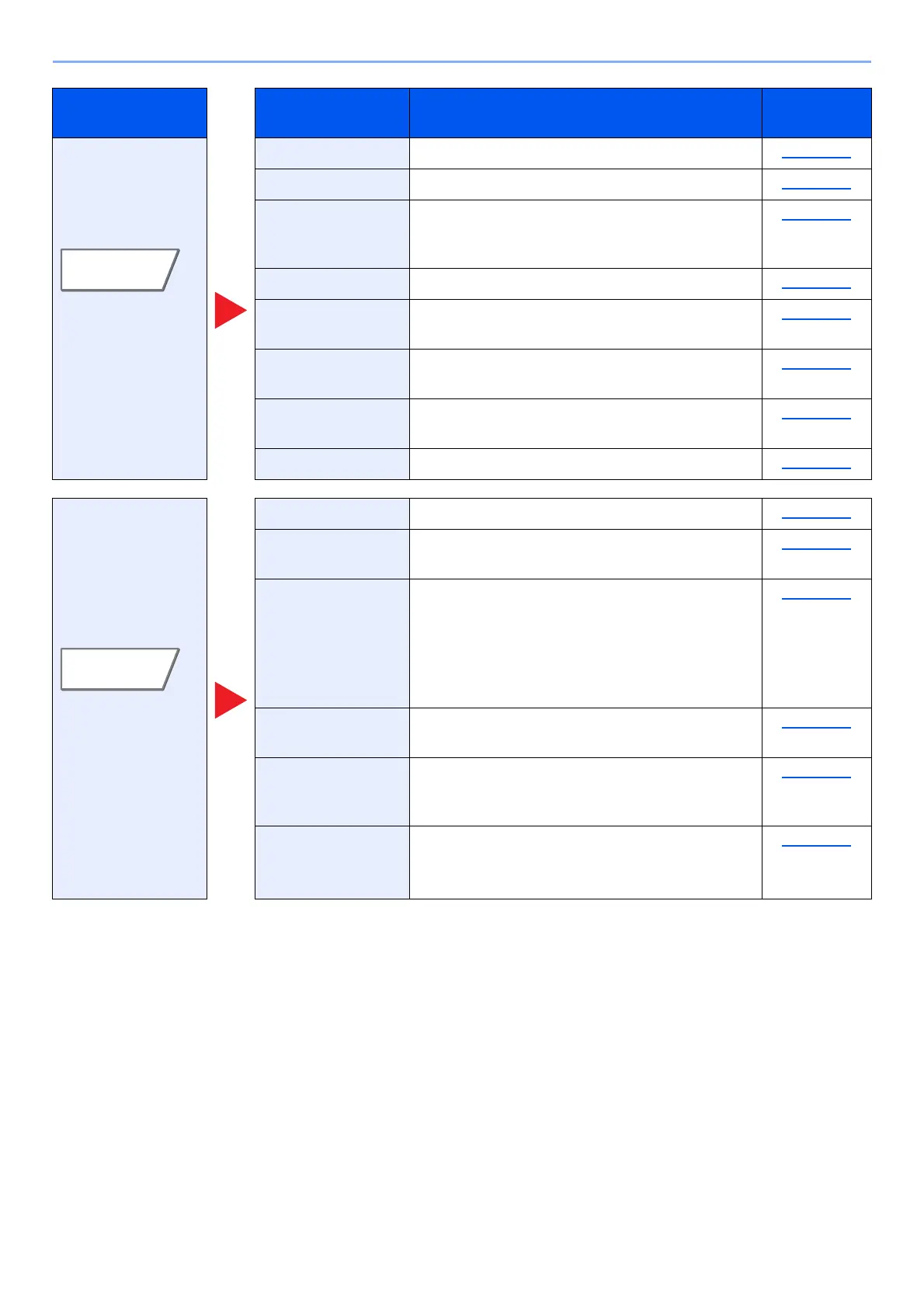
Density Adjust density. page 6-32
Original Image Select original image type for best results. page 6-33
EcoPrint EcoPrint saves toner when printing. Use this
function for test prints or any other occasion
when high quality print is not required.
page 6-34
Sharpness Adjusts the sharpness of image outlines. page 6-36
Background
Density Adj.
Removes dark background from originals, such
as newspapers.
page 6-37
Prevent Bleed-thru Hides background colors and image bleed-
through when scanning thin original.
page 6-37
Contrast You can adjust the contrast between light and
dark areas of the image.
page 6-36
Erase Colors Erases colors in the source document. page 6-37
Configure the
settings for duplex
printing and stamp.
Zoom Adjust the zoom to reduce or enlarge the image. page 6-38
Combine Combines 2 or 4 original sheets into 1 printed
page.
page 6-41
Margin/Centering Margin: Add margins (white space). In
addition, you can set the margin width
and the back page margin.
Centering: Centers the original image on the
paper when copying onto paper
different from the original size.
page 6-43
Border Erase Erases the black border that forms around the
image.
page 6-44
Booklet Scan multiple original pages, then print copies so
that they can be folded into a single booklet, with
a cover.
page 6-46
Duplex Produces two-sided copies.
You can also create single-sided copies from two-
sided originals.
page 6-49
Tab Function key Description
Reference
page









 To Next Page