6-13
Using Various Functions > Functions Available on the Machine
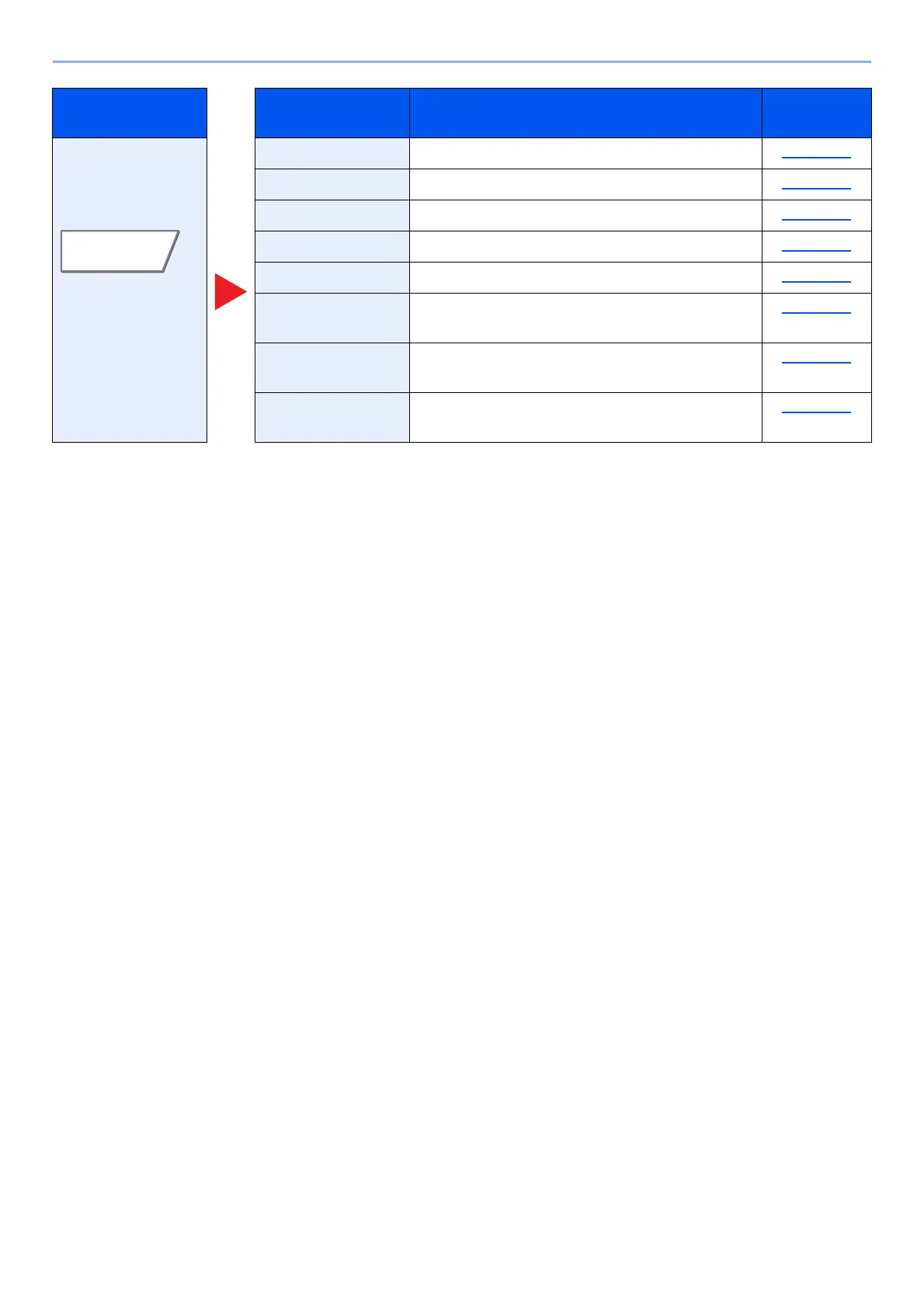
Configure the
settings for density,
quality of copies,
and color balance.
Density Adjust density. page 6-32
Original Image Select original image type for best results. page 6-33
Resolution Select fineness of scanning resolution. page 6-79
Color Selection Select the color mode setting. page 6-35
Sharpness Adjusts the sharpness of image outlines. page 6-36
Background
Density Adj.
Removes dark background from originals, such
as newspapers.
page 6-37
Prevent Bleed-thru Hides background colors and image bleed-
through when scanning thin original.
page 6-37
Contrast You can adjust the contrast between light and
dark areas of the image.
page 6-36
Tab Function key Description
Reference
page




 To Next Page