8-3
Setup and Registration (System Menu) > System Menu
Refer to System Menu Settings on the following page and configure as needed.
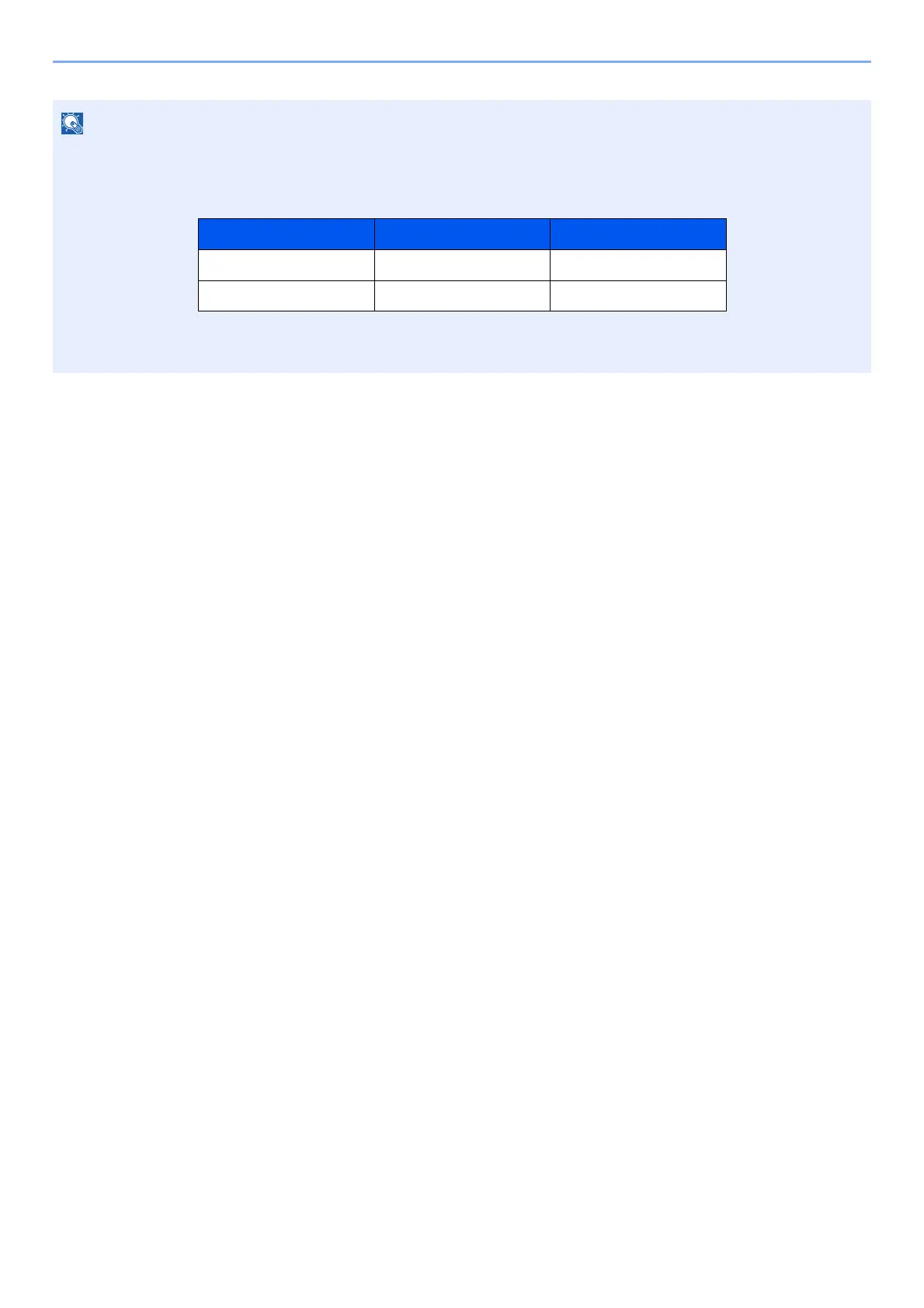
• When setting functions that require privileges, you must log in with administrator privileges or as a user with
privileges to configure each setting.
The factory default login user name and login password are set as shown below.
• If function default settings have been changed, the [Reset] key can be selected in each function screen to
immediately change the settings.
Model Name Login User Name Login Password
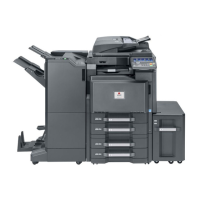
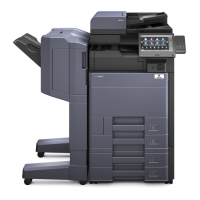
d-COPIA 5001MF
d-COPIA 6001MF




 To Next Page