8-50
Setup and Registration (System Menu) > System Menu
Secure Comm. Error Log
[System Menu/Counter] key > [Report] > [Secure Comm. Error Log]
Item Description
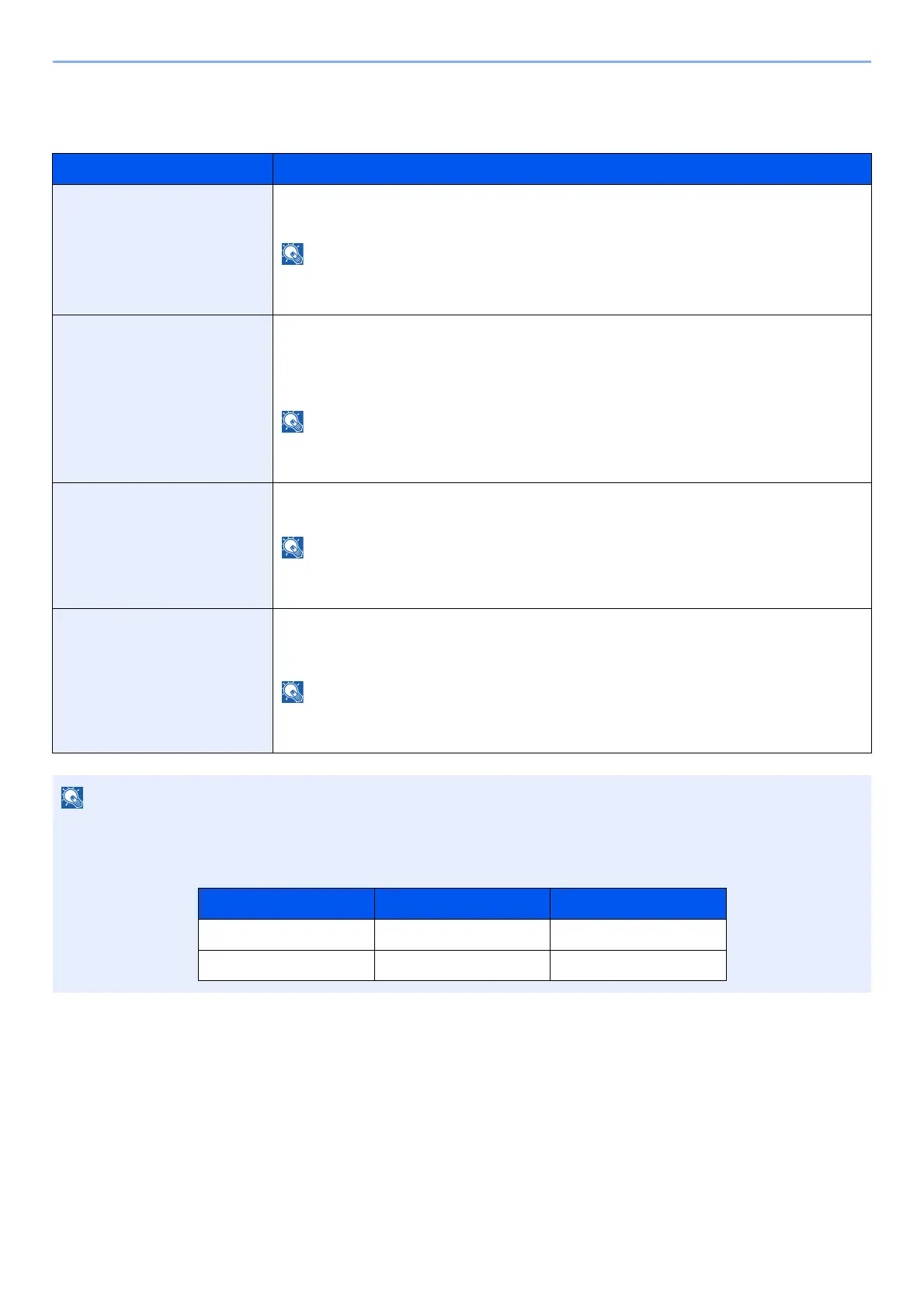
Secure Comm. Error Log Select whether to record the secure communication error log history.
Value: Off, On
If [On] is selected, set the number of histories to be stored. The setting range is 1 to
1,000.
Auto Sending Select whether the secure communication error log history is automatically sent to the
set address when the number of entries reaches the number set in "Secure Comm.
Error Log".
Value: Off, On
This function is displayed when "Secure Communication Error Log History" is set to
[On].
Destination Set the destination to which secure communication error log histories are sent. E-mail
address only can be set as destination.
This function is displayed when "Secure Communication Error Log History" is set to
[
On
].
Subject Set the subject automatically entered when sending secure communication error log
histories by E-mail.
Value: Up to 256 characters
This function is displayed when "Secure Communication Error Log History" is set to
[On].
If the user authentication screen appears, enter your login user name and login password and select [Login]. For this,
you need to login as an administrator or as a user with privileges to carry out this setting. The factory default login user
name and login password are set as shown below.
Model Name Login User Name Login Password
d-COPIA 5001MF
d-COPIA 6001MF









 To Next Page