DP2-SAL
23
1
Start and exit system
Exit system
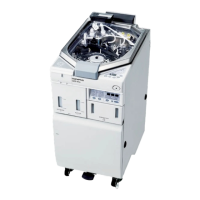
Press the [Shutdown] button
d
in the upper right area of the
control window. The system is terminated and the power of the
control box of DP2-SAL is turned OFF. (Time taken for shutdown:
approximately 10 sec.)
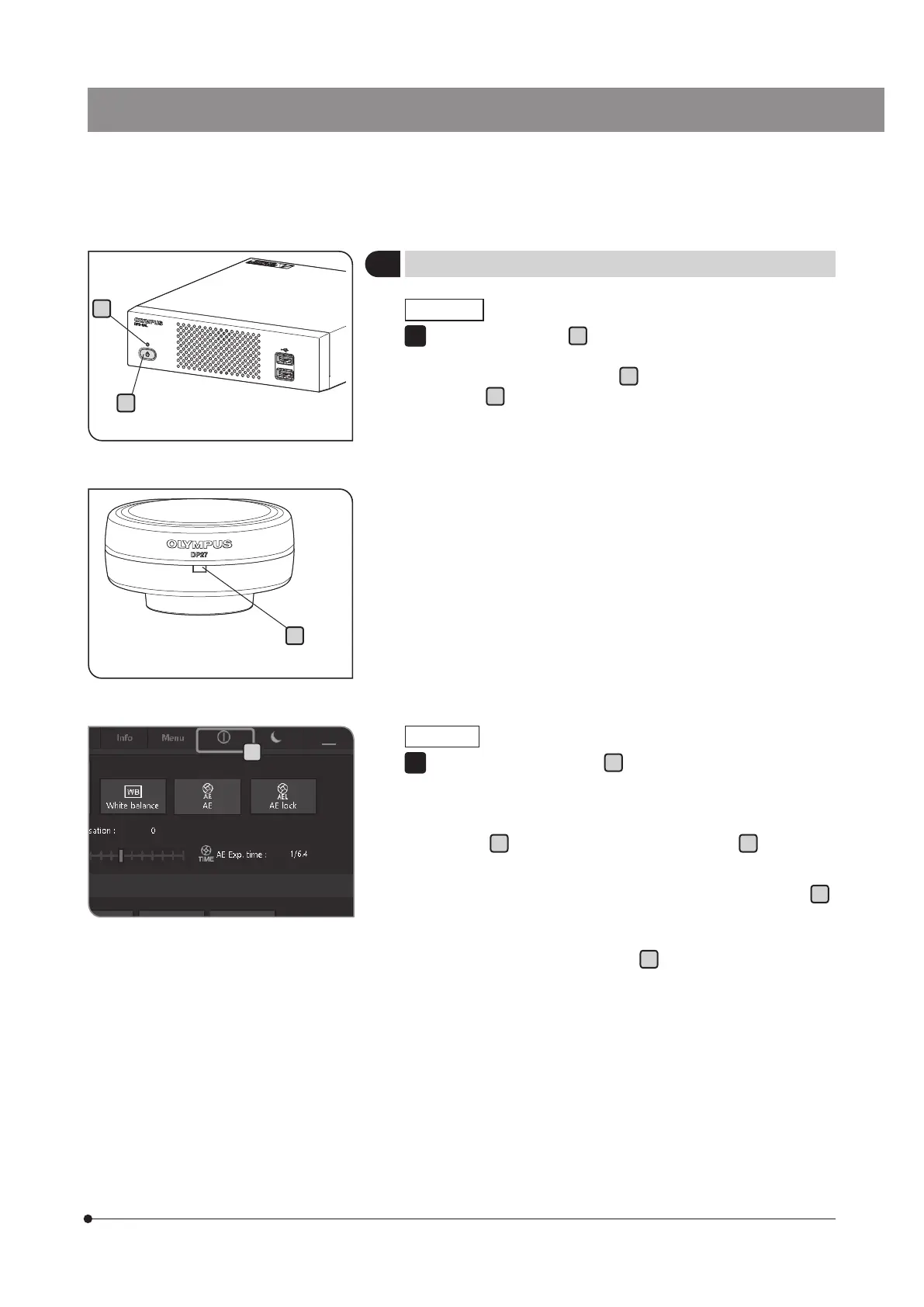
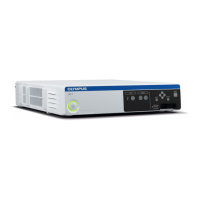
The LED
b
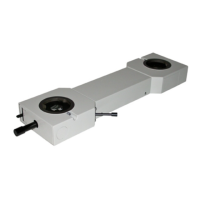
of the control box D2-CB and the LED
c
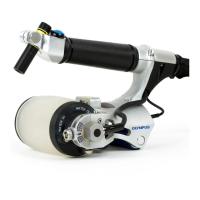
of the
camera head are turned OFF.
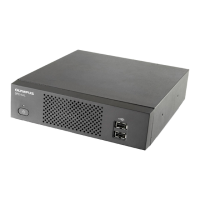
} You can also terminate the system by pressing the main switch
a
of the control box D2-CB.
In this case, be careful not to long-press (press continuously for 4
or more seconds) the main switch
a
.
If you long-press the main switch to turn OFF the power, the control
box D2-CB will be terminated forcibly and the various settings or the
scale function may not be saved.
} In order to protect the system, if you are not using the system,
terminate the system as much as possible.
1
a
c
b
Start system
Press the main switch
a
of the control box D2-CB to turn ON the
power.
The system starts and the LED
b
of the control box D2-CB and
the LED
c
of the camera head are turned ON. The control window
is displayed on the display. (Time taken for start: approximately 30
sec.)
} If the system is used for long hours without terminating the system,
the operation of the control box D2-CB may become unstable.
We recommend you to terminate the system once a week or so
regularly to protect the system.
1
d


 To Next Page