94
G
I
H
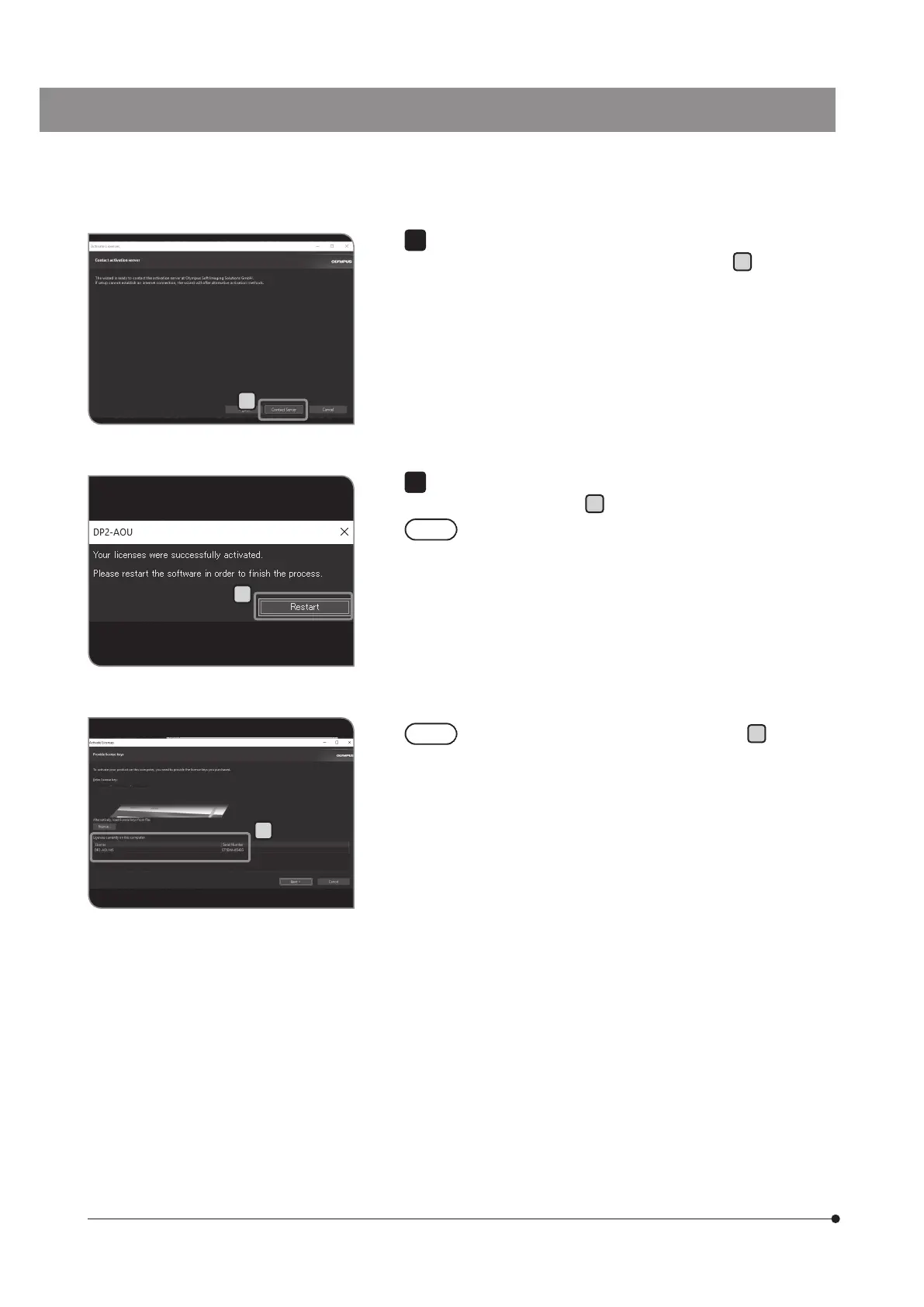
When the message like “Do you want to connect to the activated
server?” appears, press the [Contact Server] button
G
.
6
When the message “The license is activated successfully.” appears,
press the [Restart] button
H
.
· DP2-AOU connects to the activated server and data is
exchanged. This process is performed background. This
process takes several minutes. This process takes several
minutes. (It takes more than 10 minutes in case of DP2-AVS.)
· If this process is interrupted for some reason, contact
Olympus.
7
You can confirm that the license is activated in
I
on the
[Activate Licenses] window.



 To Next Page