DP23-AOU/DP28-AOU
49
4
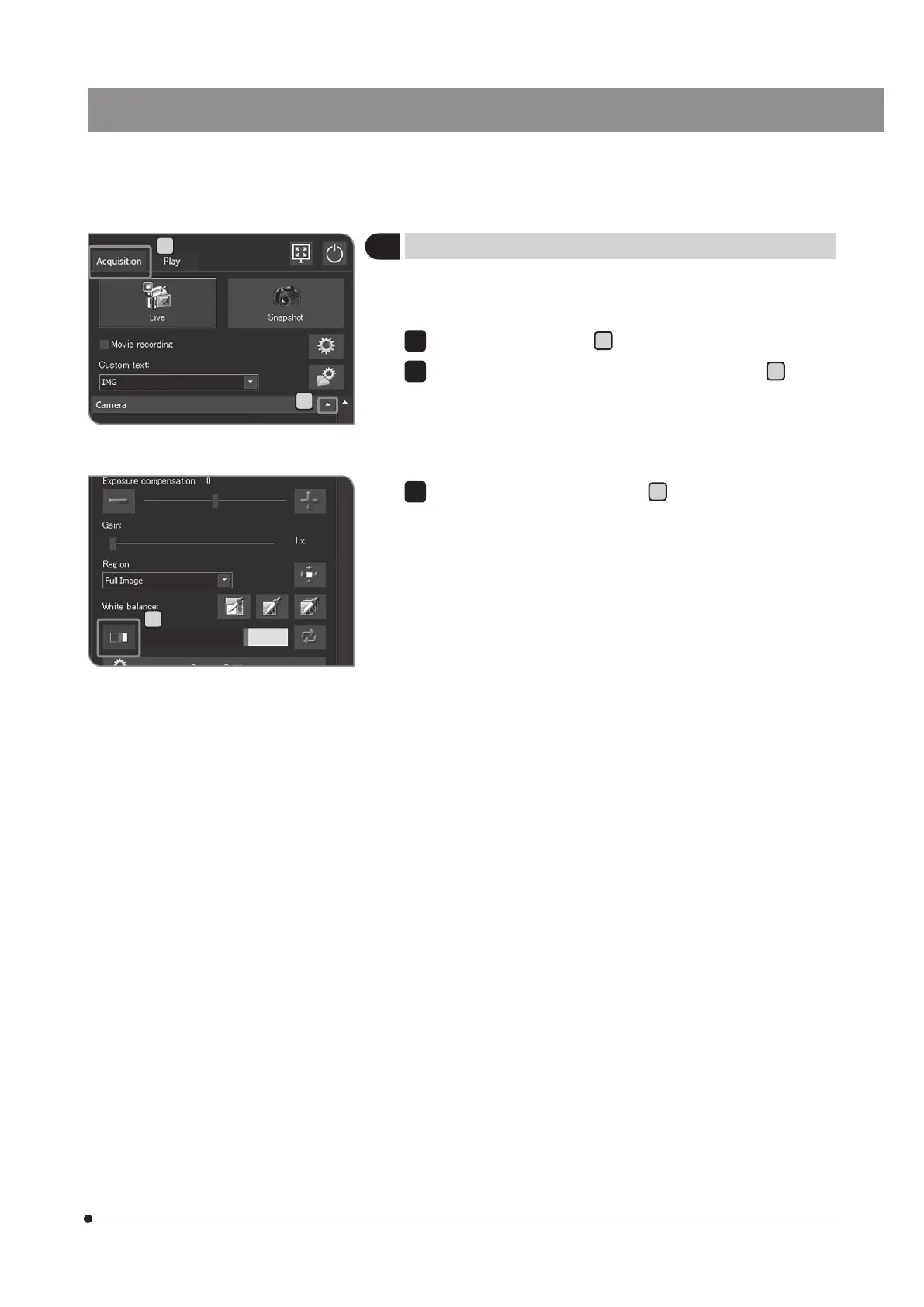
Setting the focus indicator
You can can switch between showing and hiding the focus indicator
and the focus area.
Select the [Acquisition] tab
A
.
If the setting items of [Camera] are not displayed, press
B
to open
them.
1
2
B
C
Press the [Focus Indicator] button
C
to show or hide the focus
indicator.
3
A



 To Next Page