DP23-AOU/DP28-AOU
83
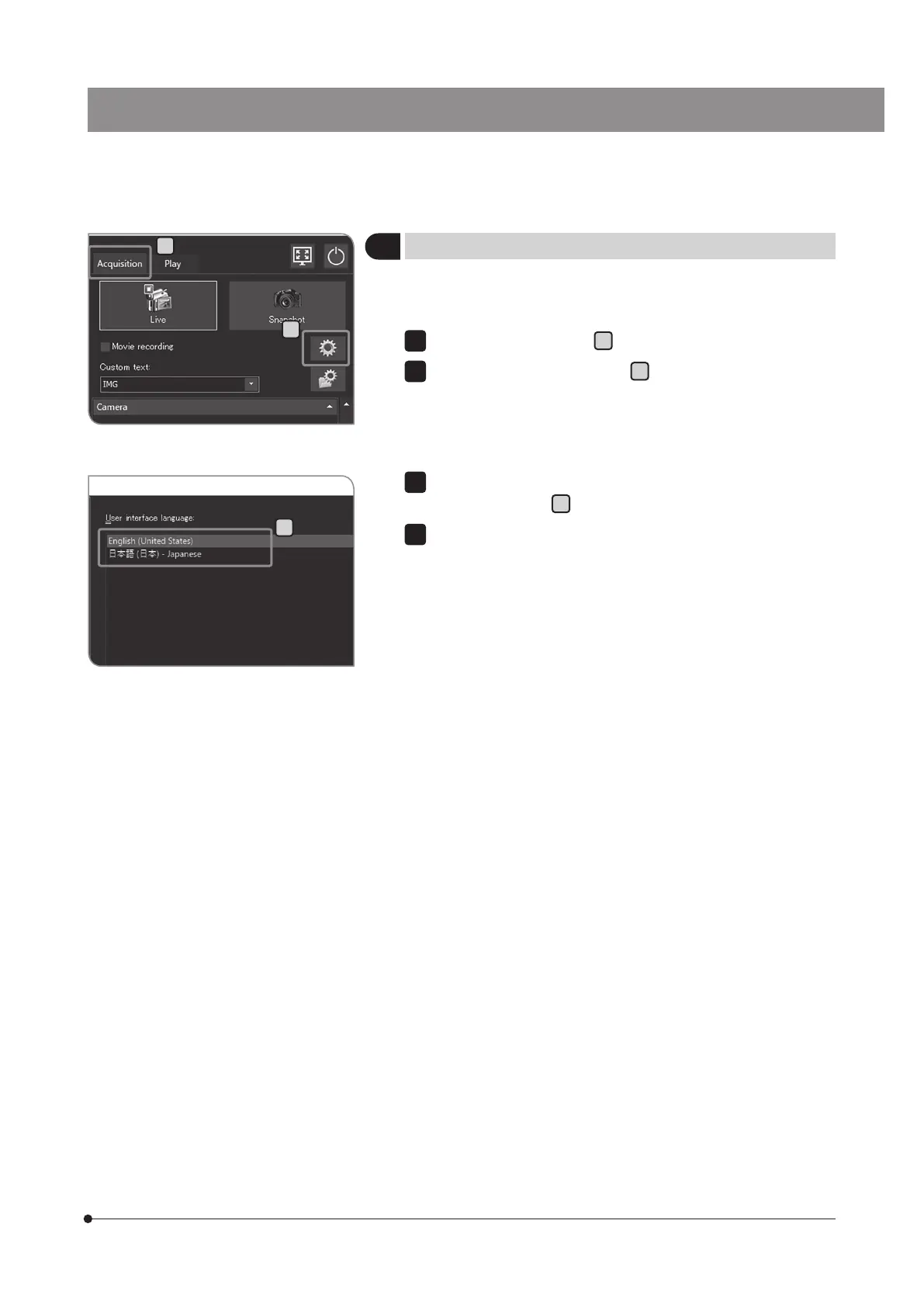
You can set the language you use. The language can be selected from 2
languages: Japanese or English.
Select the [Acquisition] tab
A
.
Press the [System Settings] button
B
to open the [Options] dialog box.
1
2
1
Setting the language
Select [Environment] > [Language], and select the language in [User
interface language]
C
.
Press the [OK] button to close the [Options] dialog box. When the
message for confirmation appears, confirm the content and press
the [OK] button.
3
4
A
C
B



 To Next Page