DP23-AOU/DP28-AOU
77
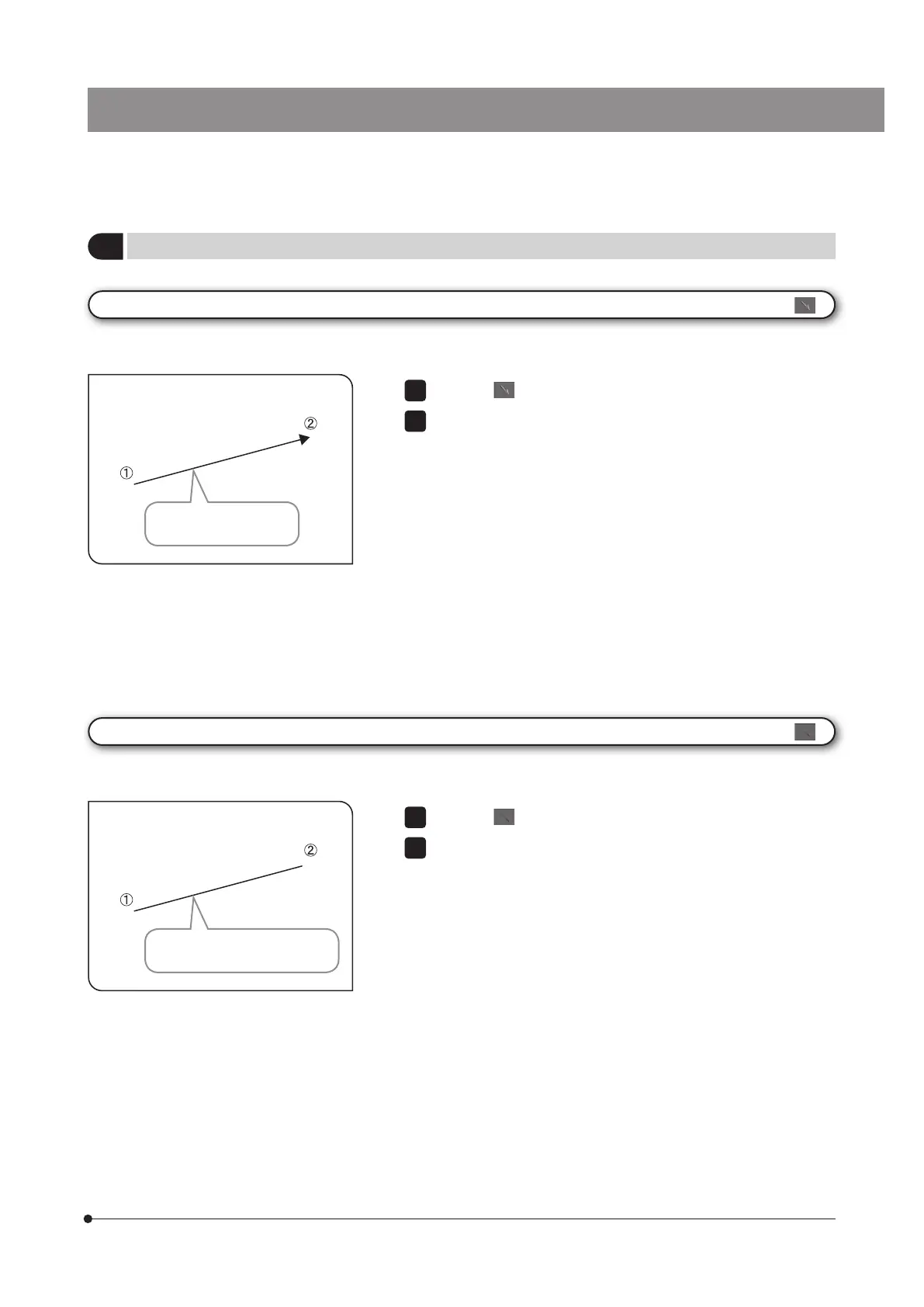
Press the button.
Click the mouse to specify the start point and the end point of the
position you want to draw.
1
2
Press the button.
Click the mouse to specify the start point and the end point of the
position you want to draw.
1
2
[Arrow]
[Line]
You can draw an arrow on the image.
You can draw a line on the image.
An arrow is drawn in the
direction from
1
to
2
.
A line is drawn in the direction
from
1
to
2
.
3
Details of drawing functions



 To Next Page