22
A
5
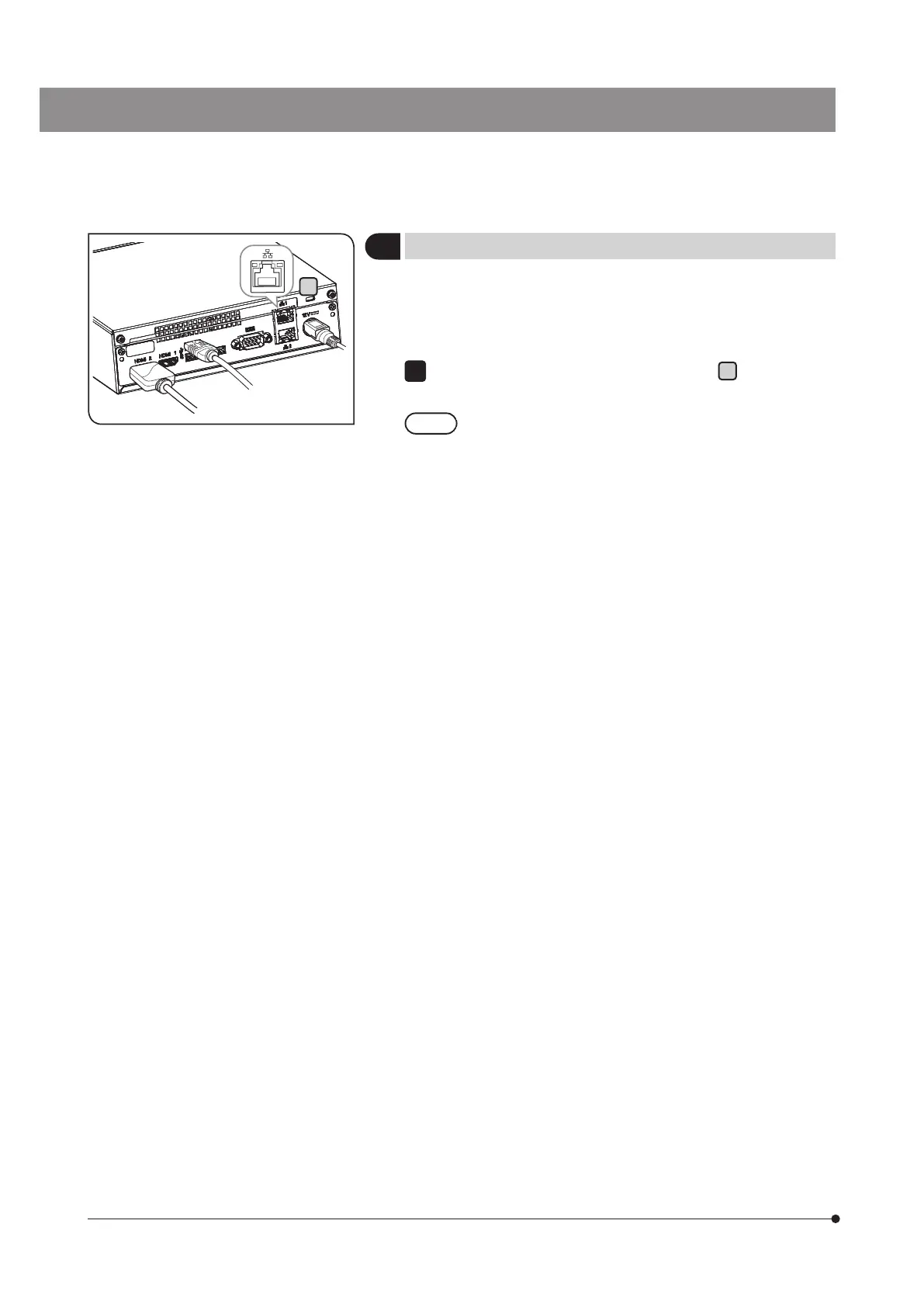
Connecting the LAN cable
The LAN connection is necessary only when DP2-AOU accesses PC
on the network to save the acquired images. When saving the acquired
images to the recording media such as USB flash drive, etc., the LAN
connection is not necessary.
Insert the LAN cable into the LAN connector
A
on the back of
DP2-AOU.
When connecting to the network, you need to make the
network settings in addition to the connection of LAN cables.
For network settings, see p.88.
1



 To Next Page