DP23-AOU/DP28-AOU
81
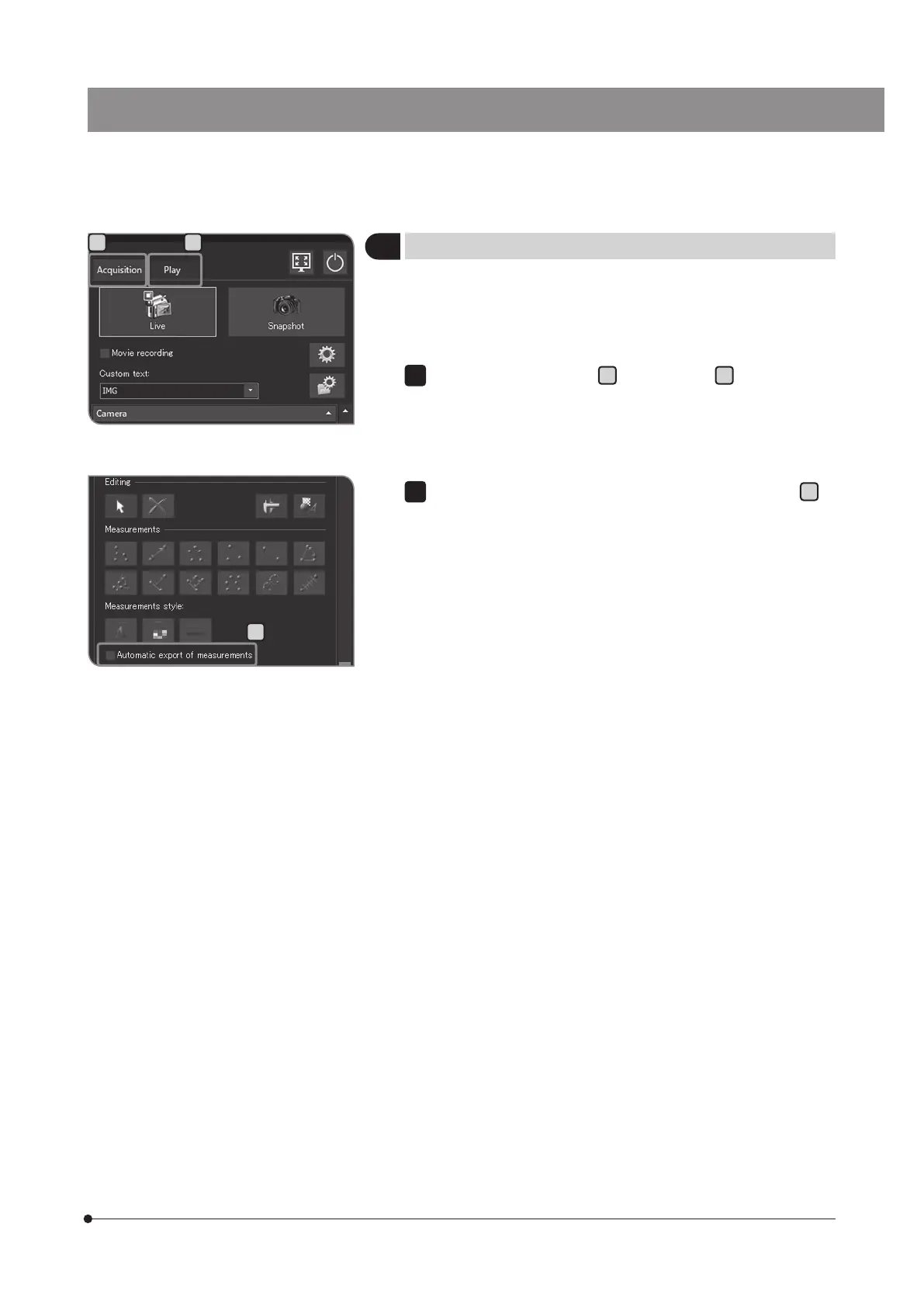
You can output the measurement results to files in CSV format. When
acquiring or saving the images, the files in CSV format are saved to
the same save destination as the images with the same file names
as the images.
Select the [Acquisition] tab
A
or the [Play] tab
B
.
5
Outputting measurement results in CSV file
A B
C
Check the [Automatic export of measurements] checkbox
C
in
[Measurement]. For procedures to display [Measurement], see p.66.
2



 To Next Page