26
4
Acquiring the still image
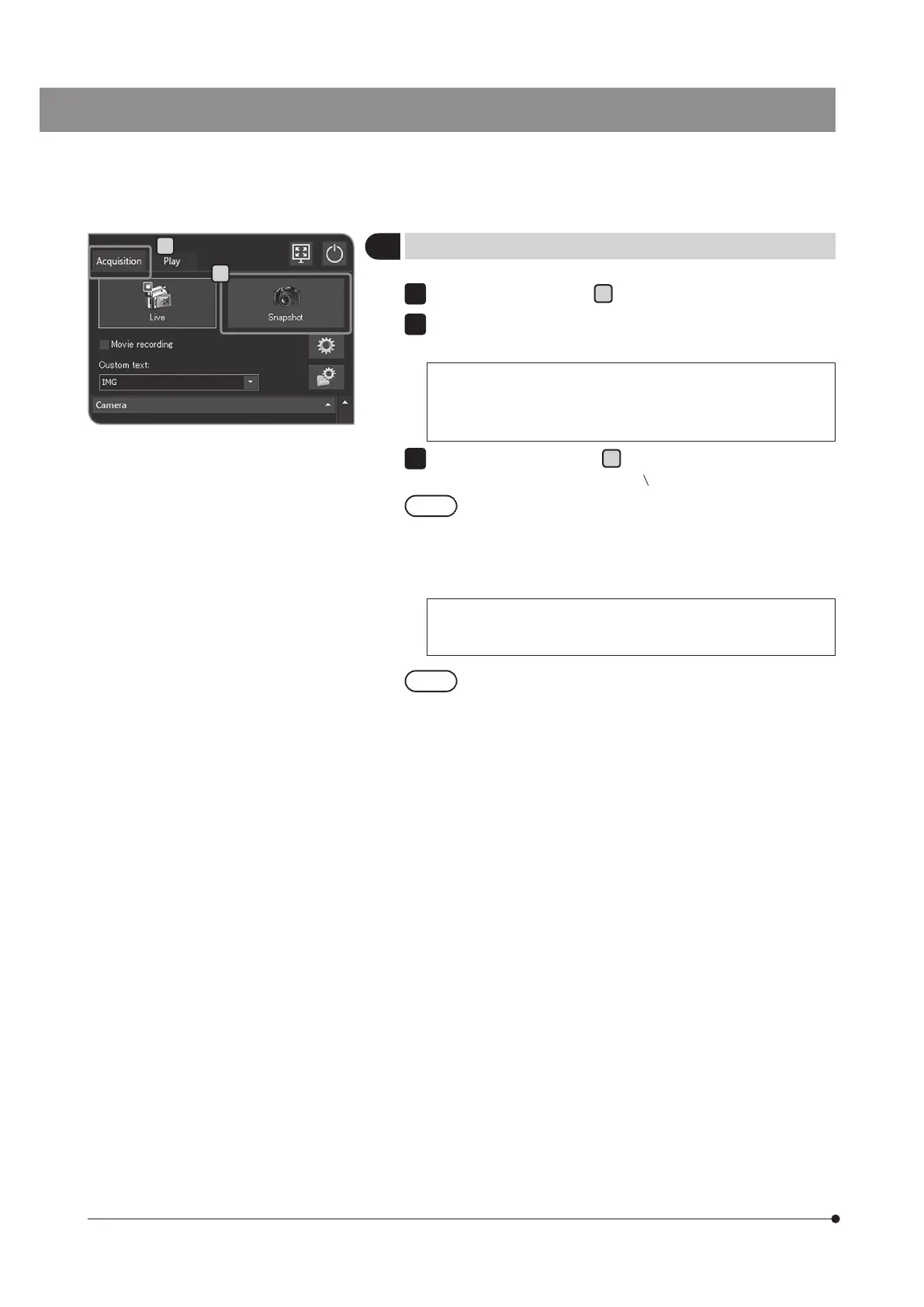
Select the [Acquisition] tab
A
.
Operate the microscope to frame the area you want to acquire and
bring it into focus.
Hint:
Zooming the live image (p.41) or displaying the focus indicator
(p.49) allows you to bring the image into focus easily.
Press the [Snapshot] button
B
to acquire and save the image. The
image is saved on the hard disk (E:
Images) in DP2-AOU.
· When the keyboard is connected, you can acquire the image
by pressing the [F8] key.
· The folder names and file names of acquired images are
created automatically. For details, see“Setting the save folders
and file names (p.54)”.
Hint:
You can change the save destination of the image. (p.54).
The acquired image is displayed for approximately 1 second
after the still image is acquired.
1
3
B
A



 To Next Page