76
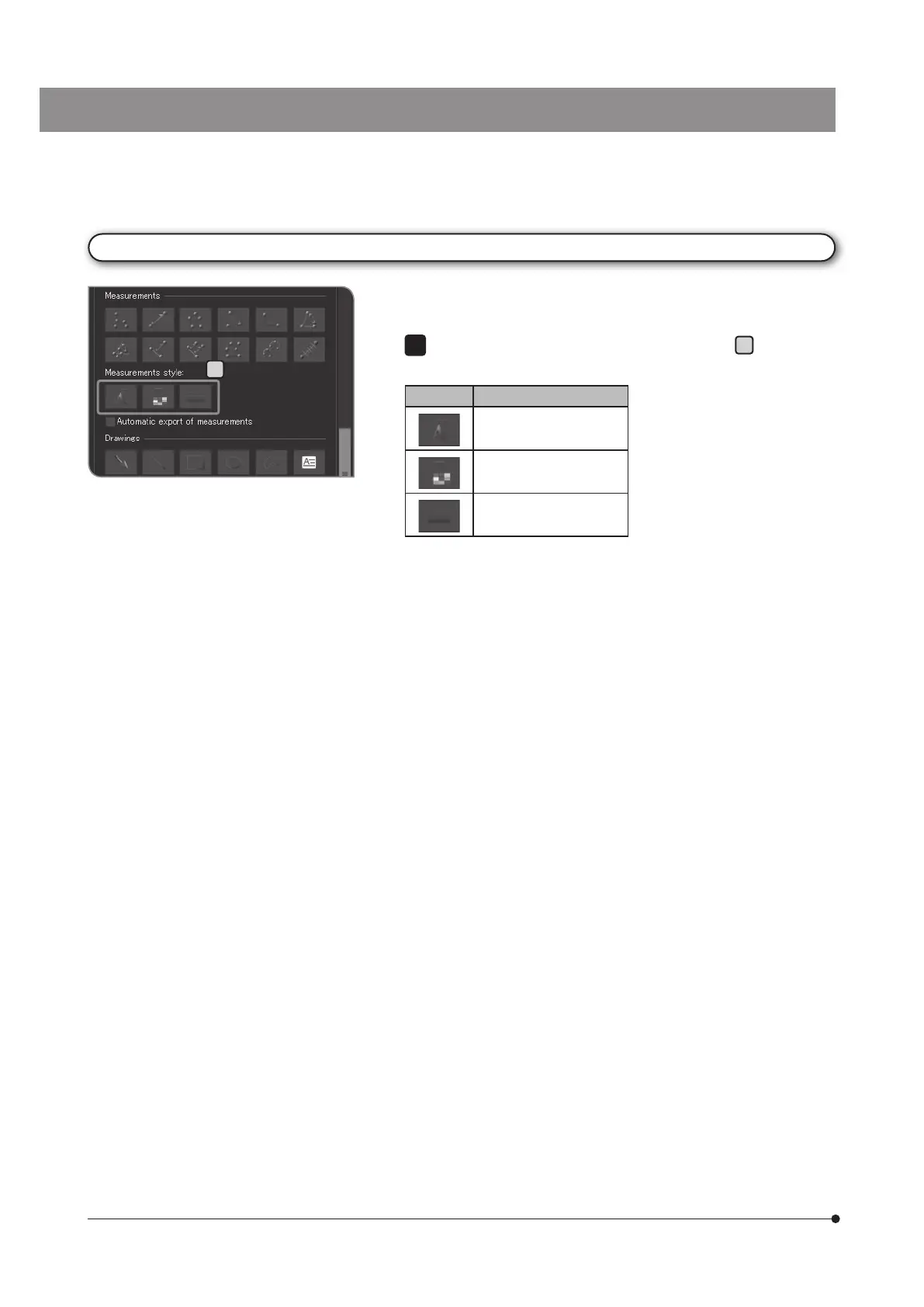
Changing the style of measurement results
You can change the lines and texts (measurement values) of
measurement results to arbitrary colors, line thickness or fonts.
Click the following buttons in [Measurements style]
A
to display the
dialog box, and change to your desired settings.
Style Function
[Change Font]
[Change Color]
[Change Line Thickness]
1
A



 To Next Page