50
You can show the focusing status of the live image on the display as a guide for focusing.
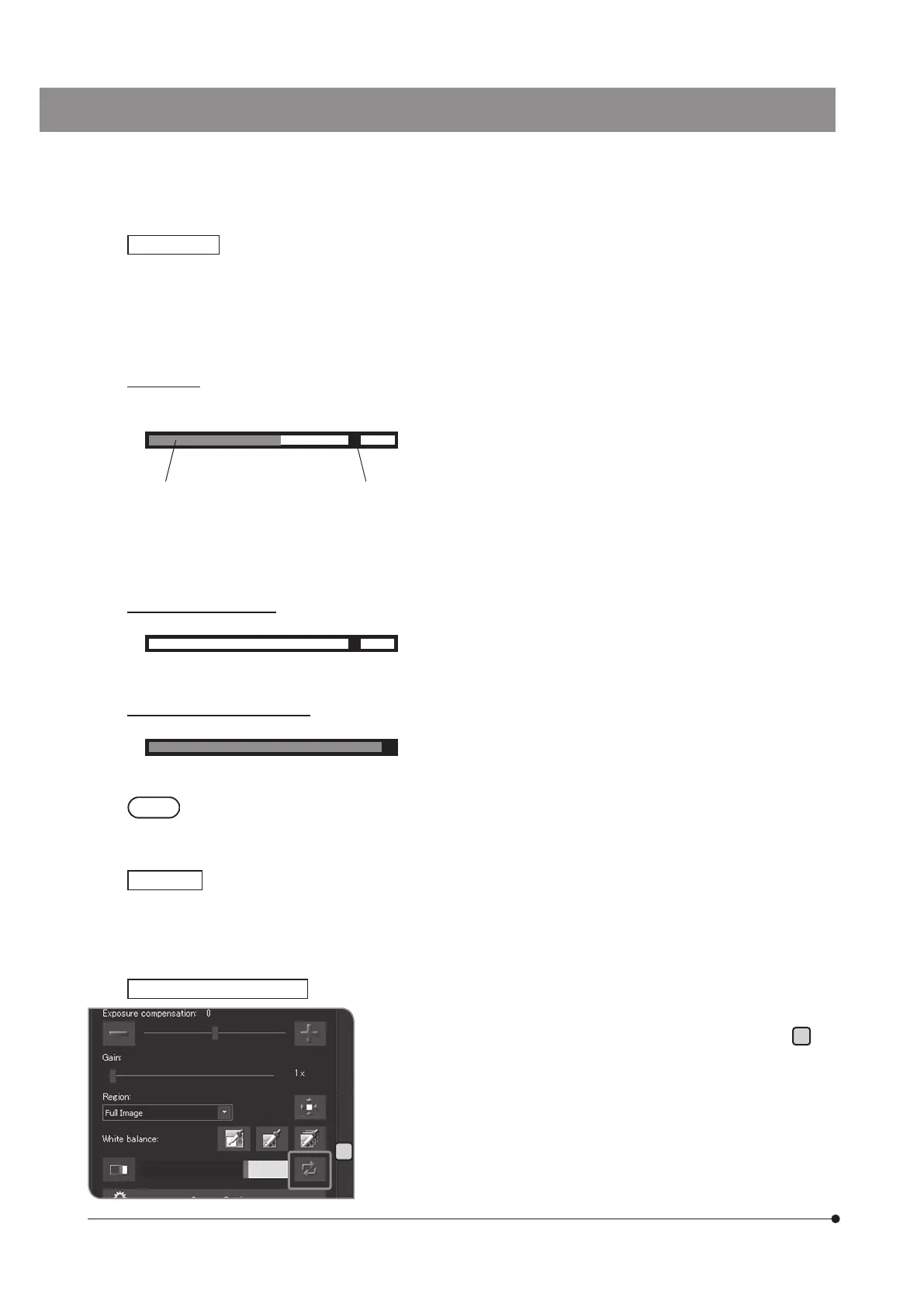
The focus indicator is displayed as a bar shown below in the lower area of the screen. The meter’s maximum level is
displayed automatically according to the contrast of the specimen.
Normal view
The current level is displayed by the blue bar. The maximum level is displayed in red.
When the image is focused, the blue bar moves closer to the maximum level. When the image is not focused, the
blue bar becomes shorter and the maximum level range becomes wider.
As a guide for focusing, adjust the microscope so that the focusing level is closer to the maximum.
Level 0, unevaluable view
Maximum evaluation level view
· The current level is updated approximately every 0.1 sec.
· The maximum level is updated when the higher maximum level is identified.
You can specify whether to show the focus area on the display or not.
The level of the focus indicator is calculated on the image in this area.
Focus indicator
Focus area
Resetting the focus indicator
Current level Maximum level
D
If the red bar or the blue bar reaches the right end even though the
image is not focused yet, press the [Reset Focus Indicator] button
D
.
You can set the relative value of the red bar or the blue bar to 75%.



 To Next Page