DP23-AOU/DP28-AOU
79
Press the button.
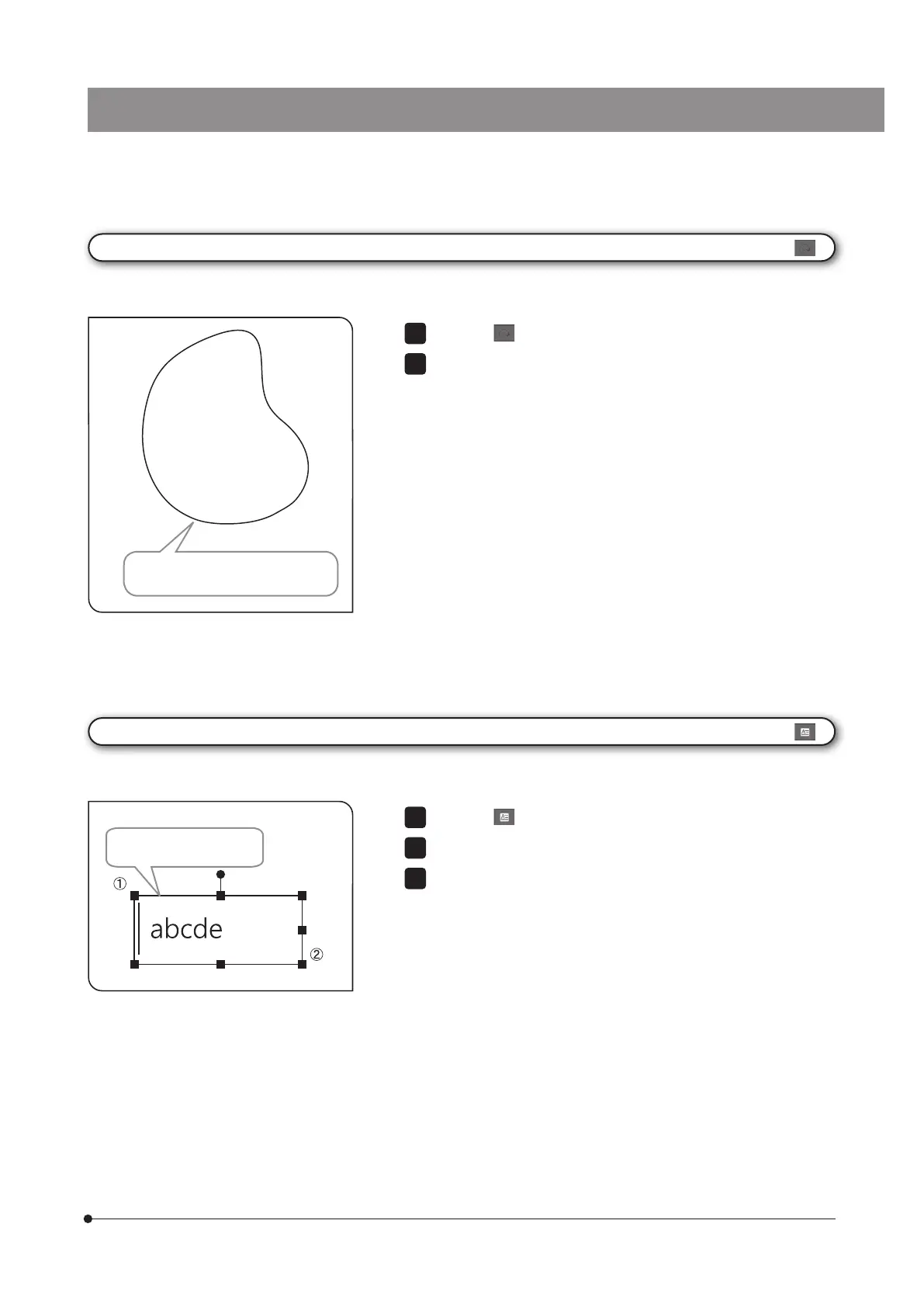
Drag the position you want to draw the texts with the mouse.
When the field appears, input the texts using the keyboard.
1
2
[Text Field]
You can draw the texts on the image. The keyboard and the mouse are necessary for drawing the texts.
Input the texts in the filed.
Press the button.
Drag the area you want to draw with the mouse to draw the freehand
drawing.
1
2
[Freehand Polygon]
You can draw a free hand drawing on the image.
The trace dragged by the mouse is
drawn.



 To Next Page