DP23-AOU/DP28-AOU
85
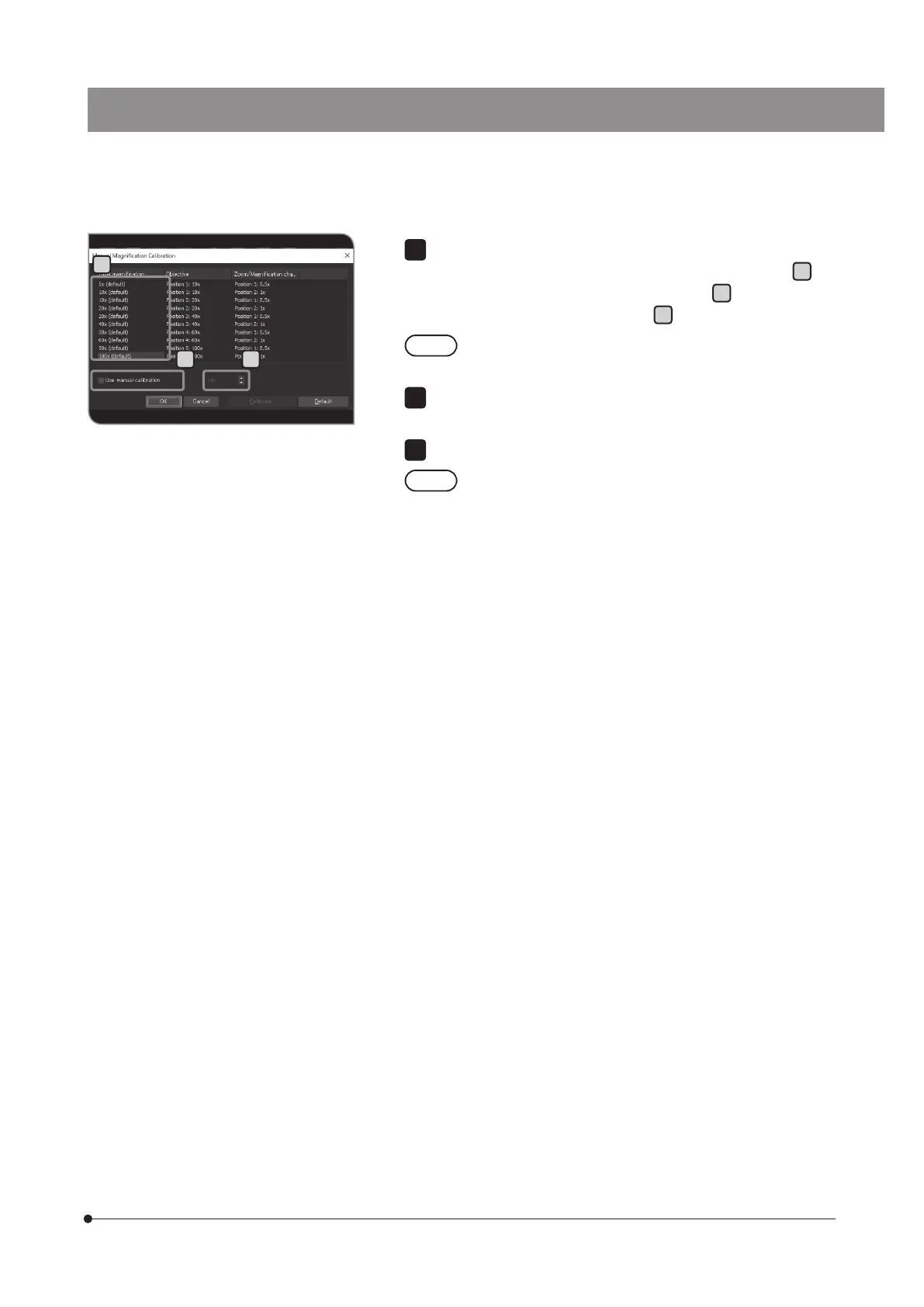
When the intermediate magnification changer is in the light path, if you want
to change the total magnification, select [Total magnification]
H
.
Check the [Use manual calibration] checkbox
I
, and set the total
magnification you want to change in
J
.
Pressing the [Default] button brings all the total magnifications
back to default values.
Press the [OK] button to close the [Manual Magnification Calibration]
dialog box.
Press the [Close] button to close the [Calibrations] dialog box.
If the microscope is equipped with the magnification changer,
input the magnification in [Magnification] of [Magnification
Changer], and press the [Add] button.
8
H
I J



 To Next Page