© 2011 Omnicell, Inc. OmniRx Service Guide/67-2023 Rev F
OmniRx G4 Console Upgrade 4-5
Remove the G3 Sled
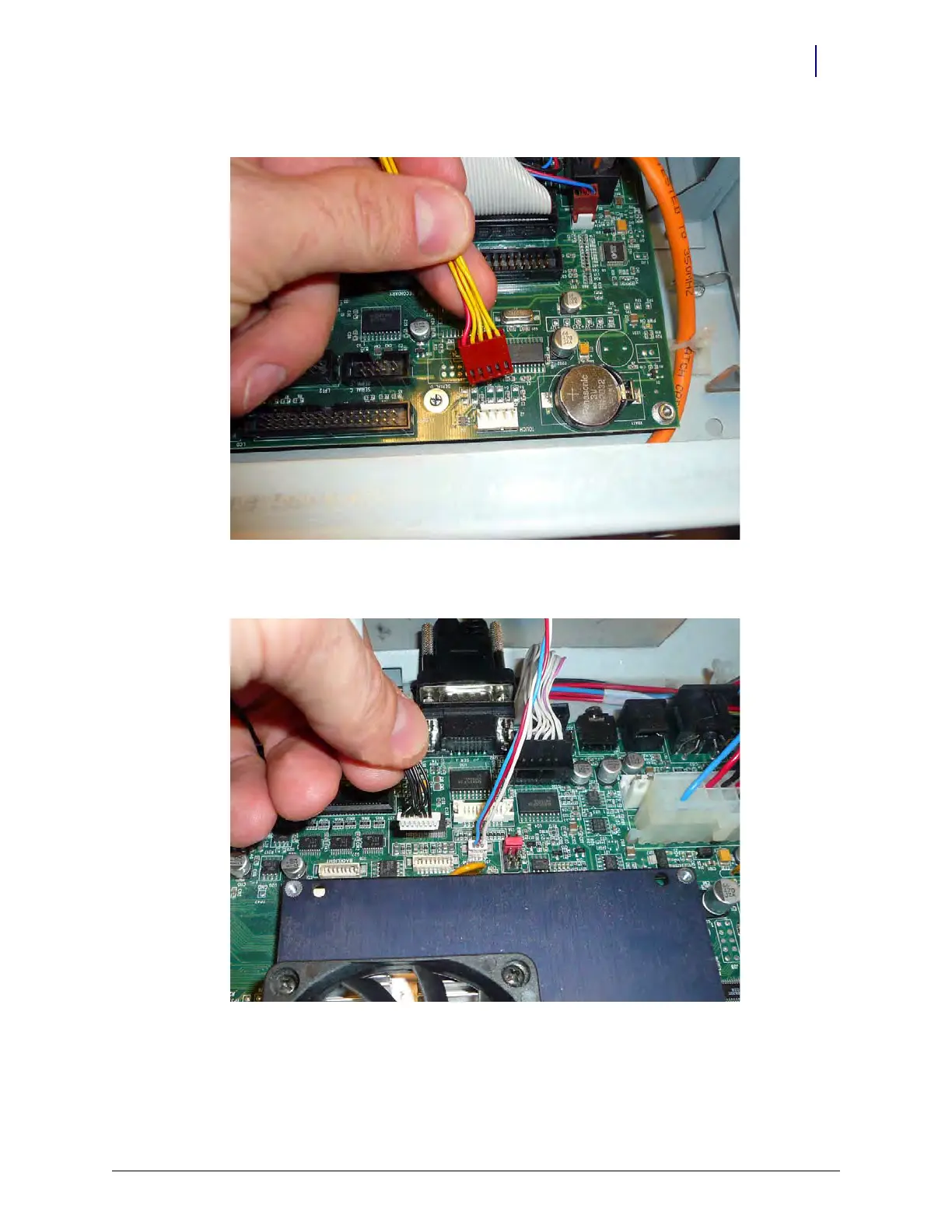
8. Disconnect the touch screen data cable from J2 on the motherboard:
Figure 4-7. Disconnect the touch screen data cable from J2 of the motherboard
9. Disconnect the inverter cable (backlight) from J32 on the motherboard.
Figure 4-8. Disconnect the backlight cable from J32 of the motherboard



 To Next Page