431
Conversion Instructions Section 3-11
Applicable Program Areas
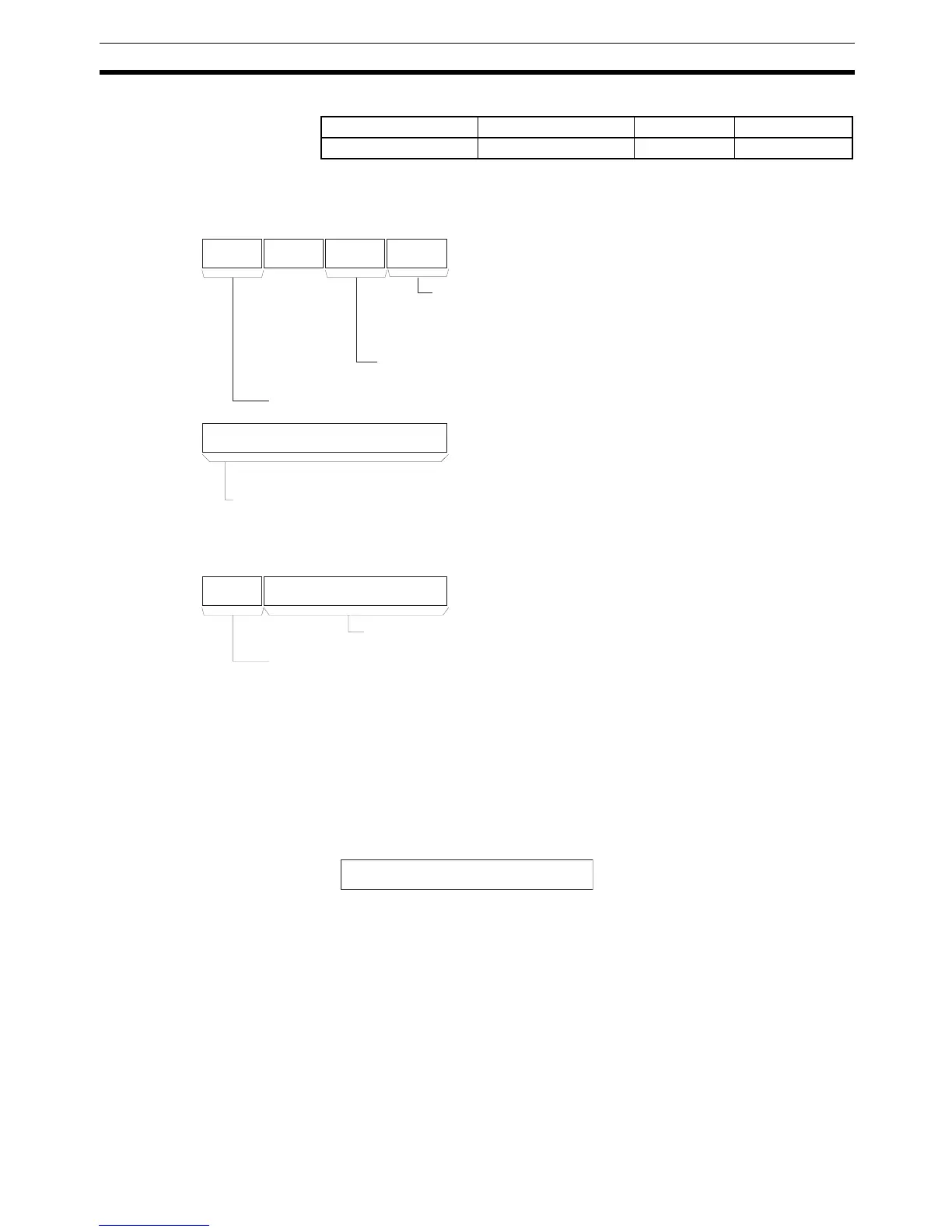
Operands C: Control Word
Specifies the parameters for the conversion as shown below.
S: Source Word
Contains the gray binary code to be converted. The range must be within the
number of bits determined by the resolution specified in bits 00 to 03 of C. All
bits outside of the number of bits for the specified resolution will be ignored.
For example, if the specified resolution is 08 hex and S contains FFFF hex,
the gray binary code will be taken as 00FF hex.
D: First destination word
Destination words D+1 and D contain the results of converting the gray binary
code at the resolution specified in bits 00 to 03 of the control data word C and
the conversion mode specified in bits 04 to 07 of the control data word C. The
leftmost word is output to D+1 and the rightmost word is output to D. The
ranges of data that are output are as follows:
Binary Mode: 0000 0000 to 0000 7FFF hex
BCD Mode:0000 0000 to 0003 2767
360
° Mode:0000 0000 to 0000 3599
(0.0
° to 359.9° in 0.1° increments, BCD)
Block program areas Step program areas Subroutines Interrupt tasks
OK OK OK OK
C
0
4 3 7 8111215
C+1
C+2
15 1112 0
Do not
use (0).
Operating Mode
0 hex = Gray binary code conversion
Conversion Mode
0 hex = Binary Mode, 1 hex = BCD Mode, 2 hex = 360° Mode
Resolution
0 or 1 to F hex (1 to 15 decimal) bits
0 hex = User specified in bits 12 to 15 of C+2.
Zero Point Compensation (0000 to 7FFF Hex (Binary Data))
Note: Zero point compensation that exceeds the resolution set in the word C of the control
data cannot be specified.
User-specified Resolution
0 hex = 256, 1 hex = 360, 2 hex = 720, 3 hex = 1,024, 4 to F hex = Do not use.
Encoder Remainder Compensation (Binary Data)
Note: The range that can be set depends on the user-specified resolution.
Note: The above settin



 To Next Page