6 System Configuration and Setup
6 - 14
NX-series Safety Control Unit User’s Manual (Z930)
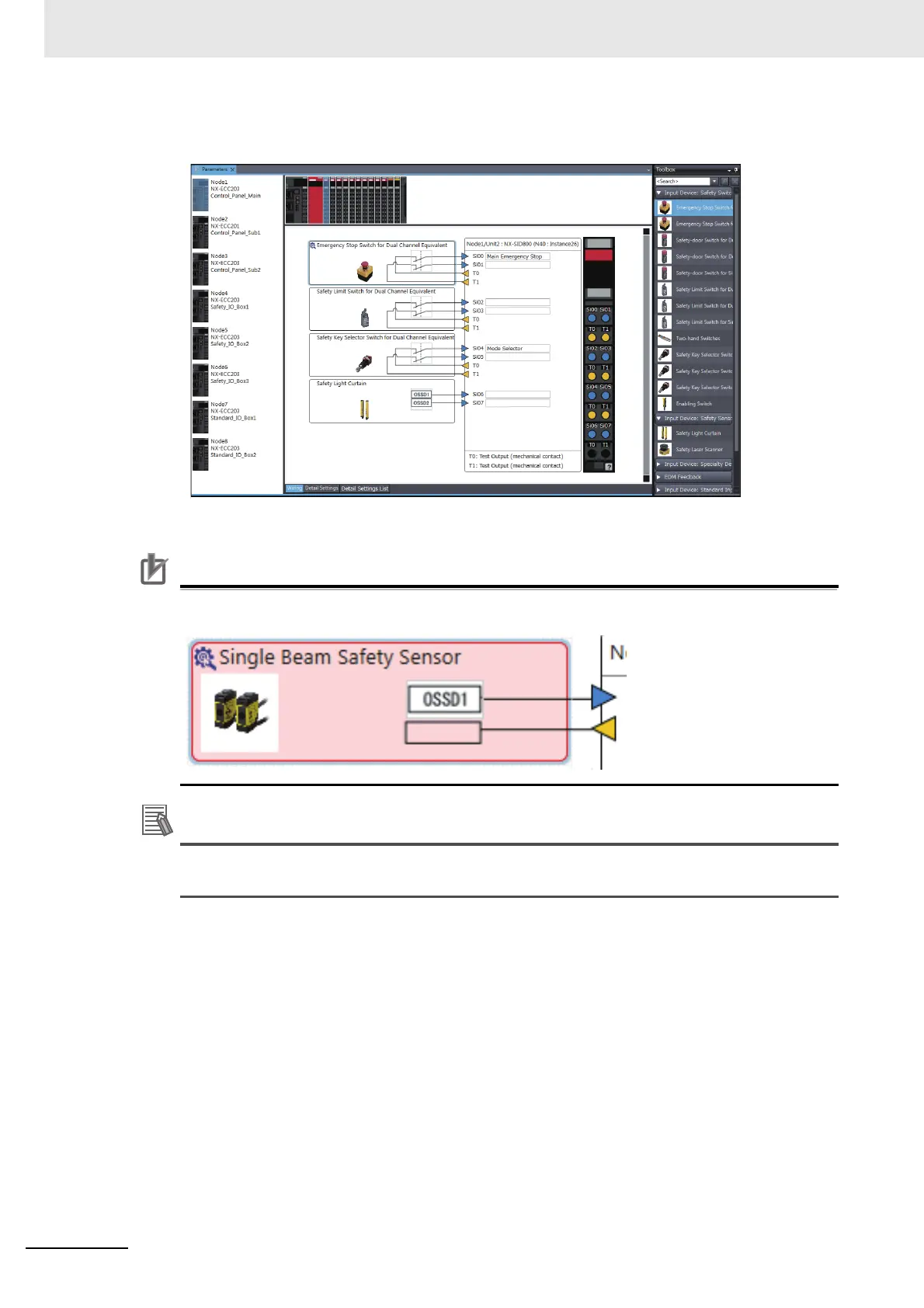
4 When you complete the settings, the following is displayed. Change the settings and enter com-
ments.
Refer to 3-3-1 Safety Input Functions on page 3-11 and 3-3-2 Safety Output Functions on page
3-35 for the I/O devices that you can connect and the settings for each I/O device.
Precautions for Correct Use
If you select an input device that cannot be set for a Safety Input Unit, an error will occur and
the frame around the input device will be displayed in red.
The I/O terminal comments on the Parameters Tab Page for a Safety Slave Unit are linked to
the device variable comments and the global variable comments.










 To Next Page