1 Overview
1 - 20
NX-series Safety Control Unit User’s Manual (Z930)
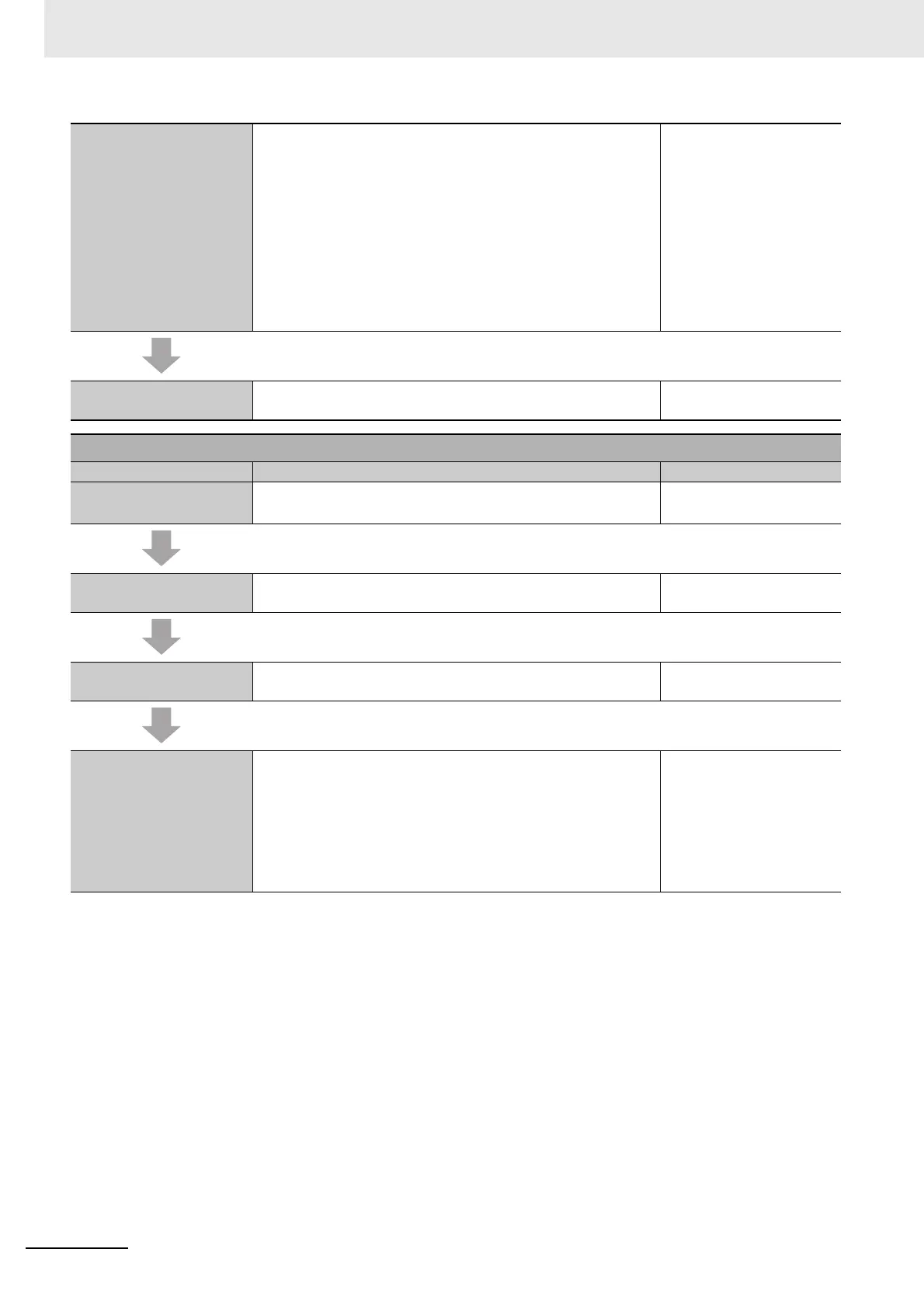
Step 4-5 Programming Variable Registration:
• Register the variables that are used by more than one POU in
the global variable table with the Sysmac Studio.
• Register the variables that are used in only a specific program
in the local variable table for that program.
• Register the variables that are used in only a specific function
block in the local variable table for that function block.
Writing Algorithms for POUs: Write the algorithms for the POUs
(programs and function blocks) using the FBD language.
7-5 Programming Opera-
tions on page 7-27
Step 4-6 Offline Debugging The Simulator is used to debug the program. 7-7 Offline Debugging on
page 7-69
Step 5. Installation and Wiring
Step Description Reference
Step 5-1 Installation • Connect the Units to each other.
• Mount the connected Units on a DIN Track.
Section 5 Installation and
Wiring
Step 5-2 Connecting the
Ethernet Cables
Connect the NJ/NX-series CPU Units or other standard control-
lers to the Communications Coupler Units.
Manuals for specific Com-
munications Coupler Units
Step 5-3 Wiring the I/O • Wire the Safety I/O Units. Section 5 Installation and
Wiring
Step 5-4 Connecting the
Computer That Runs the
Sysmac Studio
Use one of the following connections.
• Connect a USB cable to the NJ/NX-series CPU Unit
*1
• Connect an Ethernet cable to the built-in EtherNet/IP port on
the NJ/NX-series CPU Unit.
*1
• Connect a USB cable to the Communications Coupler Unit
*1. You can use this connection method only if you use an NJ/NX-series CPU Unit and EtherCAT Coupler Unit.
1-3 Support Software on
page 1-9
Sysmac Studio Version 1
Operation Manual (Cat.
No. W504)
Manuals for specific Com-
munications Coupler Units










 To Next Page