NOTE:
If the Compute Box was in Advanced mode, first reset the IP setting by
switching to Fixed IP mode and then switch back to Auto mode.
After the IP address is configured, do the following steps:
•
Connect the Compute Box to your computer with the supplied UTP cable.
•
Power the Compute Box with the supplied power supply
•
Wait one minute for the Compute Box LED to turn from blue to green.
•
Open a web browser on your computer and type in the IP address of the Compute Box
(factory default is 192.168.1.1).
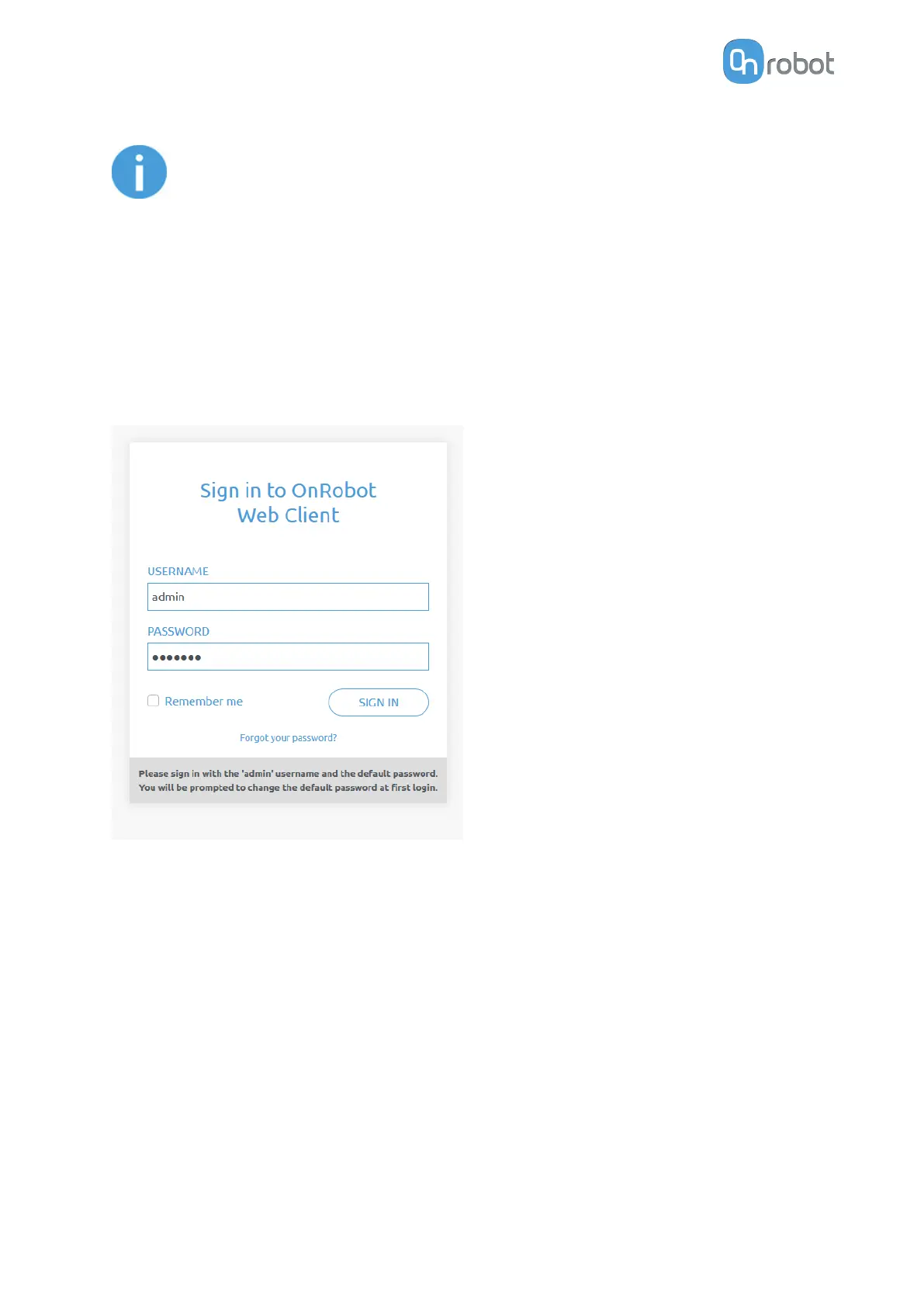
The Sign-in page opens:
The factory default administrator login is:
Username: admin
Password: OnRobot
For the first login a new password needs to be entered: (password must be at least 8
characters long)
ADDITIONAL SOFTWARE OPTIONS
143



 To Next Page