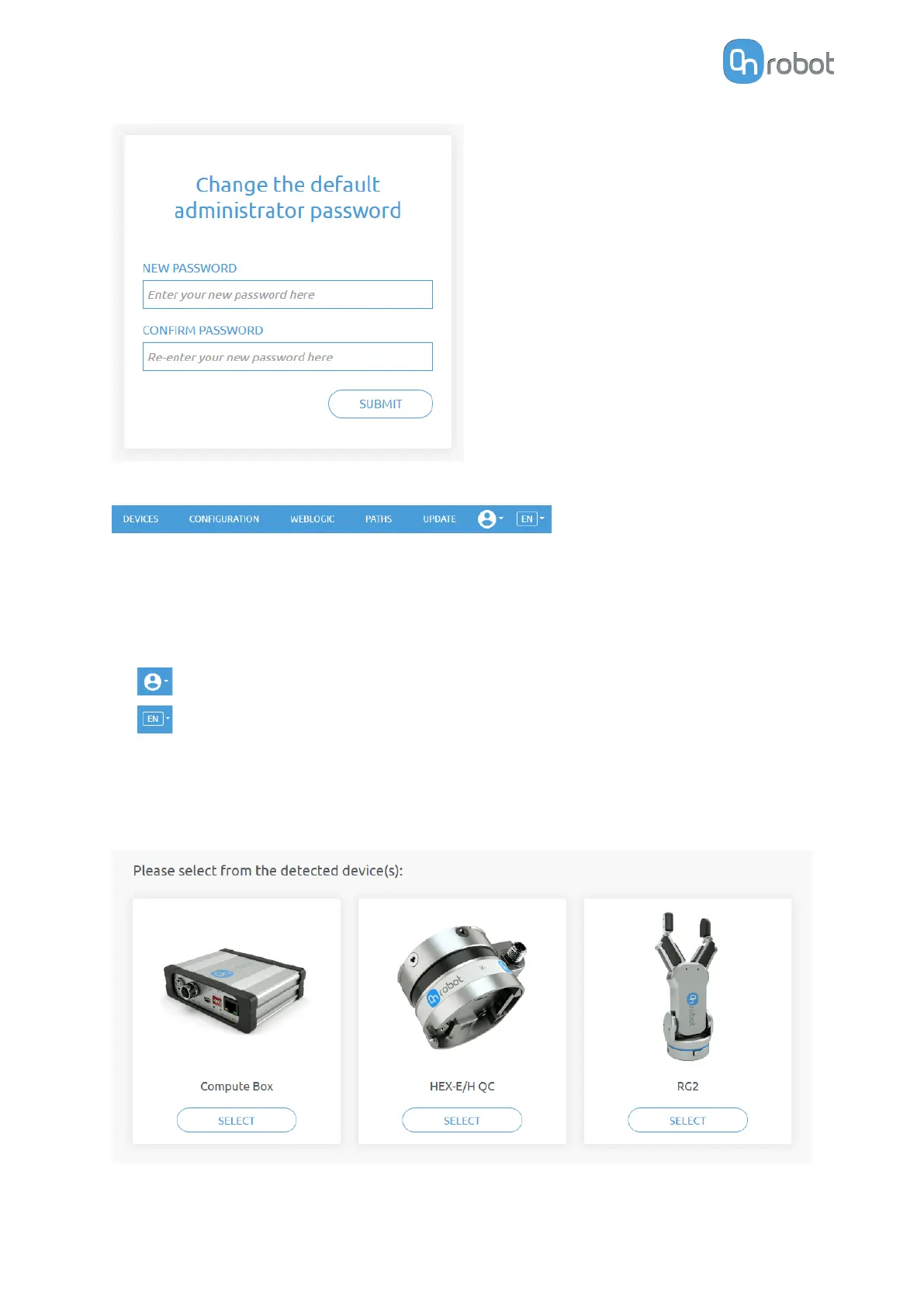
Once signed in the following top menus appear:
•
Devices - Monitor and control the connected devices (e.g.: grippers)
•
Configuration - Change the Compute Box's settings
•
WebLogic™ - Program the Digital I/O interface through OnRobot WebLogic™
•
Paths - Import/export the recorded Paths (not available to all robots)
•
Update - Update the Compute Box and the devices
•
Account settings (e.g.: change password, add new user)
•
Select the language of the Web Client
In the following, these menus will be described.
7.1.3. Web Client: Devices Menu
To control/monitor a device click on the Select button.
ADDITIONAL SOFTWARE OPTIONS
144



 To Next Page