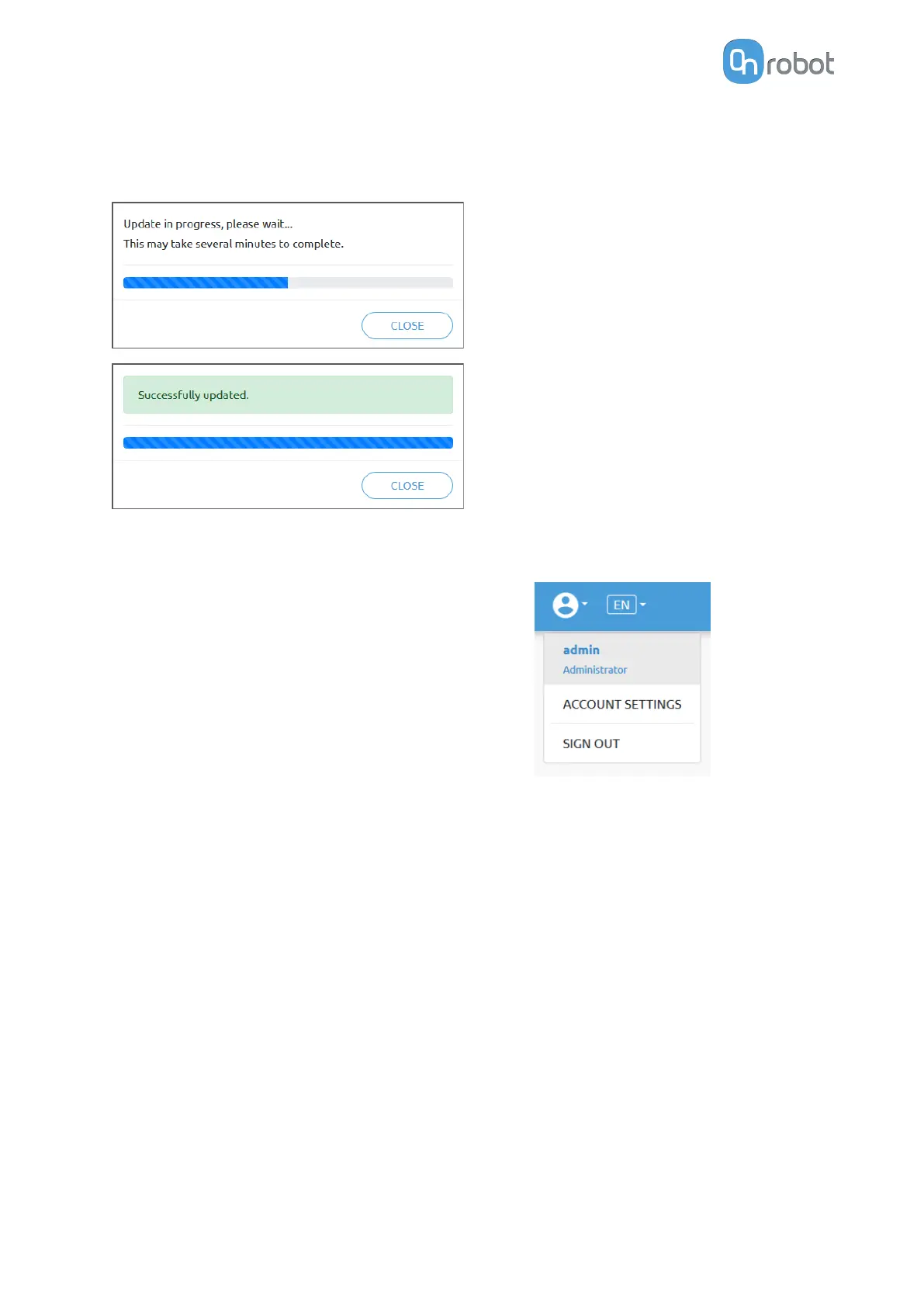
To start the firmware update, click on Update button in the firmware section of the page, see
below.
If the update is finished and was successful, the message below is shown.
7.1.7. Web Client: Account Settings
This menu can be used to:
•
See the currently sign-id user
•
Go to Account settings
•
Sign-out
Account settings:
This page has two tabs:
•
My
profile - to see and update the currently logged in users' profile (e.g.: change
password)
•
Users - to manage users (e.g.: add/remove/edit)
On the My profile tab to change any profile data (e.g.: password) click on the Update profile
button.
ADDITIONAL SOFTWARE OPTIONS
160



 To Next Page