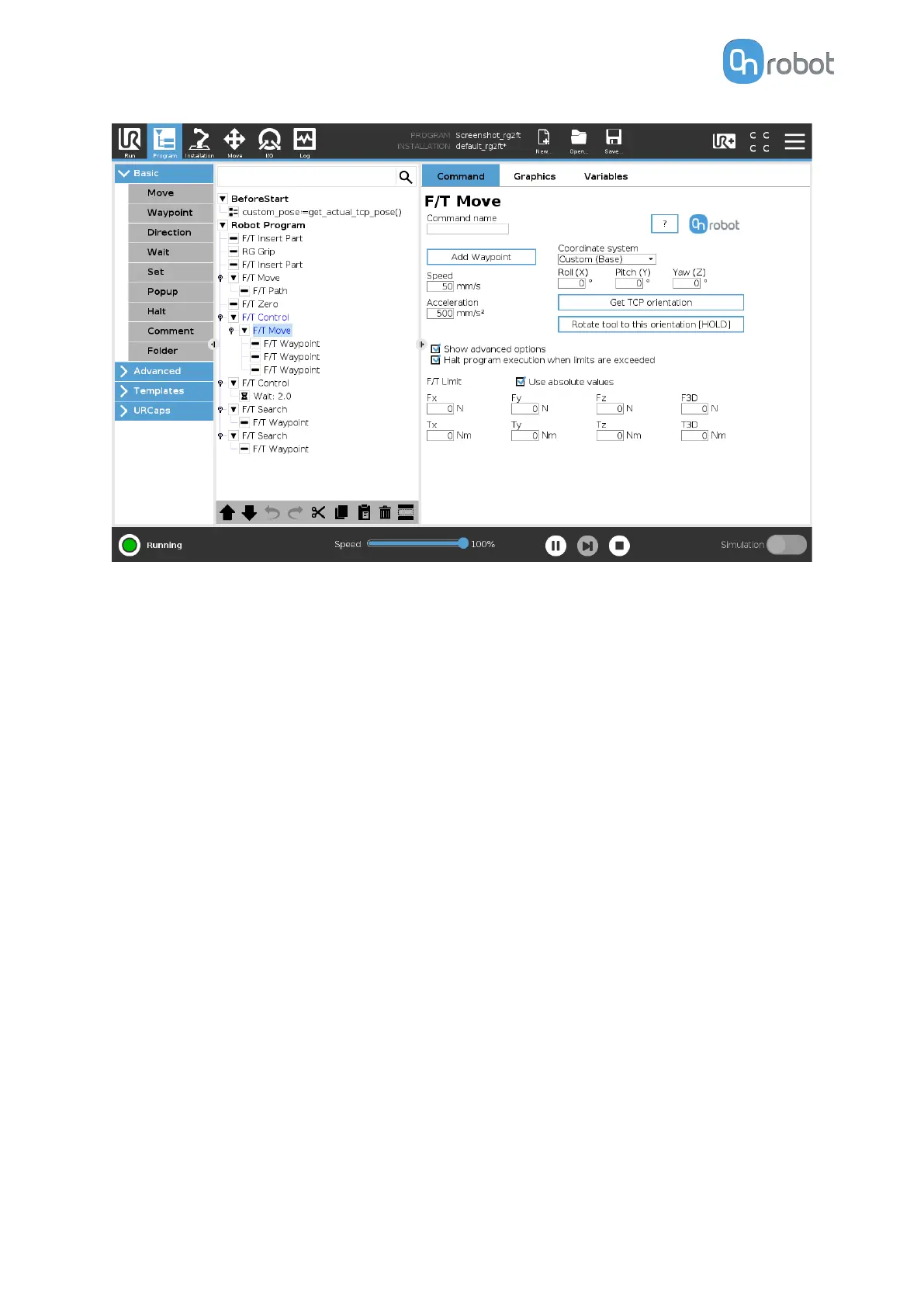
F/T Limit Fx,Fy,Fz,Tx,Ty,Tz,F3D,T3D: If any of the values reach the set threshold the stop is
triggered. Values equal to zero are neglected. More than one option can be set.
If the Use absolute values option is enabled, then it is not important whether the entered
value is positive or negative (e.g.: |Fz| > = 3), otherwise the sign
defines how the threshold is
calculated (e.g.: Fz > = 3 or Fz <= -3)
Halt program execution when limits are exceeded: If enabled then the program execution
will be stopped when the target position is not reached (the move is not successful since the
F/T Limit is reached). If the move is successful, then the program continues. If disabled, then
no pop-up message is shown but the user can handle any possible errors using the return
value of the command. See return values in the 6.5. Return Values section.
F/T Path
The F/T Path command can be used together with the F/T Move or F/T Search command,
to record and replay a Path.
OPERATION
71



 To Next Page