SECTION 3: OSCOR MANUAL OPERATION
REI OSC-5000E 38
ANALYZE MODE
The Analyze Mode changes the operation from a sweep function to a single frequency
signal analysis. Specify the frequency of interest with the cursor (controlled with the rotary
dial) or the numeric keypad. The Analyze Mode will demodulate a signal to audio,
display a refreshed signal profile, and indicate specific conditions prior to correlation.
To enter the Analyze Mode:
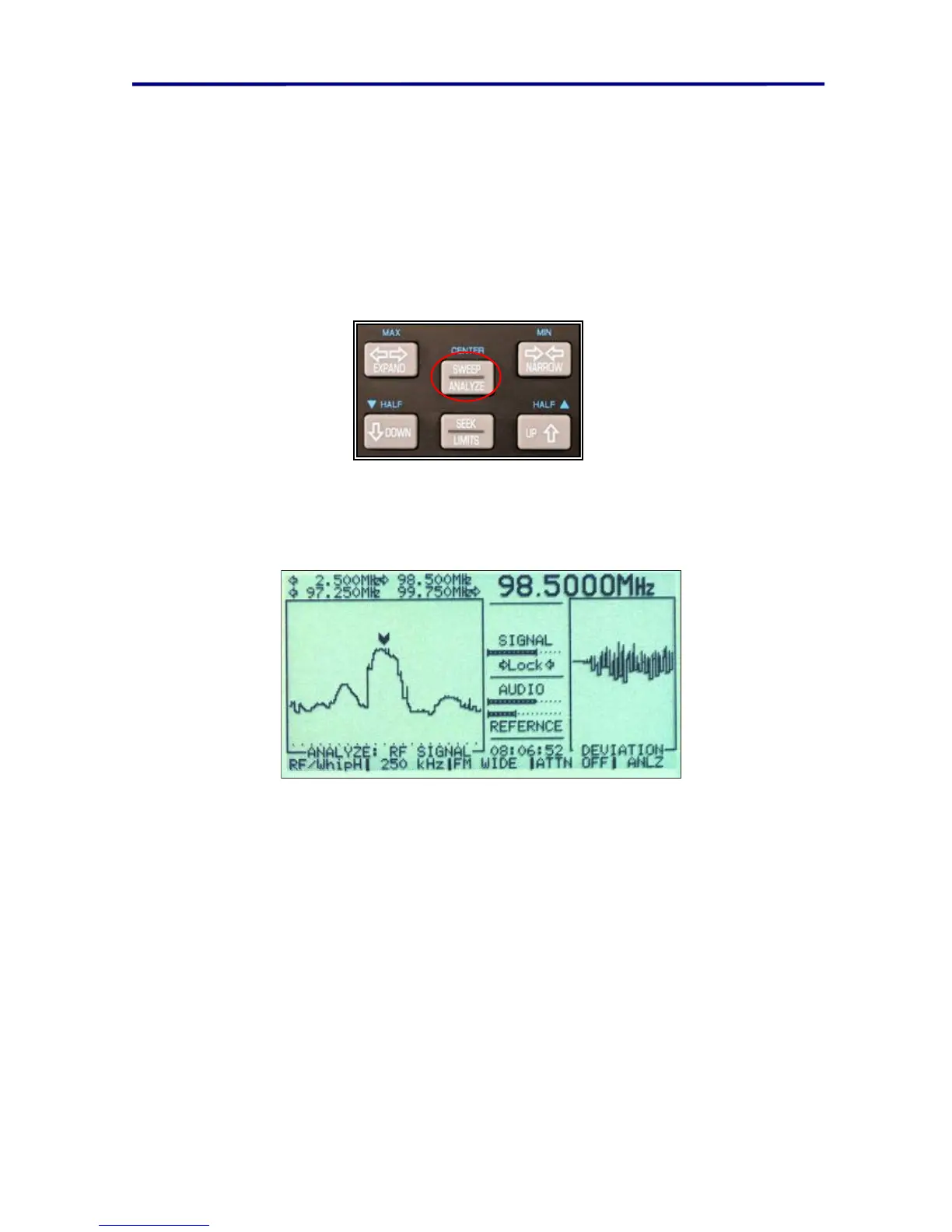
Press the SWEEP/ANALYZE button located just below the rotary dial.
This button toggles between the Sweep Mode and demodulated Analyze Mode. You can
listen to the signal indicated by the cursor by entering the Analyze Mode and adjusting
the volume control. The menu for the function keys in the Analyze Mode is identical to the
Sweep Mode.
FIGURE 25 ANALYZE MODE SCREEN DISPLAY
The analyze display screen contains two plots. The plot on the left half of the screen is the
frequency spectrum. Since the Analyze Mode is not a frequency sweeping process, the
graph of the signal profile is not refreshed, and the tuning frequency is equal to the
cursor frequency. However, if the signal level (at the cursor) is below the squelch
threshold, the Analyze Mode will function like the Sweep Mode, with the screen constantly
being updated and the tuning frequency constantly changing. If the signal level exceeds
the squelch level, the Frequency Display can be refreshed by several methods:
toggle to the Sweep Mode and back to Analyze Mode
expand or narrow the frequency span
manually scan the cursor across the screen using the rotary dial, or
program the frequency display to periodically refresh itself



 To Next Page