SECTION 4: OSCOR AUTOMATIC OPERATION
REI OSC-5000E 72
STEP 2 SET UP AUTO OPTIONS
Pressing the F2 button from the Auto Mode Main Menu (Figure 46) to enter the Setup
Auto Mode menu.
FIGURE 48 CONFIGURE AUTO MODE MENU
This menu provides the ability to:
F1 – INPUT SPANS – Edit the available antenna inputs for automatic searching. (This
is the same as pressing the RECALL button in the SWEEP mode.)
FIGURE 49 AUTO MODE INPUT SPANS
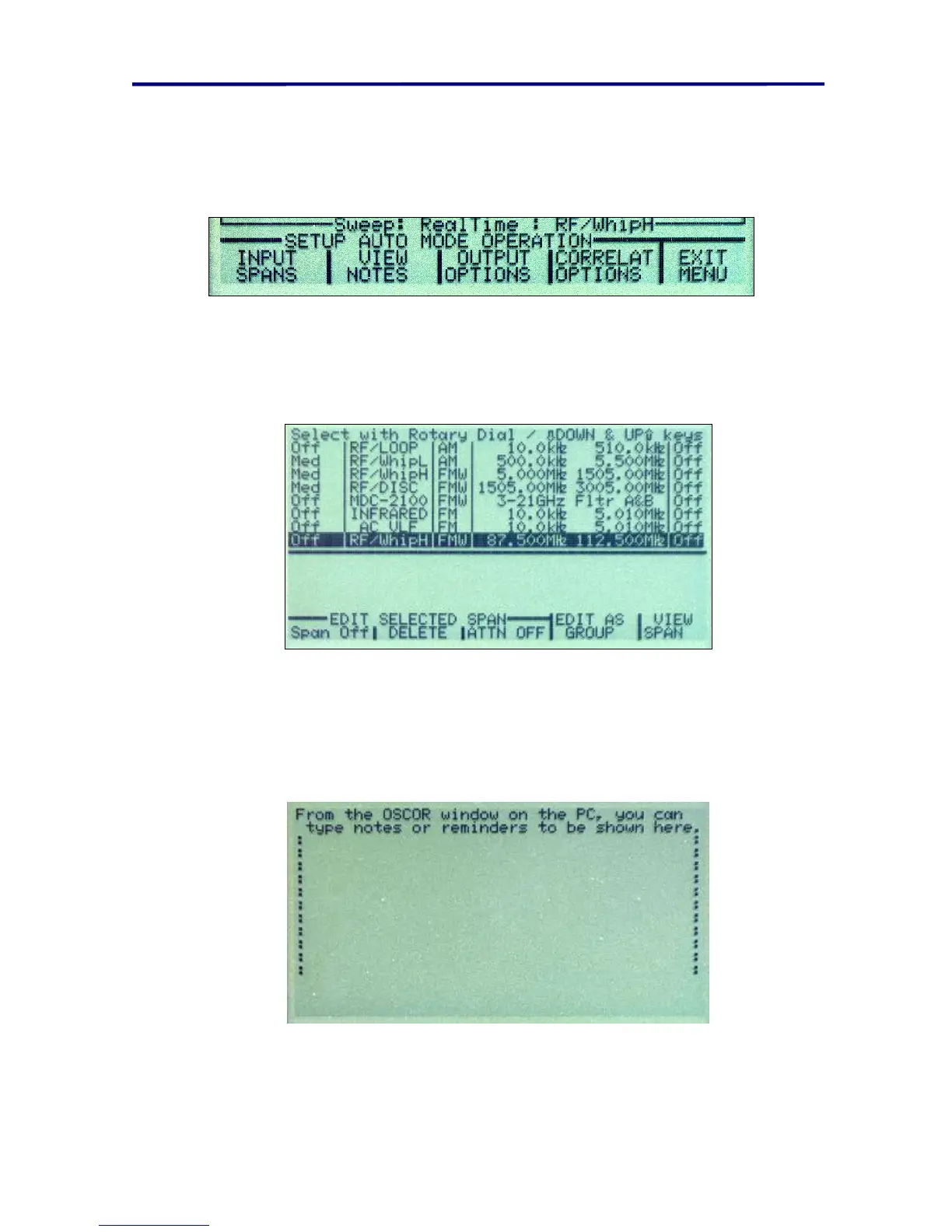
F2 – VIEW NOTES – The ability to view Notes about this sweep that were created
using OPC. These can only be created using the OPC software. You cannot
create them from the OSCOR keypad. The Figure below shows the screen with
no notes entered.
FIGURE 50 NOTES FROM PC



 To Next Page