SECTION 2: GETTING STARTED
15 REI OSC-5000E
QUICK START EXERCISES
This section is intended to provide some short excercises to familiarize the user with some
of the basic OSCOR functions and capabilities. These excercises are provided with
minimal explanation and assume that the unit is turned off before starting. Detailed
explanations of OSCOR functions and procedures are provided in later sections. Three
(3) excercises are provided:
1. Listen to a radio station
2. Analyse a simple eavesdropping device
3. Basic methods of detection
Exercise 1 – Listen To A Radio Station
This exercise has two parts. The purpose is to gain a quick understanding of how to listen
to signals with 2 methods:
a. Entering a known frequency directly.
b. Use the rotary dial and EXPAND and NARROW buttons to locate a signal.
Exercise 1a. – Listen to a radio station by direct frequency entry.
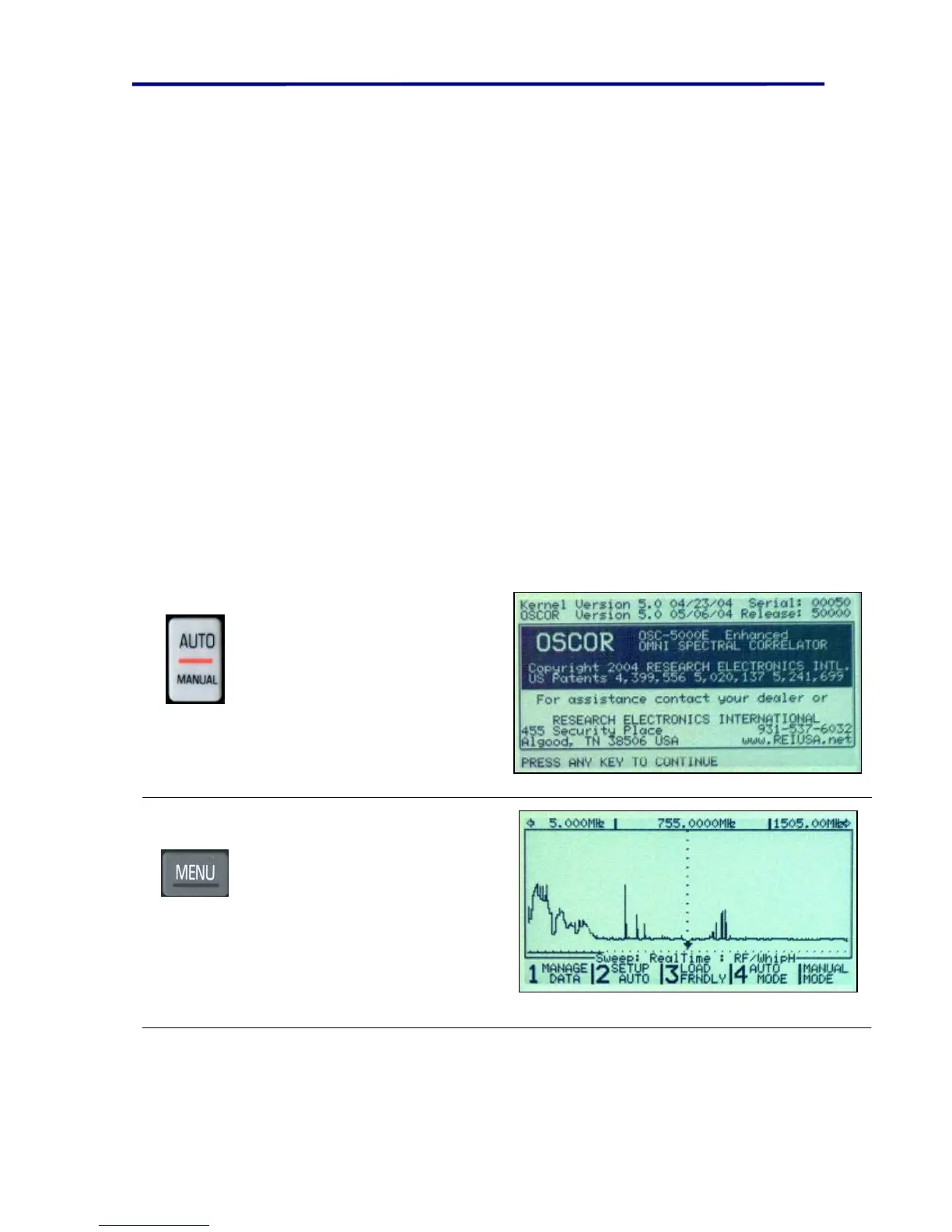
Press the AUTO/MANUAL
button to turn on the unit.
Press the MENU button to skip
set up screens and go directly
to the default Auto Mode Set-
up Screen.



 To Next Page