SECTION 4: OSCOR AUTOMATIC OPERATION
81 REI OSC-5000E
STEP 4 START AUTO MODE
Pressing the F4 button in the Automatic mode main menu starts the automatic mode. See
“Figure 56 AUTO MODE START MENU” above.
In this mode, the OSCOR will evaluate every detected “non-friendly” signal for
correlation. This mode is used in the target sweep environment specifically to look for
bugging devices.
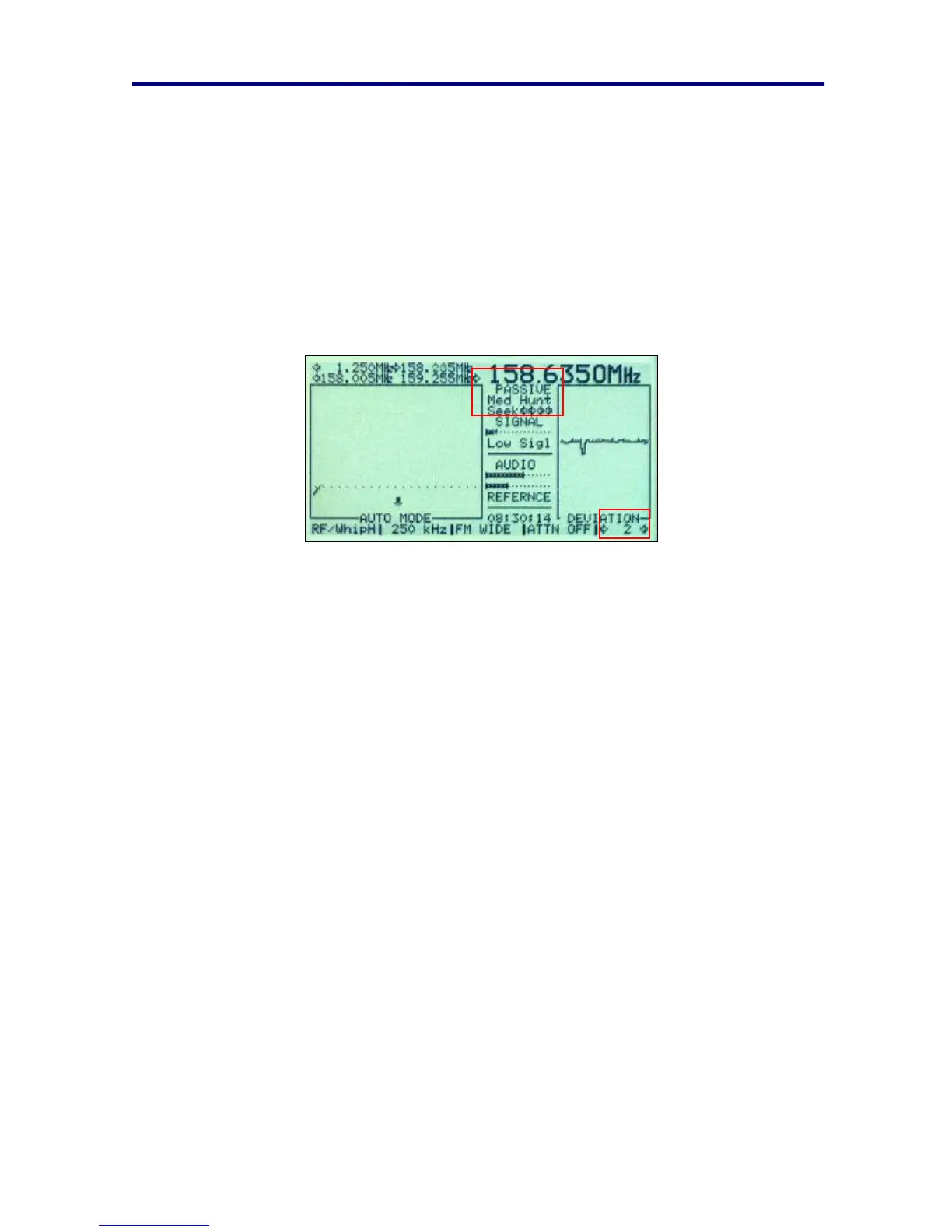
FIGURE 58 AUTO MODE RUNNING, PASSIVE CORRELATE (2 CYCLES COMPLETED)
When running in the Automatic mode, the display indicates the type of correlation and
the squelch level setting near the center of the display between the graphs.
NOTE: Signals that are labeled as “FRIENDLY” are ignored unless the signal strength
level has deviated by more than 5%.



 To Next Page