SECTION 4: OSCOR AUTOMATIC OPERATION
REI OSC-5000E 70
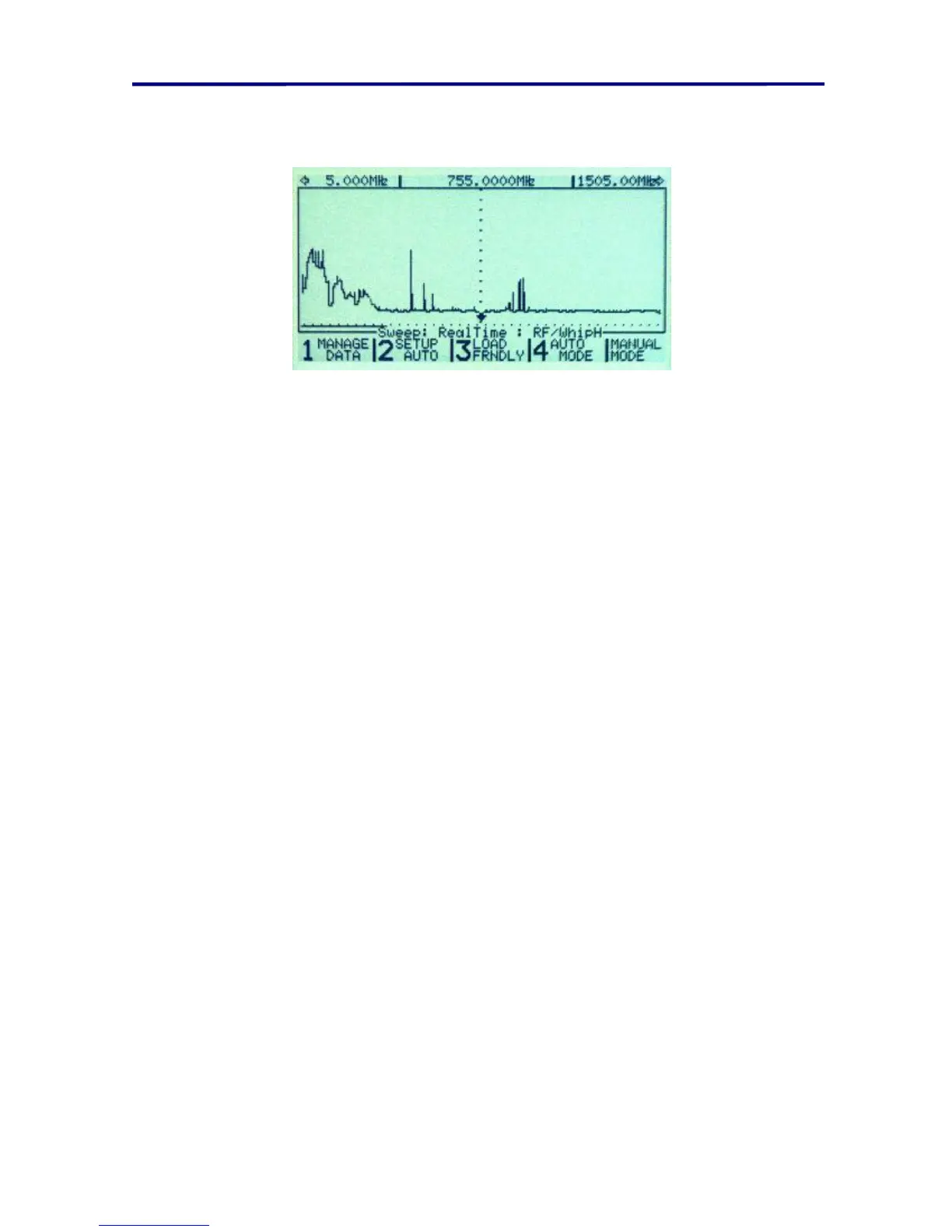
To program the automatic operations of the OSCOR press the AUTO/MANUAL
button. The following menu will appear:
FIGURE 46 AUTOMATIC MODE MAIN MENU
To review the current OSCOR memory utilization, Press the F1 button labeled
MEMORY & DATA MANAGE. This provides a detailed view of the signals and traces
that are currently stored in the OSCOR.
To review the automatic options, Press the F2 button labeled SETUP AUTO
OPTIONS.
To load a friendly database, Press the F3 button labeled START LOAD FRIENDLY.
To start the automatic mode and search for bugging devices, Press the F4 button
labeled START AUTO CAPTURE.
To return to the Automatic mode programming screen after reviewing either the
signal list or the input list, press the AUTO MANUAL button.
To stop the automatic operation, press the AUTO/MANUAL button.



 To Next Page