SECTION 3: OSCOR MANUAL OPERATION
REI OSC-5000E 62
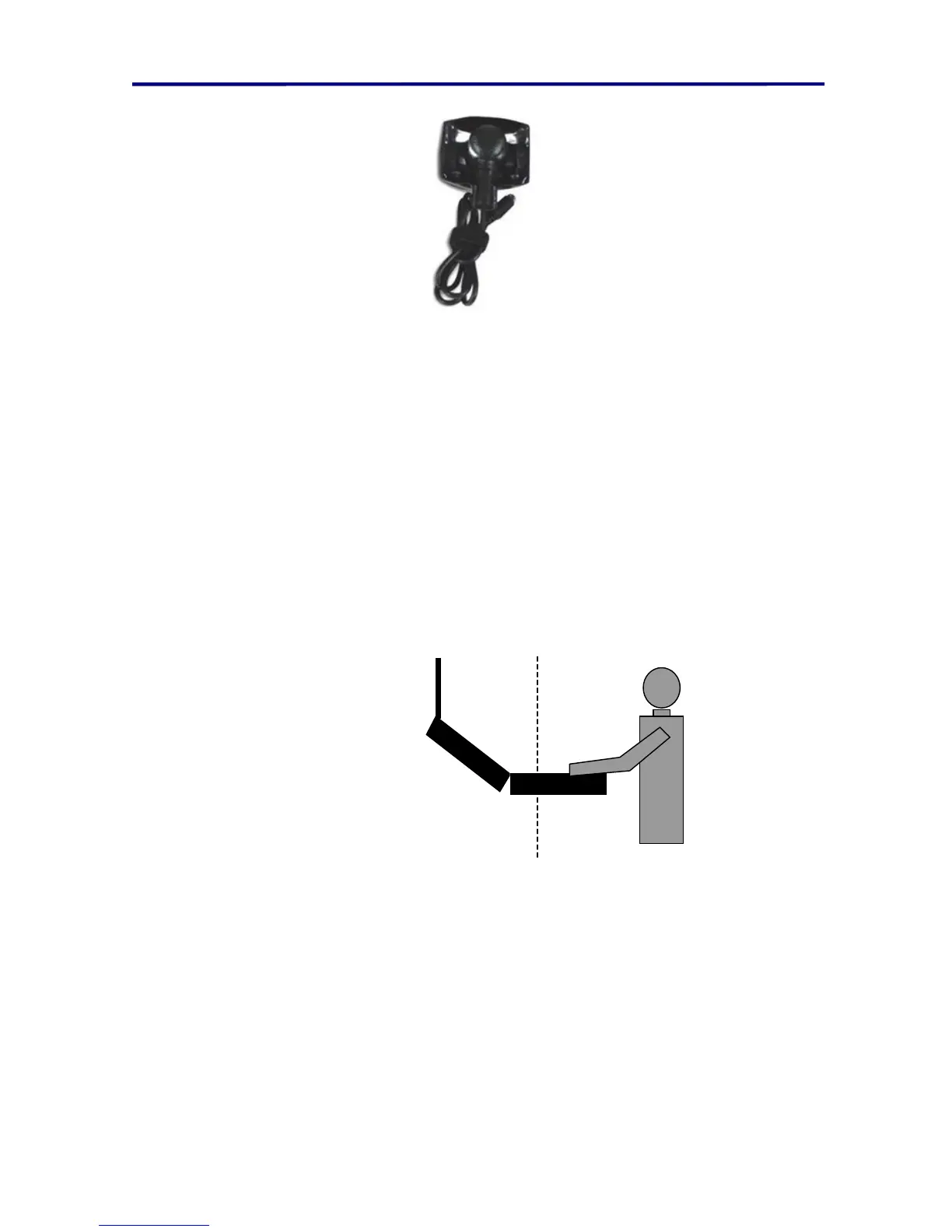
FIGURE 39 OTL-5000 PROBE
The parabolic reflector that comes with the OTL-5000 provides the ability to point the
clicking hardware at various locations to determine the location of the microphone. The
piezo device should point into the reflector (the hole pointing into the curve of the
reflector) to provide a directional sound source.
The OSCOR should be placed in a corner of the room (or test environment) with the
operator facing into the room. The triangulation equations are only designed to provide
accurate results on the exterior side of the antenna panel as described below. Since the
method relies on sonic ranging, the most accurate results are achieved when the
eavesdropping device is in line of sight to the OSCOR and on the exterior side of the
deployed antenna panel.
OTL-5000 can only
locate eavesdropping
devices on this side
of the OSCOR.
FIGURE 40 OTL LOCATING CAPABILITY
To use the OTL-5000 to locate a microphone:
1. Plug the OSCOR Triangulate & Locate device (OTL-5000) into the expansion
port.
2. Select the transmitter frequency with the cursor in the Analyze Mode.
3. Listen to the signal to confirm lock on the signal.
4. Press the THREAT Button to bring up the Location Menu.
5. Press F2 (labeled Tri/Locate) to bring up the OTL-5000 Menu.
6. Press F1 to select either a single click (labeled SINGLE) or multiple clicks (labeled
AUTO).



 To Next Page