USER'S MANUAL
General instructions for use
(Rev. 0) I-Max Touch (110-120V)
69
NOTE:
The rotation of the arm and the emission of the X-rays will start with a
delay of 2 seconds from when the X-ray button is pressed. As the X-ray
button is a "dead man's switch", it is necessary to keep it pressed
until the end of the exposure.
During the examination, the emission of rays in correspondence with the
central part of the dental arch is suspended; the relative signals (sonant
and visual) are also suspended.
2. Once the exposure is completed, the system will rotate back. When it
has completed this manoeuvre, the display shows the message:
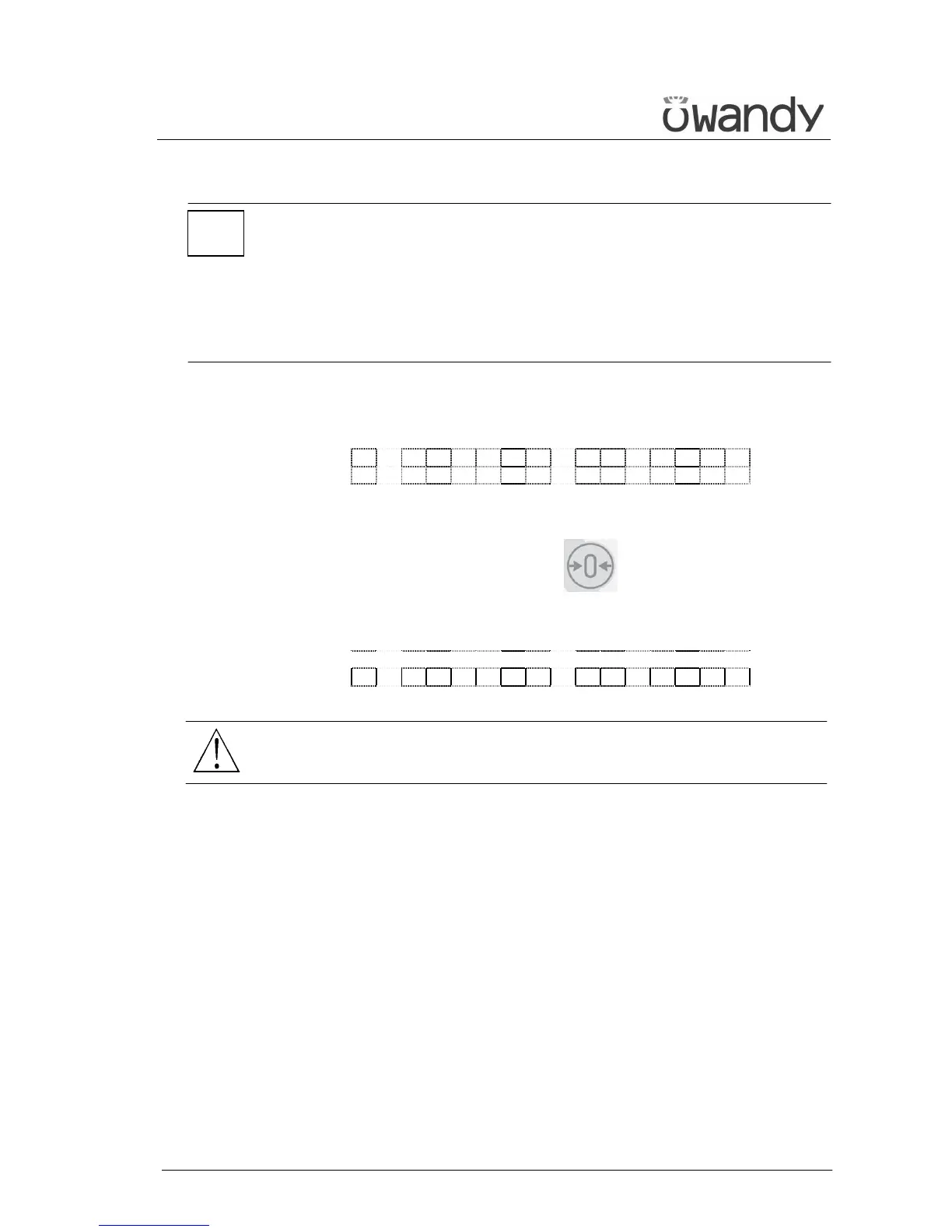
P A T I E N T E X I T
P R E S S > 0 <
and it will be necessary to free the patient from the positioning
device.
3. Press the "Patient Entrance" (6) key ; the machine will return
to the patient entry position and the following message will be
displayed:
P L E A S E W A I T . . .
WARNING:
After every examination, clean the chin support, the handles and
the temple clasps group thoroughly.
*



 To Next Page