USER'S MANUAL
General instructions for use
I-Max Touch (110-120V) (Rev. 0)
90
NOTE:
If the patient moves during the exposure, or if you realise that incorrect
parameters have been set, it will be necessary to stop pressing the X-ray
button immediately, to interrupt the emission of rays.
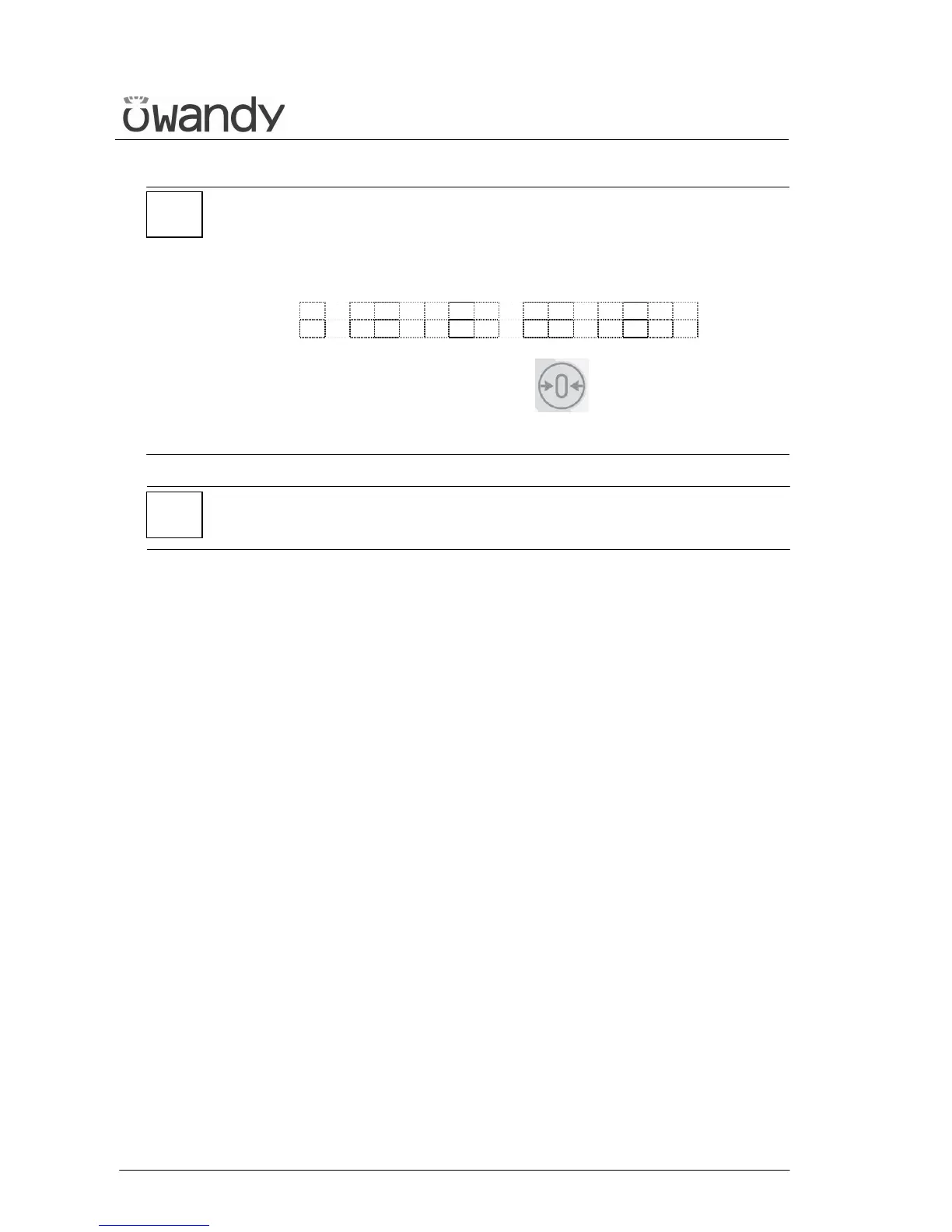
The following message will be displayed:
E 2 0 6
P R E S S > 0 <
Then press the "Patient Entrance" (6) key .
The system now returns to the position for Ceph exam and the unit
starts the procedure for the new examination.
NOTE:
After every examination, clean the ear centring device and temple
clasps group thoroughly.
*
*



 To Next Page