46
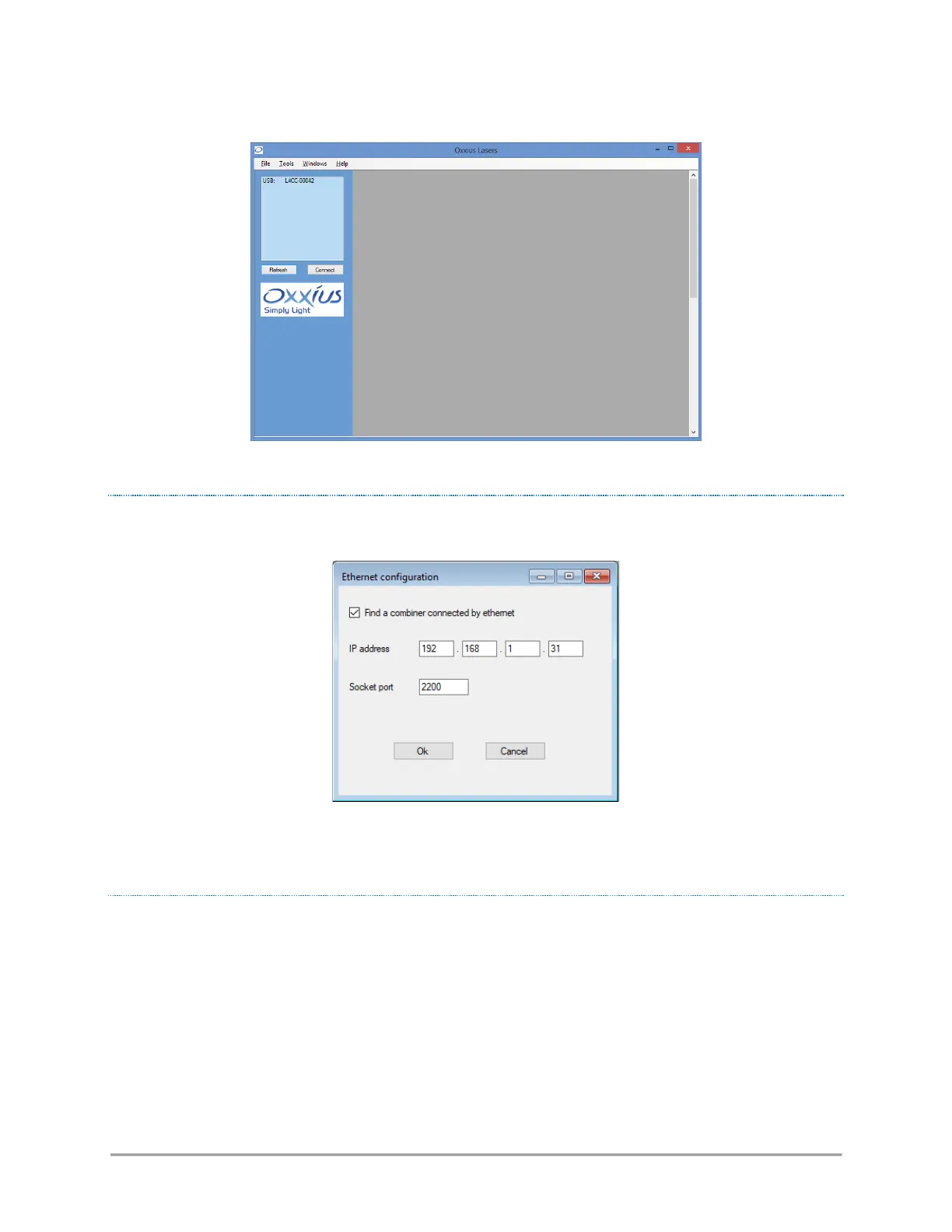
Figure 4-4: “Oxxius laser” start-up window
CONFIGURATION FOR AN ETHERNET-BASED COMMUNICATION
Open the configuration menu from the “Tool”/”Ethernet configuration” top menu.
Tick the “Find a combiner…” button, then enter the IP address and socket port of the target combiner. Validate
by pressing “OK”; the configuration window will close itself. Click on the “Refresh” button, the combiner
should then appear in the list of detected devices.
CONNECTING TO A DETECTED COMBINER
The combiner appears as a standalone unit in this list. Select it and click on the “Connect” button. This will
open individual windows on the main frame: each of them represents one of the elements composing the
combiner.



 To Next Page