48
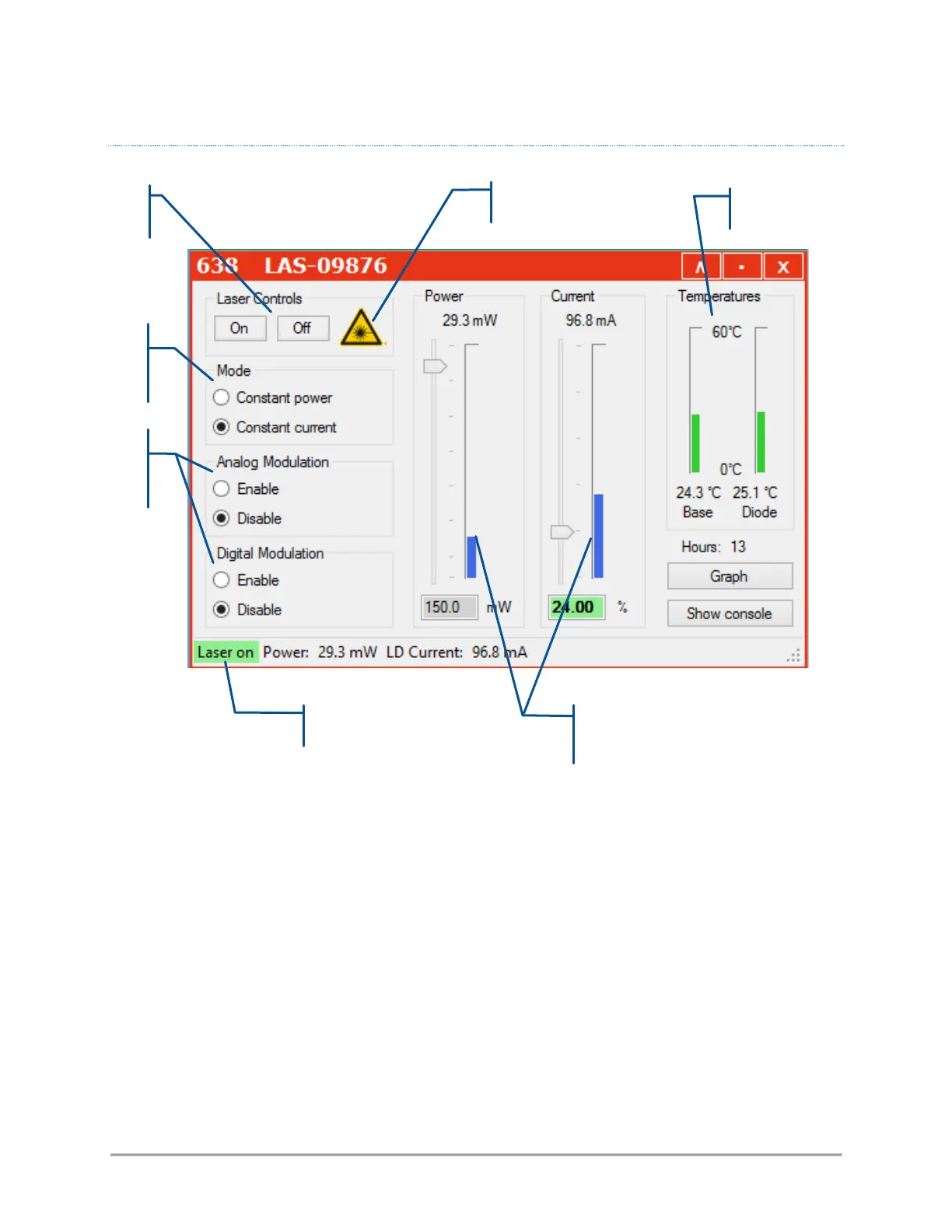
THE CONTROL WINDOW OF A LBX LASER SOURCE
This control panel consists of the following elements:
- Two buttons to control the laser emission (on /off),
- A picture to indicate the emission (laser radiation warning),
- Two text boxes to send and receive software commands,
- Some indicators displaying the measured output power, diode current and the monitored
temperatures,
- A pair of boxes and sliders to modify the output power and the diode current,
- A status bar to indicate the laser status, the output power and the pump current
Refer specifically to the LBX user manual for detailed information about this control window.



 To Next Page