RT-3100 5-Port Single-WAN Gigabit Router User Guide
l
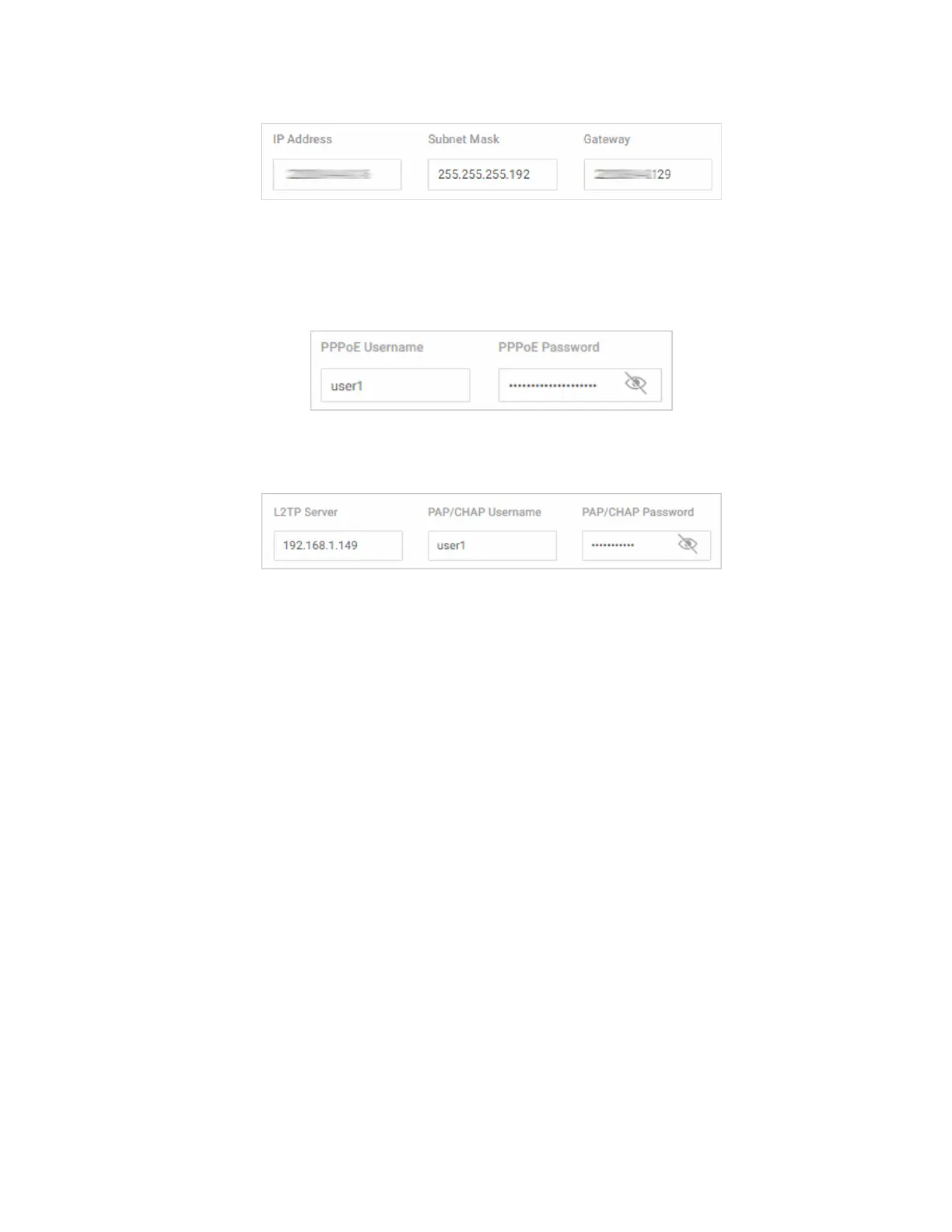
IP Address: Enter the router’s IP address.
l
Subnet Mask: Enter the router’s subnet mask.
l
Gateway: Enter the router’s Gateway address.
l
PPPoE:
l
Enter the PPPoE Username and Password.
l
L2TP:
l
L2TP Server: Enter the remote server IP address of the L2TP server you’re
connecting to.
l
L2TP Username/Password: Enter the L2TP Username and Password.
l
DNS Settings:
l
DNS Server [n] (server’s IP address): For a static IP network, enter up to two DNS
server IP addresses here. For a DHCP network, these fields are read-only.
l
LAN:
l
IP Address: Enter the IP address for the router’s local network.
(For a DHCP network, this field is read-only).
l
Subnet Mask: Enter the router’s subnet mask.
(For a DHCP network, this field is read-only).
l
DHCP Start/End: Assign the first and last IP address you would like to use in the
DHCP range. You can have up to four DHCP ranges per interface.
10



 To Next Page